CR825 and CE875 Instant Issuance System User’s Guide A-11
Repair Broken Indent Ribbon or Topping Foil
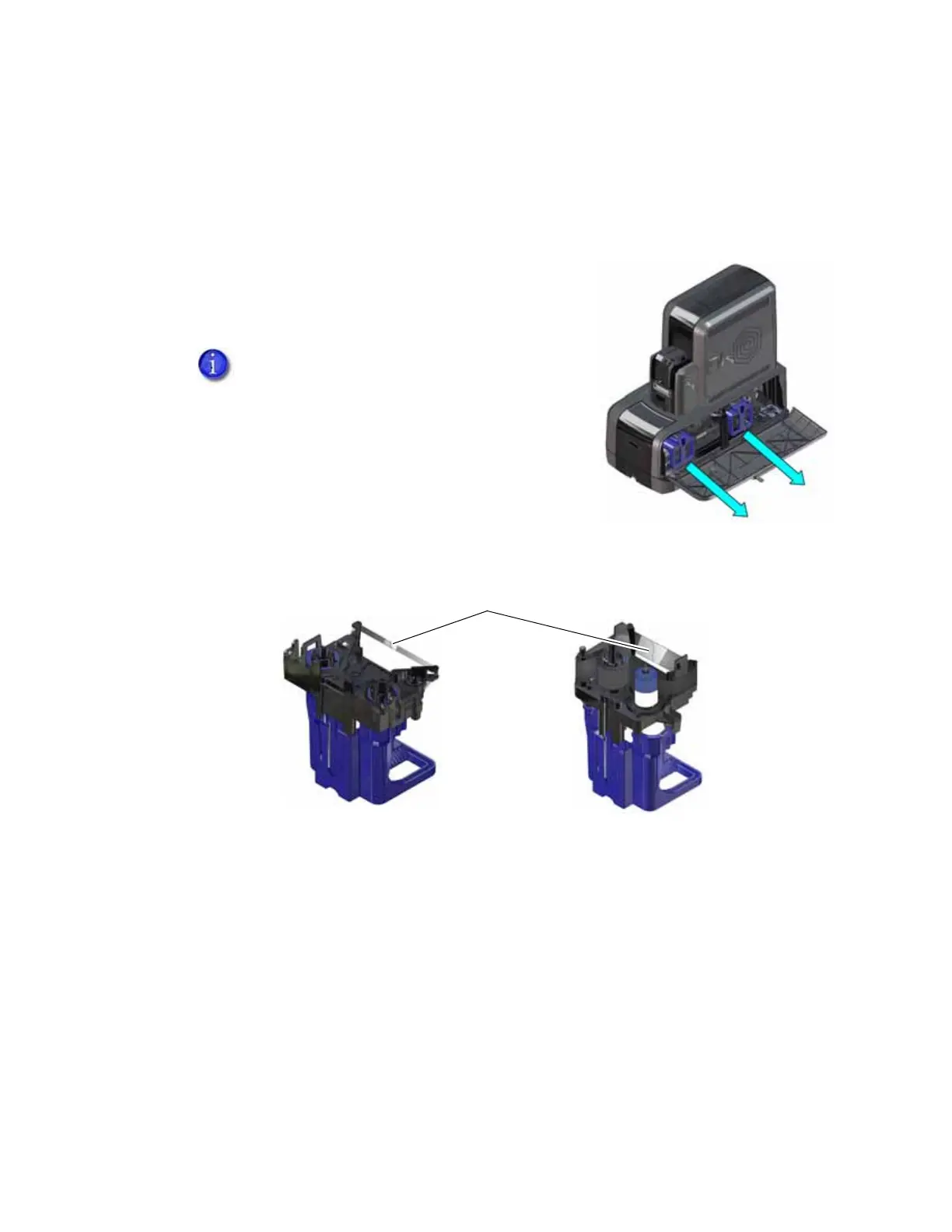
If the indent ribbon or topping foil breaks, you can repair it and continue using the supply.
1. Unlock and open the embosser supplies access door.
2. Remove the cartridge with the broken supply from the
embosser.
3. Trim the ends of the broken supply evenly.
4. Align the ends of the broken supply evenly and apply adhesive tape to secure them.
5. Turn the take-up spool until the mended portion is wound onto the spool two or three turns.
6. Remove any slack in the supply.
7. Reinstall the cartridge into the embosser until it clicks into position.
8. Close the embosser supplies access door and lock the embosser.
Do not remove the used supply from the
take-up spool.
Indent Ribbon
Topping Foil
Tape



 To Next Page