50 System Maintenance
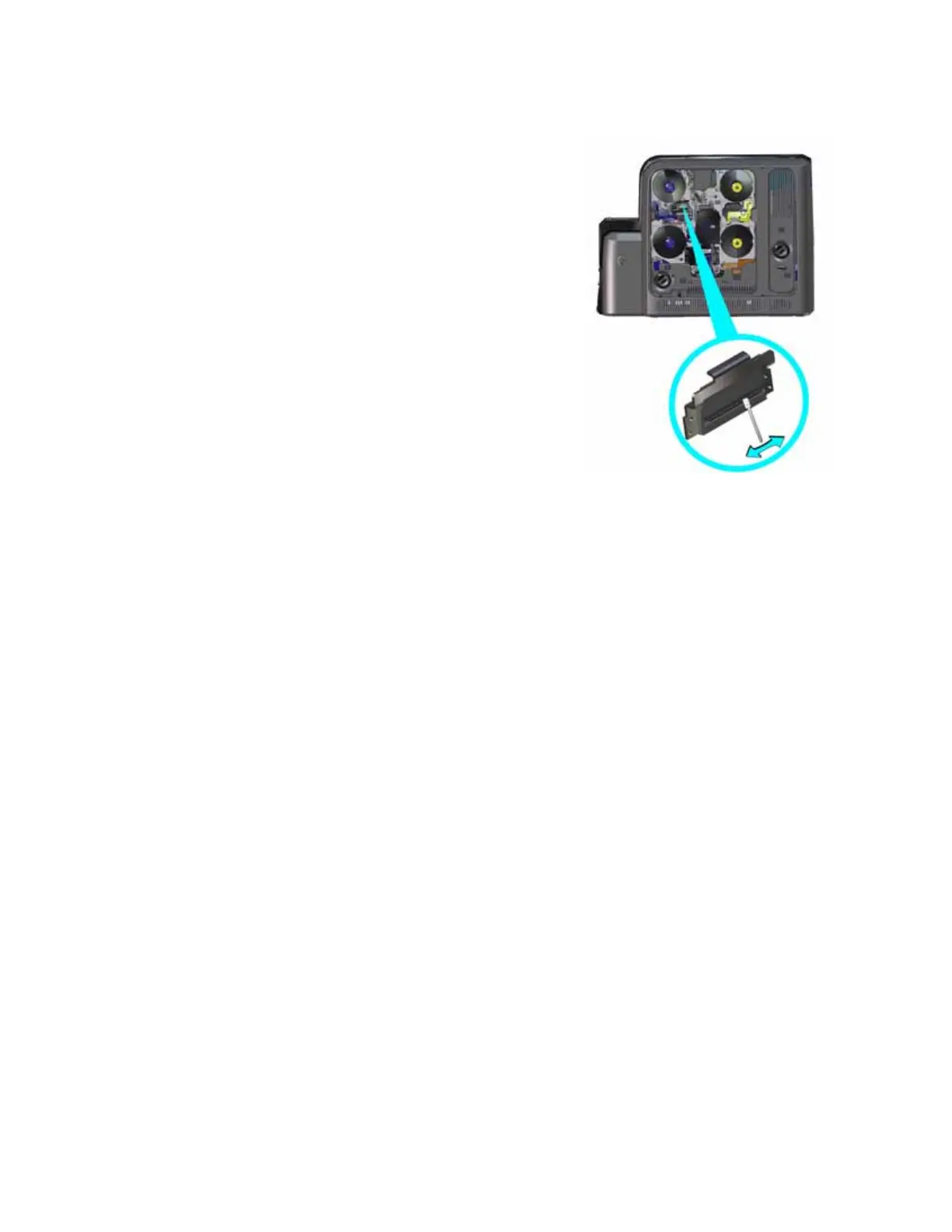
5. Using gentle pressure, move the cleaning swab back
and forth along the full length of the printhead edge
until it is completely clean.
6. Replace the print ribbon and retransfer film
cartridges.
7. Close the printer access door and lock the printer.
8. Power on the printer.
9. Print a sample card to verify the quality of printing.
Refer to “Print a Test Card” on page 26 for more
information.
HINTS & TIPS
Avoid touching the printhead edge with your fingers.
Contamination due to skin oils eventually can
damage the printhead.
Avoid touching the printing edge of the printhead cartridge with any sharp objects that can
permanently damage the printhead.
Use only the cleaning swab to clean the printhead. Other materials can stick to the printhead
and cause damage.
Use a cleaning swab one time only. Discard it after you clean the printhead.



 To Next Page