© EPRAD Incorporated
Id Screen Id (address) of the device.
Version Firmware version
Checksum Firmware checksum value
Power Up Indicates the number of times the network device has reset, either due to a power up or
other, since the eCNA-10 has been powered on.
Fault DevErr - This message indicates that the eCNA-10 does not recognize the network device.
This could be due to software version incompatibility.
CommErr - Indicates the network device is not responding.
TimeOut - Indicates a communication time out condition. The network device has not
responded for more than 5 seconds.
Error Indicates the number of times the eCNA-10 has polled the device with no response.
Error Total Indicates the total number of times the eCNA-10 has polled the device with no response since
the eCNA-10 has been powered on.
3.3.2 Ethernet TCP/IP Screens
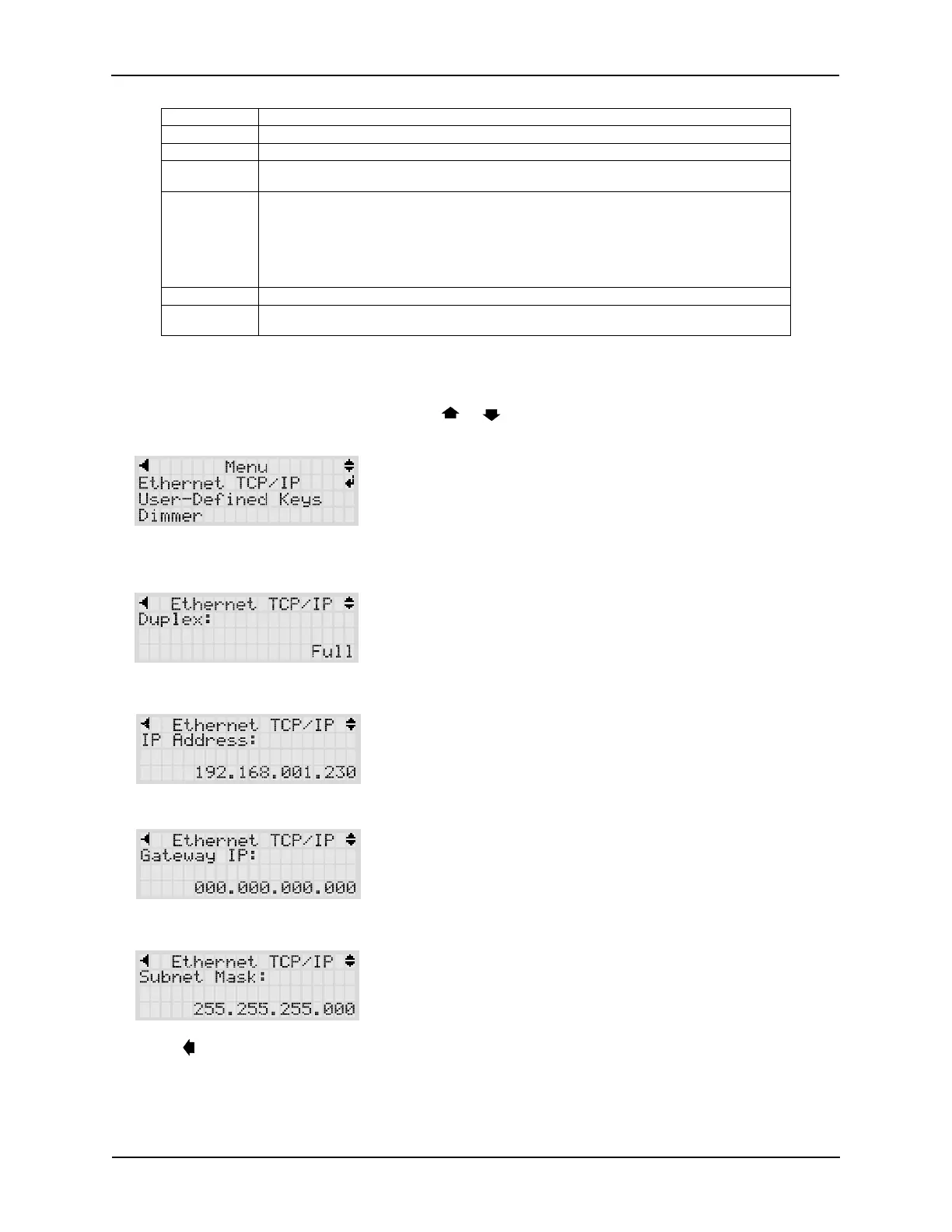
The Ethernet TCP/IP screens display information about the IP settings. Press ENTER from the Menu
screen to select Ethernet TCP/IP. Press the or keys to scroll the settings. These settings can
only be viewed from the local display. Use the Web interface to modify any of these settings.
Duplex Ethernet communications can operate in Half or Full Duplex mode. This setting will depend
on the device that is connected to the eCNA-10 (network switch, PC, etc.).
IP Address This is the IP address assigned to the unit.
Subnet Mask This is the Subnet Mask assigned to the unit.
Gateway IP Address This is the Gateway IP address assigned to the unit.
Press the key to go back to the Main Menu.
7
eCNA-10 Operation and Installation Manual Version 1.270-00



 To Next Page