© EPRAD Incorporated
4.2 Configuring Ethernet via the Serial Port
The eCNA-10's IP address must be configured before a network connection is available. The Ethernet
communications can be configured via the RS-232 port, P8, on the Main CPU board. This is a dumb
terminal interface and will work with almost any terminal emulation software program running on a
PC. A 9 pin D-sub adapter is required to connect the PC to the P8 connector.
RS-232 Communication Parameters
Baud Rate: 19,200 bps
Data Length: 8 bits
Parity Bit: Even
Stop Bits: 1 bit
Flow Control: Hardware (RTS-CTS)
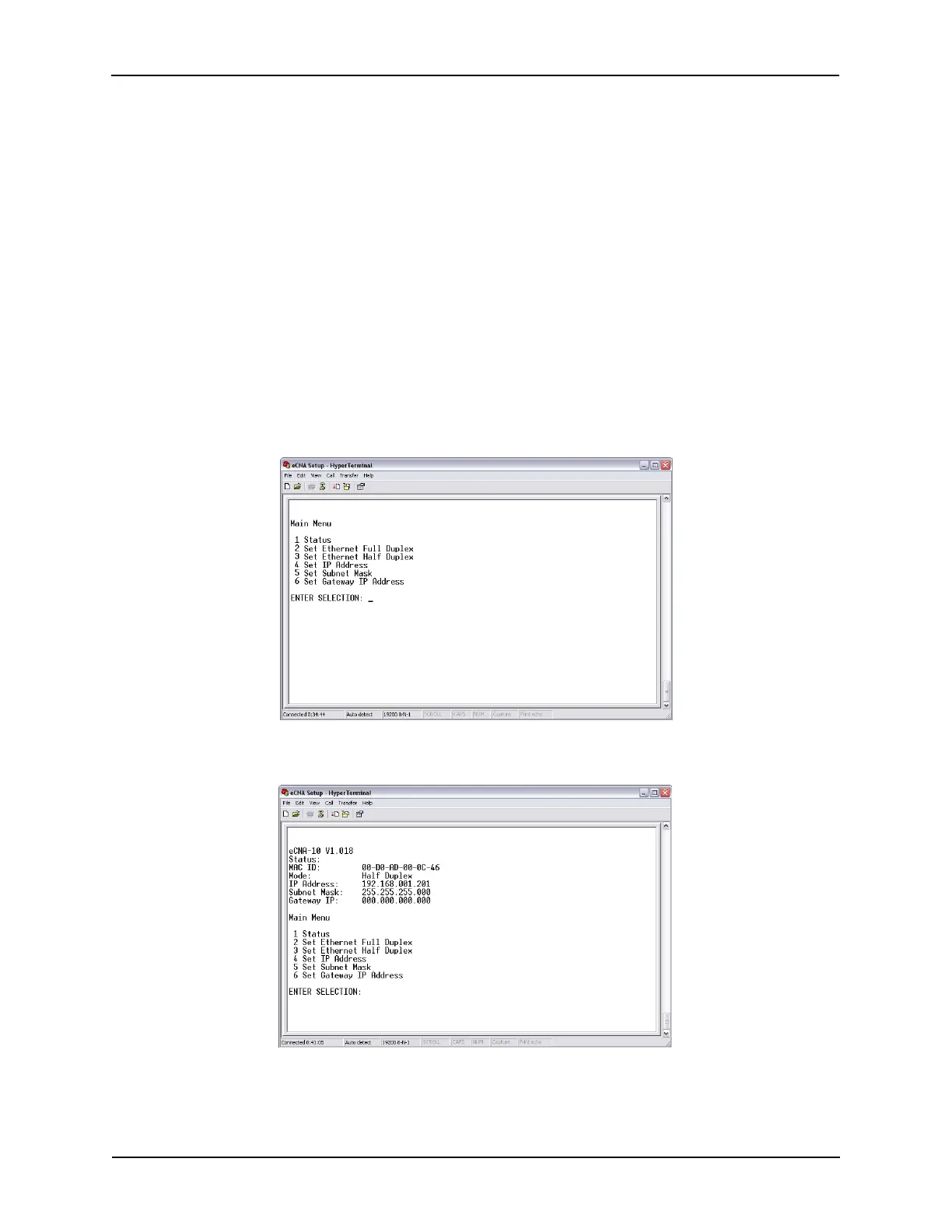
The following example uses Windows® HyperTerminal to setup the Ethernet TCP/IP parameters.
Configure HyperTerminal to connect to the eCNA with the communications parameters described
above. With power off, connect the cable from the PC to P8. On power up, you should see the Main
Menu screen.
Status Press 1 to view the current status of the network settings.
15
eCNA-10 Operation and Installation Manual Version 1.270-00



 To Next Page