© EPRAD Incorporated
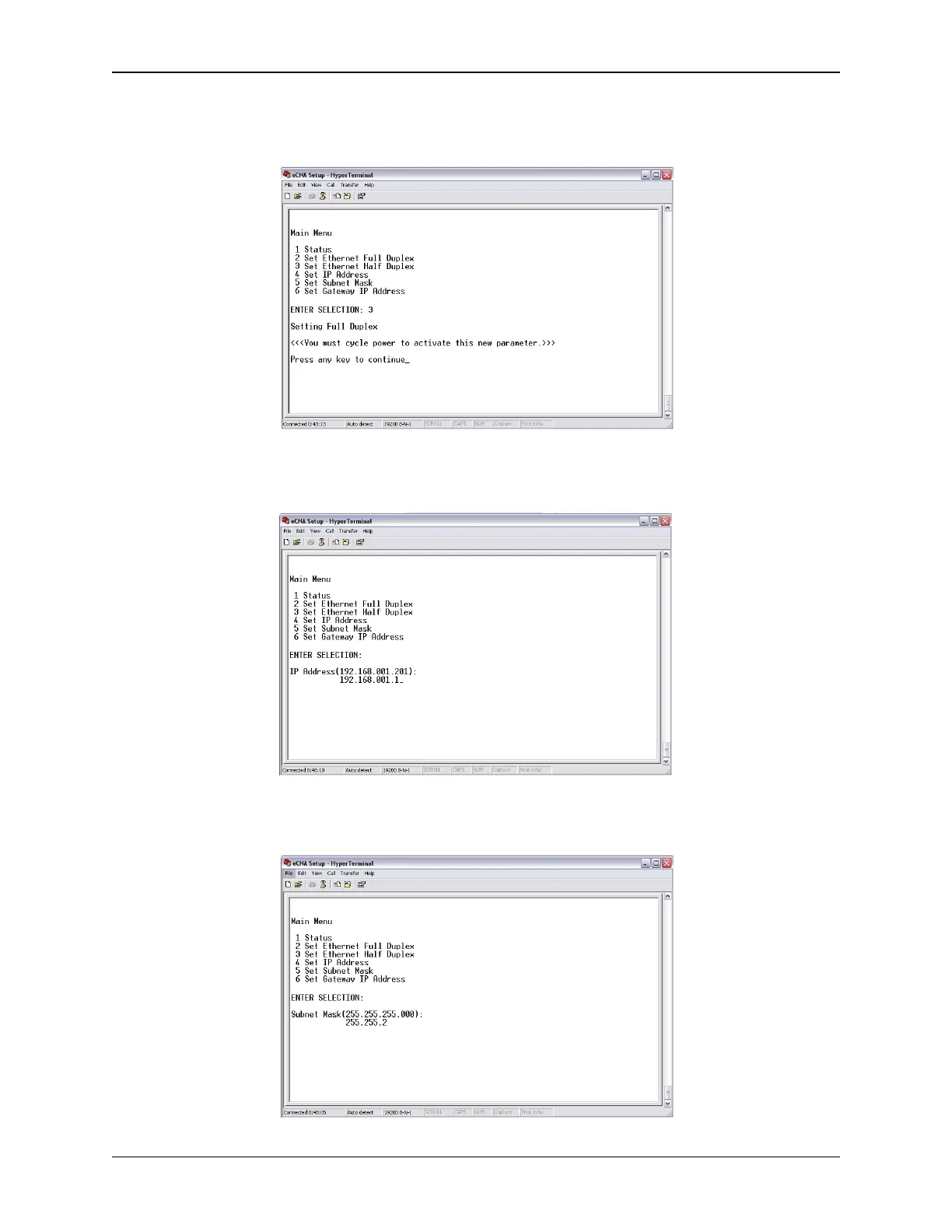
Duplex Ethernet communications can operate in Half or Full Duplex mode. This setting will depend
on the device that is connected to the eCNA-10 (network switch, PC, etc.). Press 2 to set Ethernet
Full Duplex. Press 3 to set Ethernet Half Duplex.
IP Address The IP address assigned to the unit can be modified. Press 4 and enter the new address
in the same format (as the current address) as it appears inside the parenthesis.
Subnet Mask The Subnet Mask assigned to the unit can be modified. Press 5 and enter the new
mask in the same format (as the current mask) as it appears inside the parenthesis.
16
eCNA-10 Operation and Installation Manual Version 1.270-00



 To Next Page