© EPRAD Incorporated
Appendix D: Digital Cinema Server Setup
This section provides instructions on how to set up digital cinema servers to operate with the eCNA
automation system.
D.1 GDC Technology
®
SA-2100A
The SA-2100A Digital Cinema Server supports a user-configurable command library for integration
with the eCNA automation. These instructions apply to SA-2100A software version 7.7b-rc17. Be sure
the network installation is complete before proceeding. Please refer to the manufacturer’s
documentation for installation details.
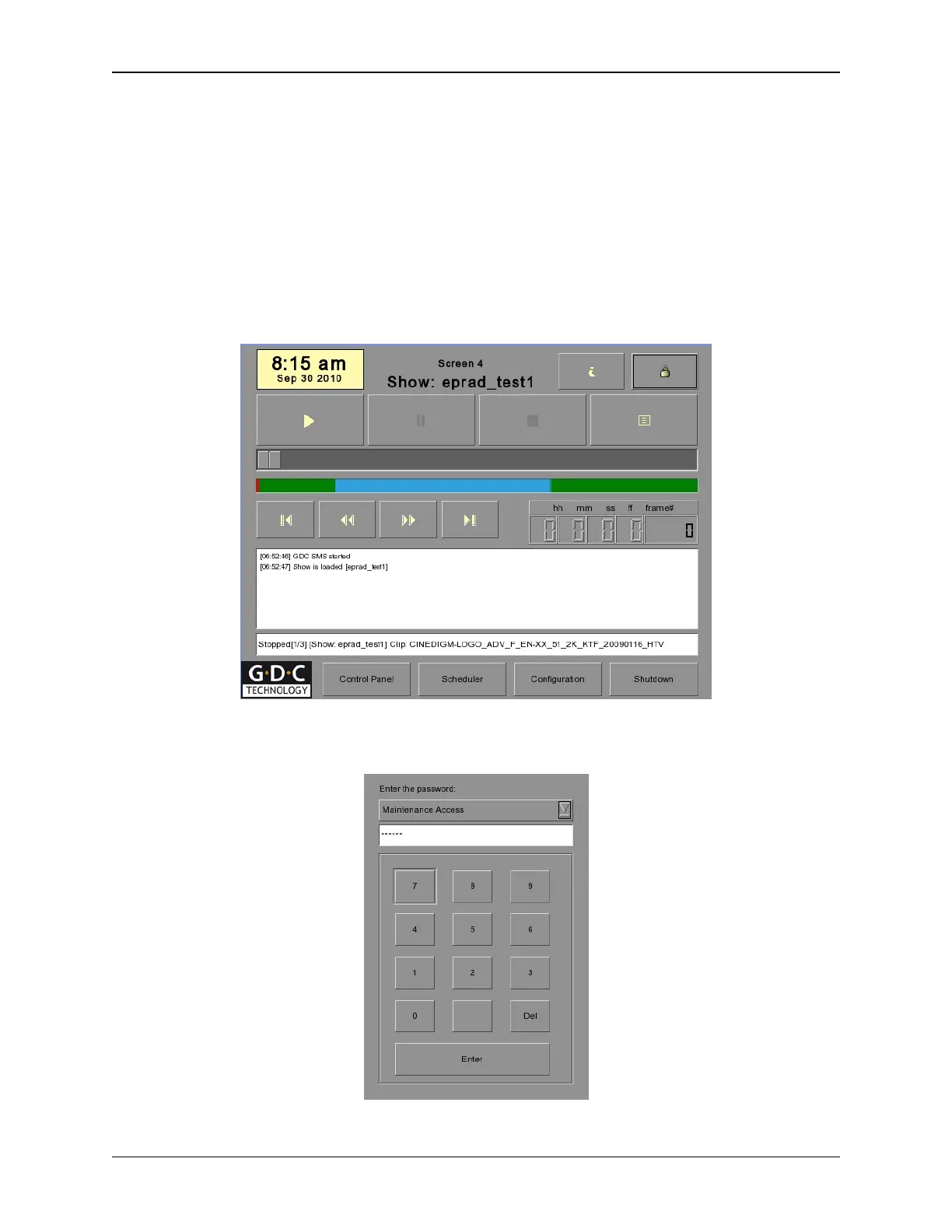
Press the [Configuration] button on the SMS screen.
Use the on-screen keypad to enter the Maintenance Access password. Press the [Enter] button.
Figure 1 SMS Interface
Figure 2 On-screen keypad
166
eCNA-10 Operation and Installation Manual Version 1.270-00



 To Next Page