© EPRAD Incorporated
4.3.9 Setup: Output Flag Names
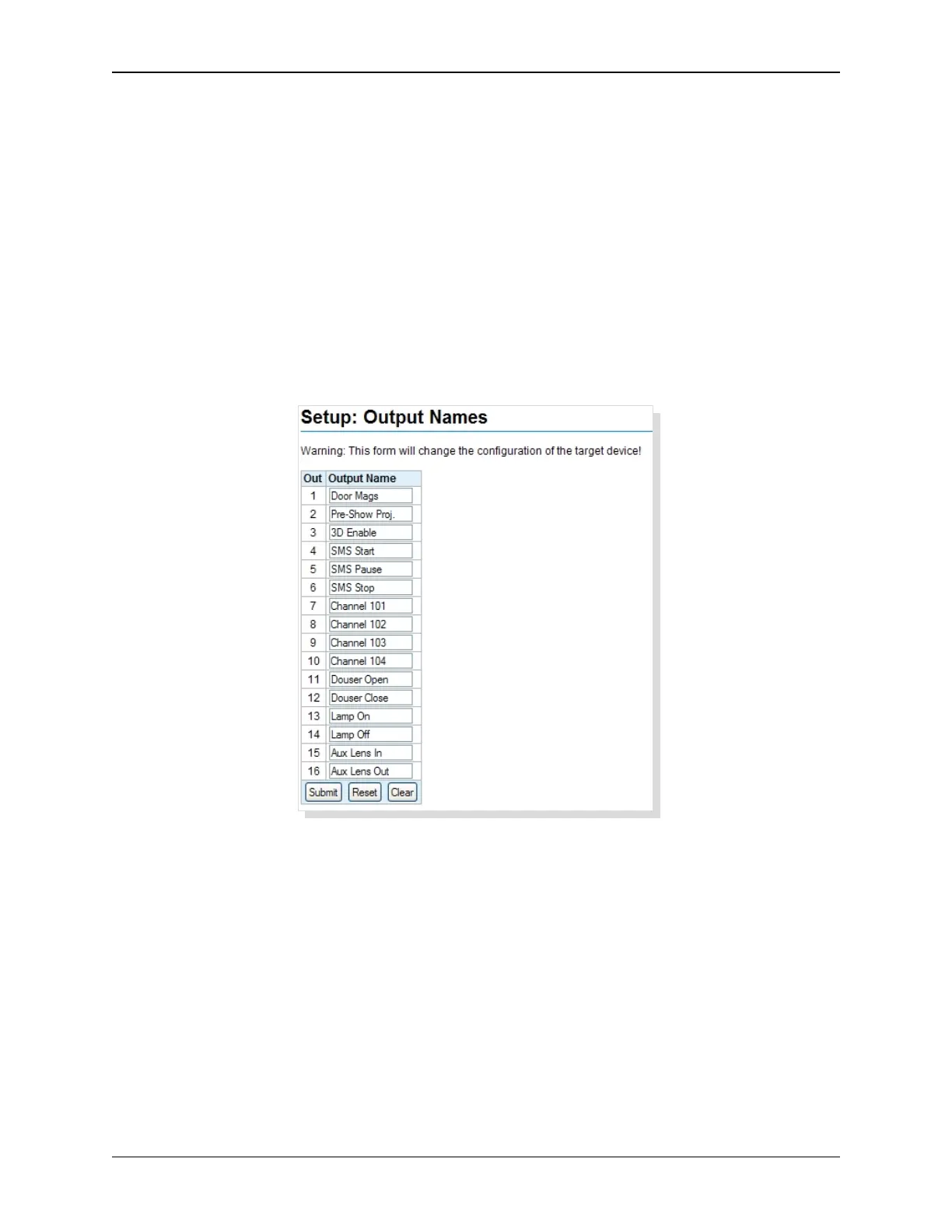
Click on Output Flag Names under General in the Setup Menu. This screen displays the Aux Output
Names.
Output names can be used to label output flags based on their function. These names are displayed
on the I/O Board setup screens, the I/O Flag Detail screen and the program/macro ‘Aux’ instructions.
The names can be edited with up to 14 text characters. Click inside the text box and type the name.
All characters are supported except:
double quote “ less than < ampersand &
single quote ‘ greater than > open bracket [
semi-colon ; backslash \ close bracket ]
Click the Submit button to save new names to the eCNA-10. The Reset button puts the original data
back. The Clear button removes the names from text boxes.
34
eCNA-10 Operation and Installation Manual Version 1.270-00



 To Next Page