© EPRAD Incorporated
4.3.24 Administration
These screens are used for backing up and restoring system configuration files and upgrading the
firmware and should be used only by technically qualified personnel.
4.3.25 Setup: Backup eCNA-10 Configuration
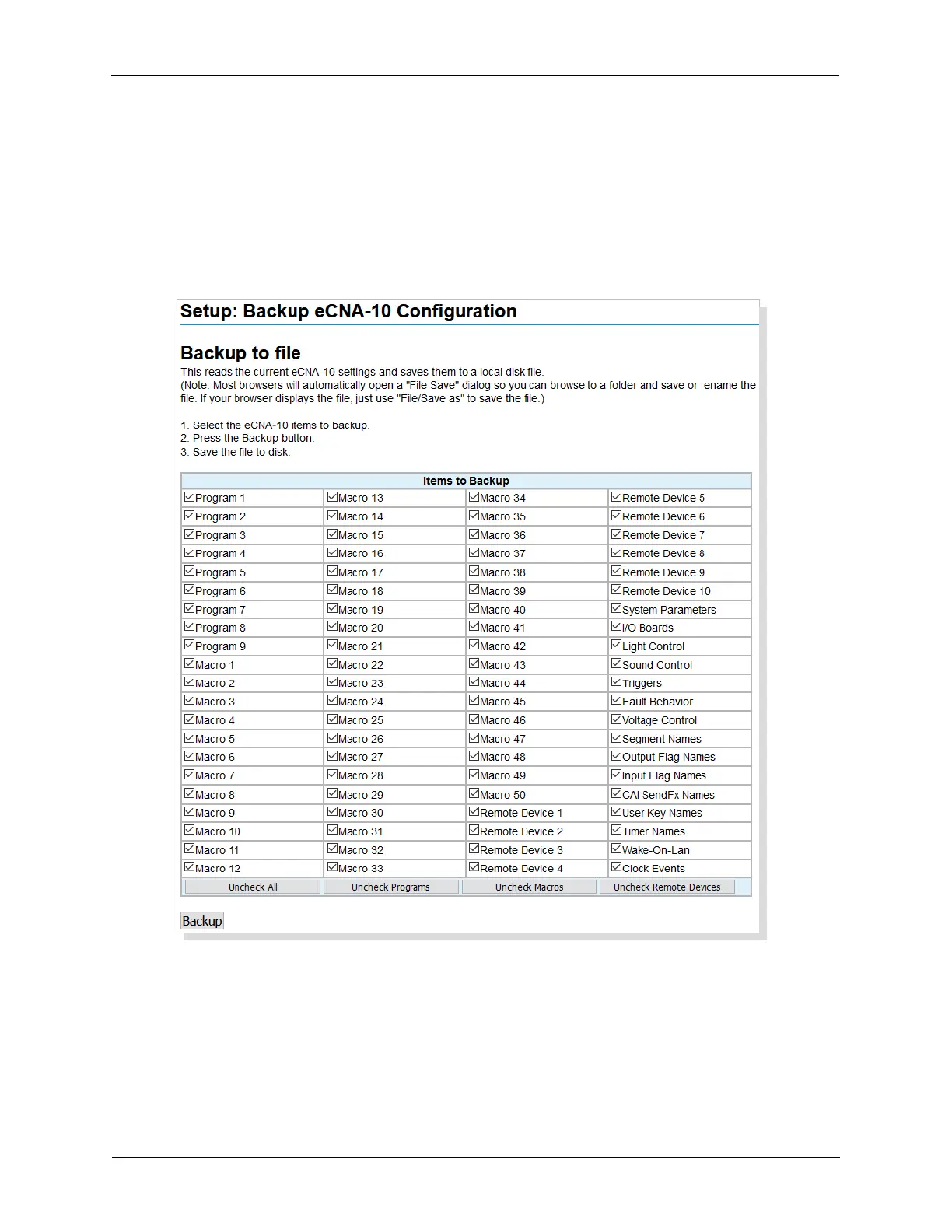
Click on Backup under Administration in the Setup Menu. This screen is used to backup the eCNA-10
settings to a disk file.
Backup the eCNA-10 configuration to a disk file by selecting file(s) to backup with the check boxes.
You can backup all files or any combination of individual files. After the files are selected, click on the
Backup button to save the file to the disk. Most browsers will open a ‘File Save’ dialog box so you
can browse to folder, rename and save the file. Files are saved as XML documents. The default name
is Backup.xml.
55
eCNA-10 Operation and Installation Manual Version 1.270-00



 To Next Page