© EPRAD Incorporated
4.3.1 Setup
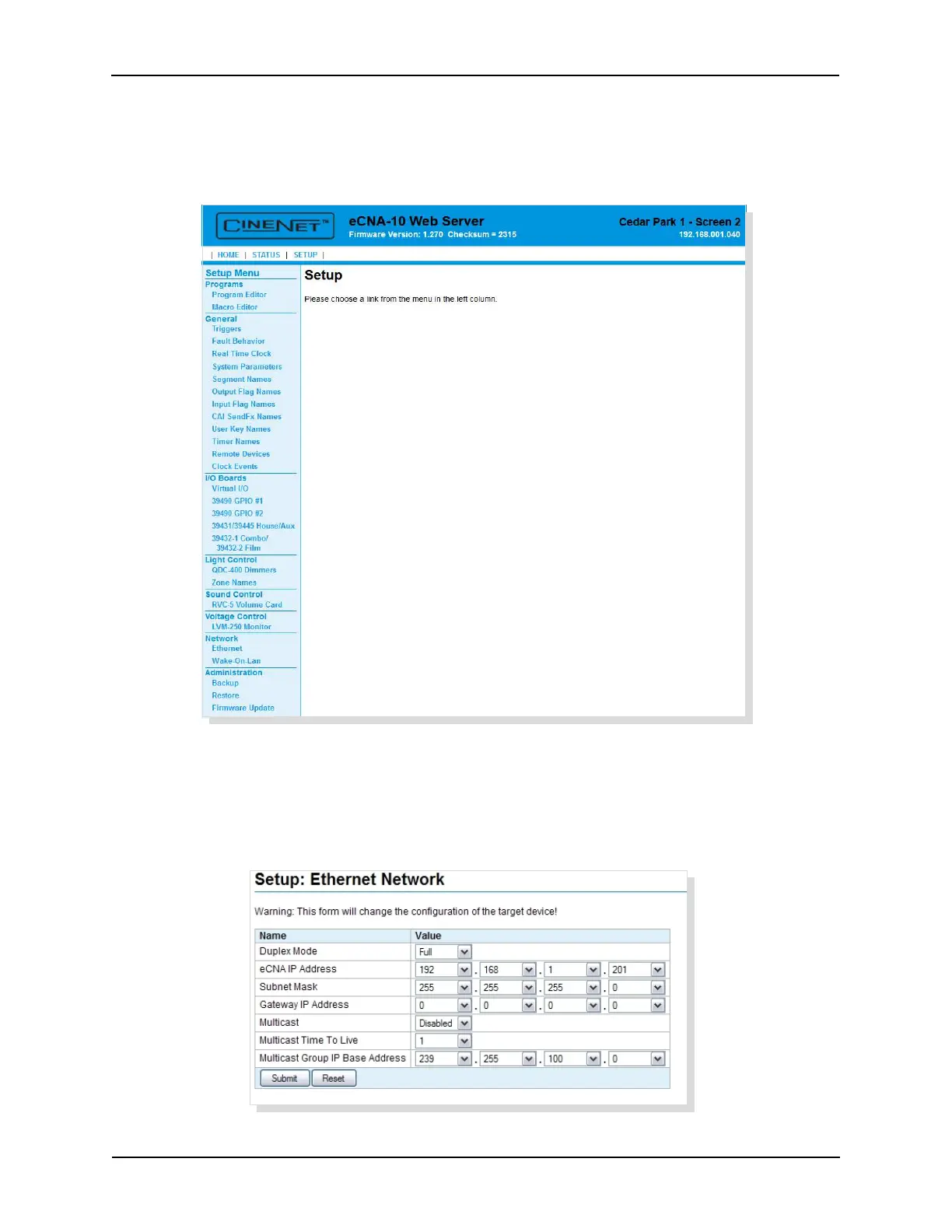
Click SETUP to get to the Setup Menu. The Setup Menu is along the left side of the screen:
Programs, General, I/O Boards, Light Control, Sound Control, Voltage Control, Network
and Administration. Each option contains screens that will help to configure the eCNA-10.
4.3.2 Setup: Ethernet Network
Click on Ethernet under Network from the Setup Menu. This screen displays information about the
current Ethernet settings. The settings can be modified from this screen.
19
eCNA-10 Operation and Installation Manual Version 1.270-00



 To Next Page