© EPRAD Incorporated
5. Status
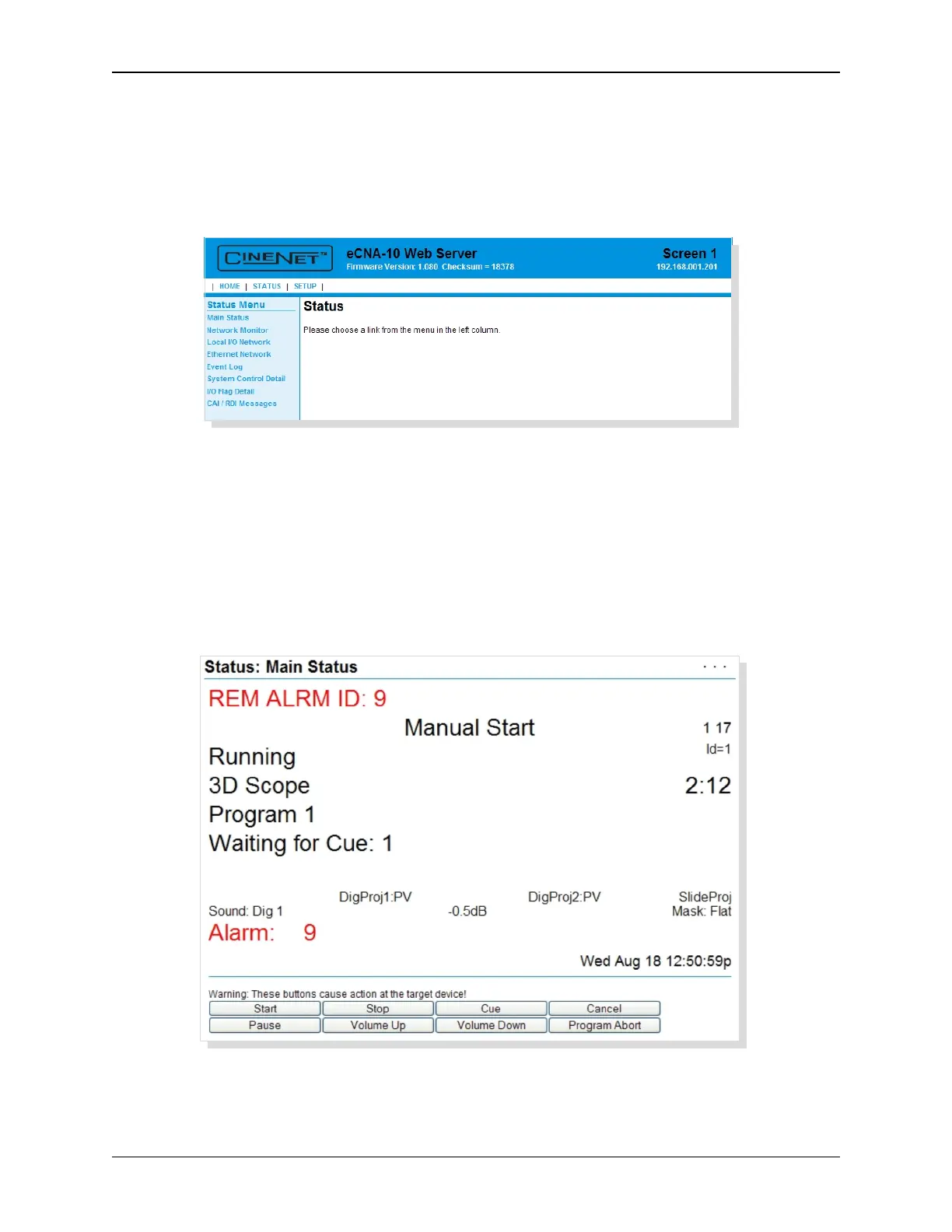
Click STATUS to get to the Status Menu. The Status Menu is along the left side of the screen: Main
Status, Network Monitor, Local I/O Network, Ethernet Network, System Control Detail, I/O
Flag Detail and CAI/RDI Messages. Each option contains screens that will provide detailed status
of the eCNA-10.
5.1 Status: Main Status
Click on Main Status in the Status Menu. This screen displays information during and between shows
providing feedback of show progress, sound and picture format, current show segment, program
number and step, cue number and fault conditions.
When the Web Keys in System Parameters are Enabled, the manual control buttons, as defined in
System Parameters, will be available along the bottom of this screen.
76
eCNA-10 Operation and Installation Manual Version 1.270-00



 To Next Page