© EPRAD Incorporated
Appendix A: Remote Device Support
This section describes the remote device configuration and commands for several cinema equipment
products. Communications to any of these devices can be configured using any of the remote device
channels. See section 4.3.14 for additional information.
A.1 NEC
®
Digital Cinema Projectors
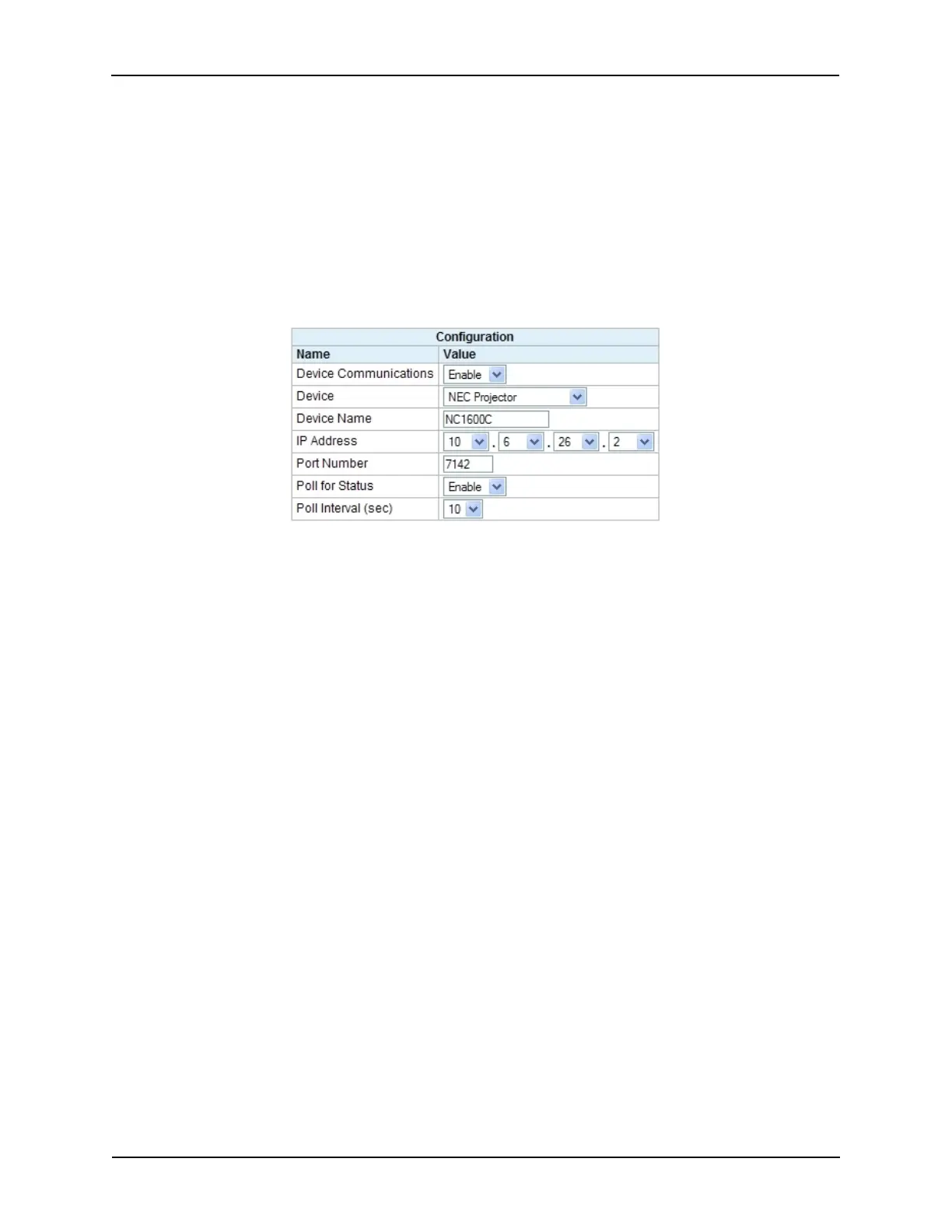
Configuration:
All NEC
®
NC Series projectors listen on TCP port 7142 for incoming connections.
In addition to user messages, the eCNA has built-in support for acquiring projector status. This
status is available to CAI clients. In order to get status, Device Communications and Poll for Status
must be Enabled. The Poll Interval is the time interval in seconds that the projector is polled for
status. The range is 2 to 60 seconds. 10 seconds is the default. If status is not required for the
application, it is best that Poll for Status remain Disabled.
Command Messages:
This is a list of commonly used control commands. The user only needs to enter the two byte
command (ID1 and ID2) and any data bytes if applicable. The eCNA automatically inserts the
Projector ID, Model Code, Data Length and Checksum. A default NEC configuration file is available
from EPRAD.
Command Structure:
(1) ID1 (8 bit) Entered by user
(2) ID2 (8 bit) Entered by user
(3) Projector ID (8 bit) Automatically inserted by eCNA (00H)
(4) Model Code (4 bit) Automatically inserted by eCNA (0H)
(5) Data Length (12 Bit) Automatically calculated and inserted by eCNA (0H - FFFH)
(6) Data (0 to 4095 Bytes) Entered by user
(7) Checksum (8 bit) Automatically calculated and inserted by eCNA (0H - FFH)
151
eCNA-10 Operation and Installation Manual Version 1.270-00



 To Next Page