© EPRAD Incorporated
4.3.26 Setup: Restore eCNA-10 Configuration
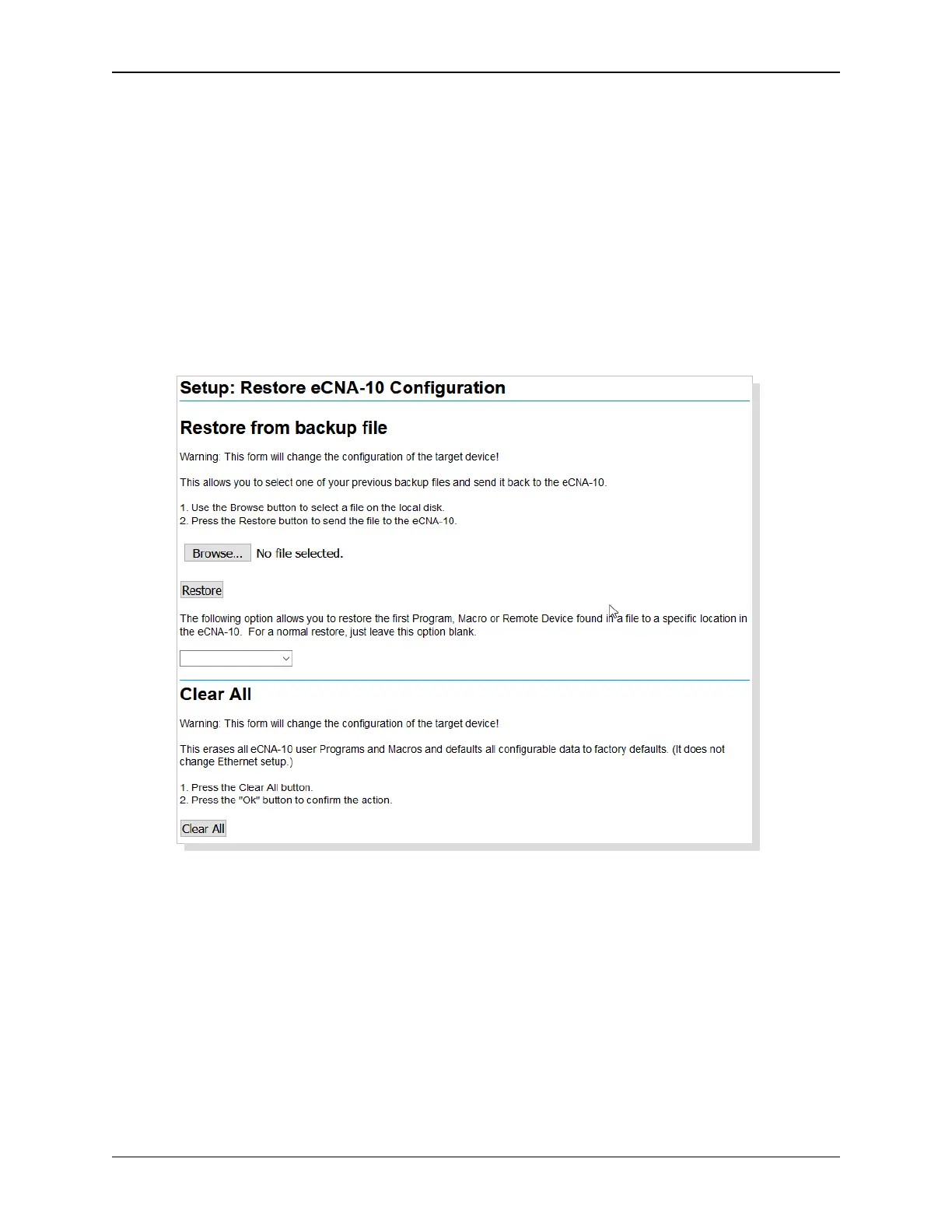
Click on Restore under Administration in the Setup Menu. This screen is used to restore the settings
from a file or to the factory defaults.
Restore from a Backup Restore allows you to select one of your previous backup files and send it
to the eCNA-10. This will overwrite the file or files at the eCNA-10 changing it’s configuration.
Click on the Browse button to choose a file on the disk or click in the text box and type the path and
filename. An optional dropdown list box allows you to restore the first Program, Macro or Remote
Device found in a file to a specific location in the eCNA-10. This allows the user to build, organize and
load “library” xml files for easier installation setup. For a normal restore, just leave this option blank.
Click on the Restore button to send the file to the eCNA-10. A Sending File progress bar appears at
the bottom of the screen. The screen is refreshed when finished.
Clear All This resets the eCNA-10's configuration to the factory default parameters. All user
configuration are set to the defaults. Macros and programs are cleared. It does not effect Ethernet
settings. Click on the Clear All button to perform the operation.
56
eCNA-10 Operation and Installation Manual Version 1.270-00



 To Next Page