CEM+ Procedures 45
Dimmer Doubling™
Change the firing mode to DimDbl and click Save Changes. After saving changes, the remaining
dimmer properties will change automatically or can now be set to your desired values. Dimmer
Doubling is only available for 120V systems.
DC Output Prevent must be disabled in order for Dimmer Doubling to work.
To configure a dimmer for Dimmer Doubling:
1. Set the dimmer’s firing mode to DimDbl.
2. Use patch to address your B-side dimmers.
• You will need to patch the Dimmer Doubled side of the dimmer for each port
you are using (DMXA DD, DMXB DD, EDMX DD, sACN DD).
Reverse
For loads requiring reverse phase dimming, the ELV10 and HELV5 dimming modules are available.
These are the only dimmer modules that can be set to reverse phase mode. This mode is used for
ELV10 and HELV5 modules only.
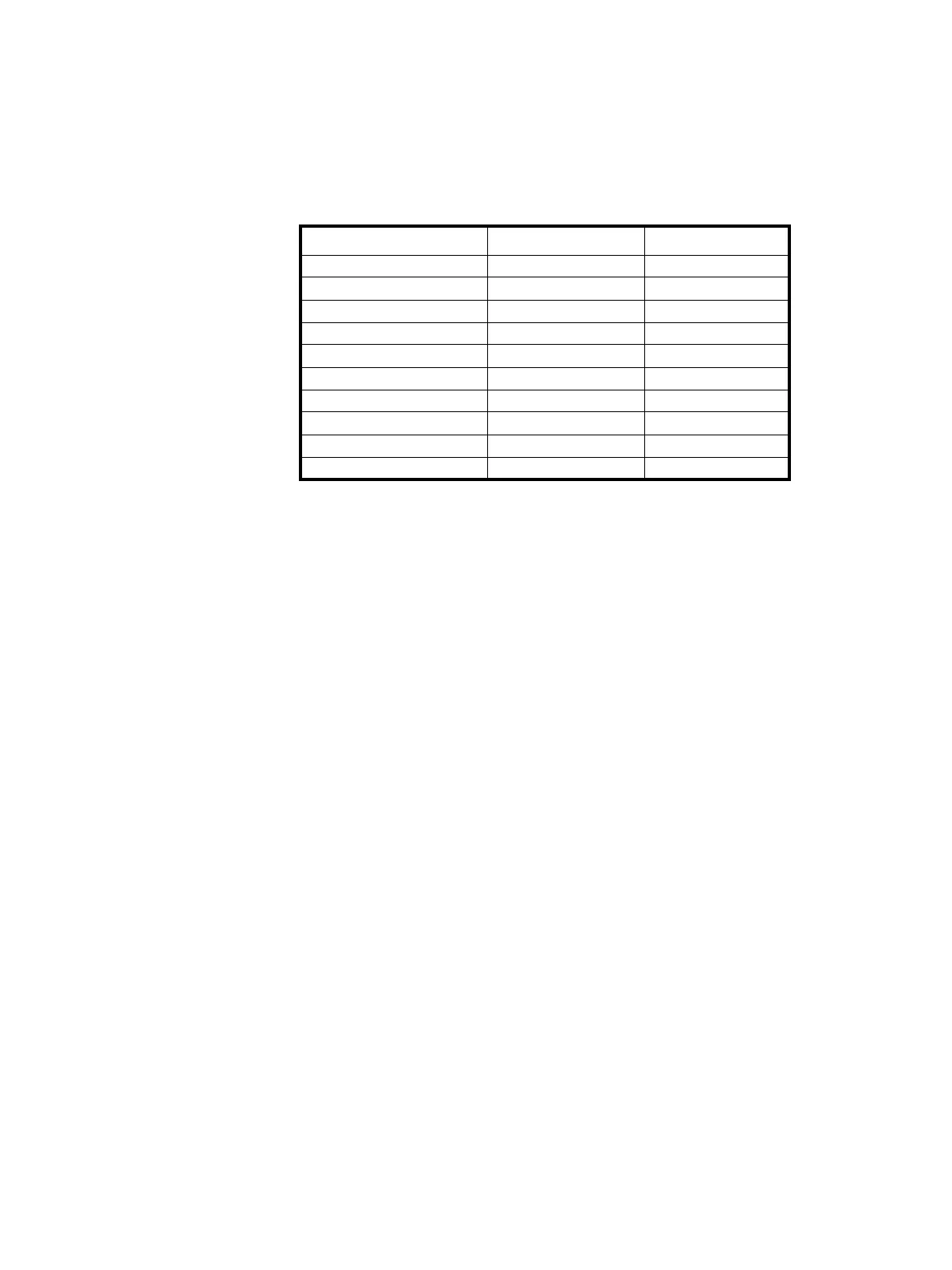
Property 120V 230V
Firing Mode DimDbl ---
Curve Mod-Square ---
Threshold 1% ---
Min. Scale Voltage 6V ---
Max. Scale Voltage 115V ---
Voltage Regulation Checked ---
Preheat Unchecked ---
Dynamic Preheat 0 sec. ---
DC Output Prevent Unchecked ---
InRush Protect Unchecked ---



 To Next Page