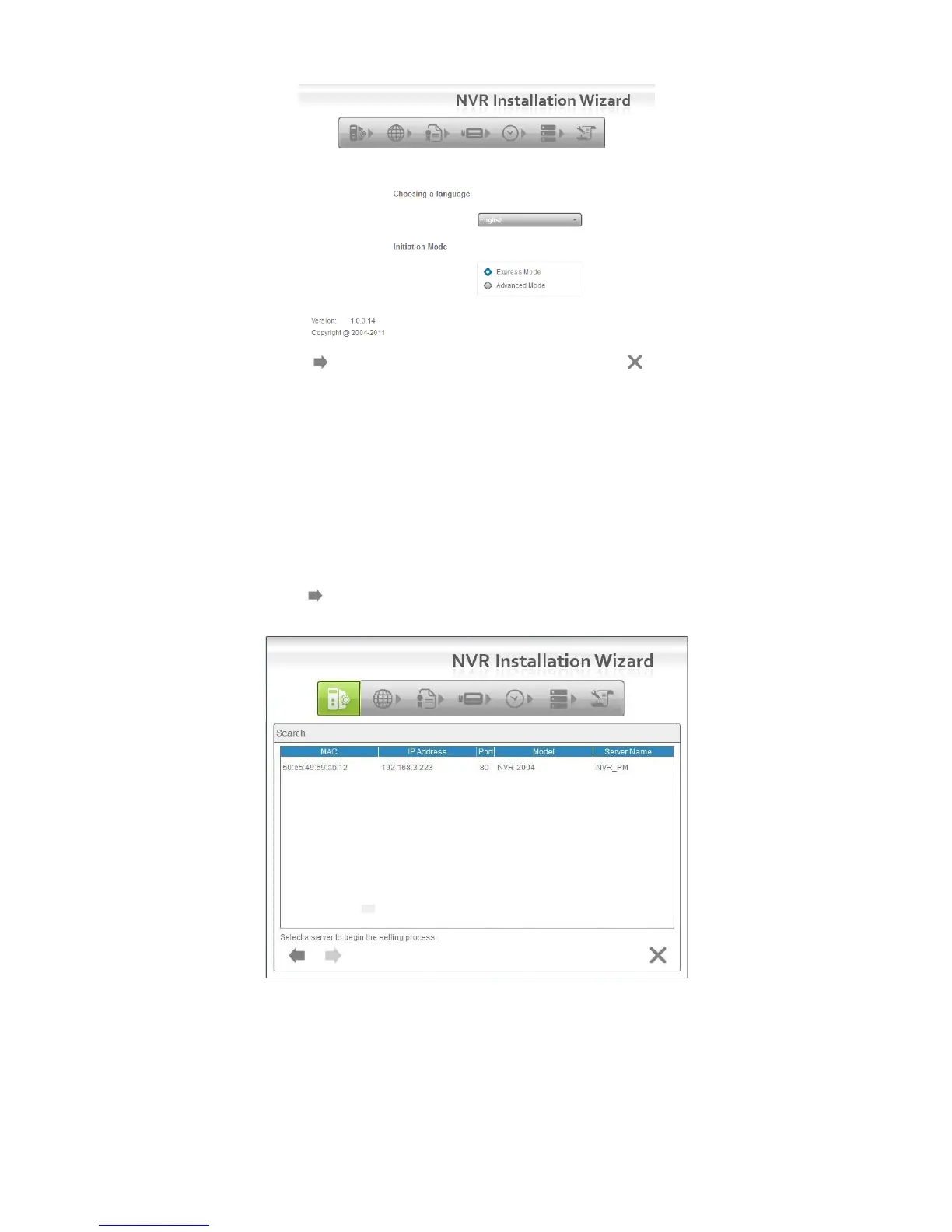
Express Mode: In this mode, you don’t need to set up the network
settings, Date/Time and RAID level.
Advanced Mode: In this mode, configure all settings manually: network,
license, camera, Date/Time, upgrade notification, and RAID level.
4. The Installation Wizard program starts searching for all the network
devices on the LAN currently. Click on the newly connected NVR’s field, and
then click the button.
5. The NVR’s login screen will appear. Type in the password (default =
“admin”), and then click the OK button.















 To Next Page