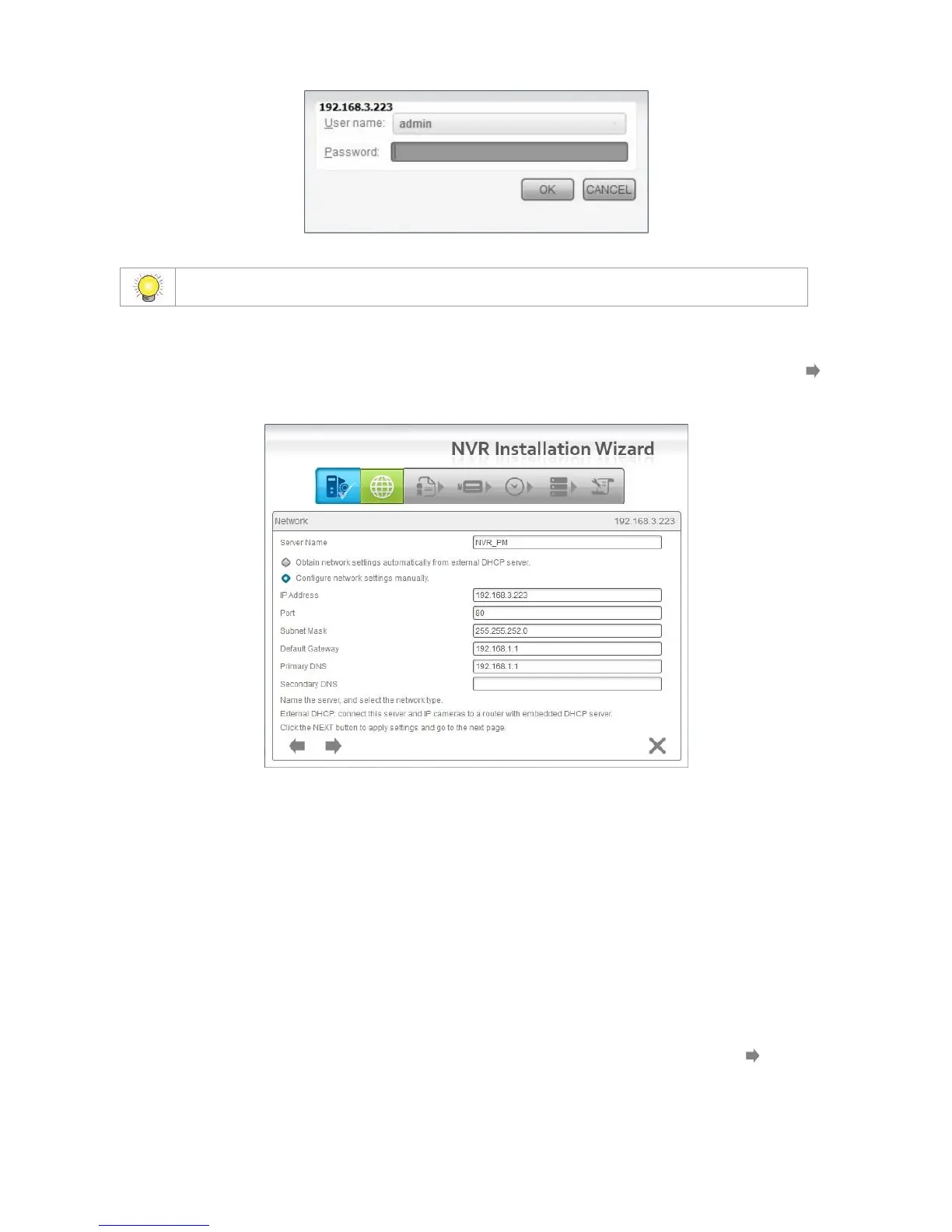
6. Name this server (the NVR) and write down its IP Address for finding it on
the Internet in the future. Select the network type, and then click the
button.
Obtain network settings automatically from external DHCP server:
This function applies all settings which are automatically generated by the
DHCP server, such as IP, subnet mask, gateway, and DNS.
Configure network settings manually: This function lets you configure
the preferred settings one by one.
7. If you have obtained a license for additional camera channels, you should
enter the Serial Number (S/N) on this screen (see below) to activate the
additional channels. Click the Activate button and wait for the license to be
verified online. Wait for the license to be listed and then click the button
to save and proceed.















 To Next Page