server name, video current status, and bit rate for a selected channel.
Start Menu > E-Map: Upload map and drag camera or I/O on it to track
device location and alarm status with instant response when an event
occurred. See details in the chapter of E-Map.
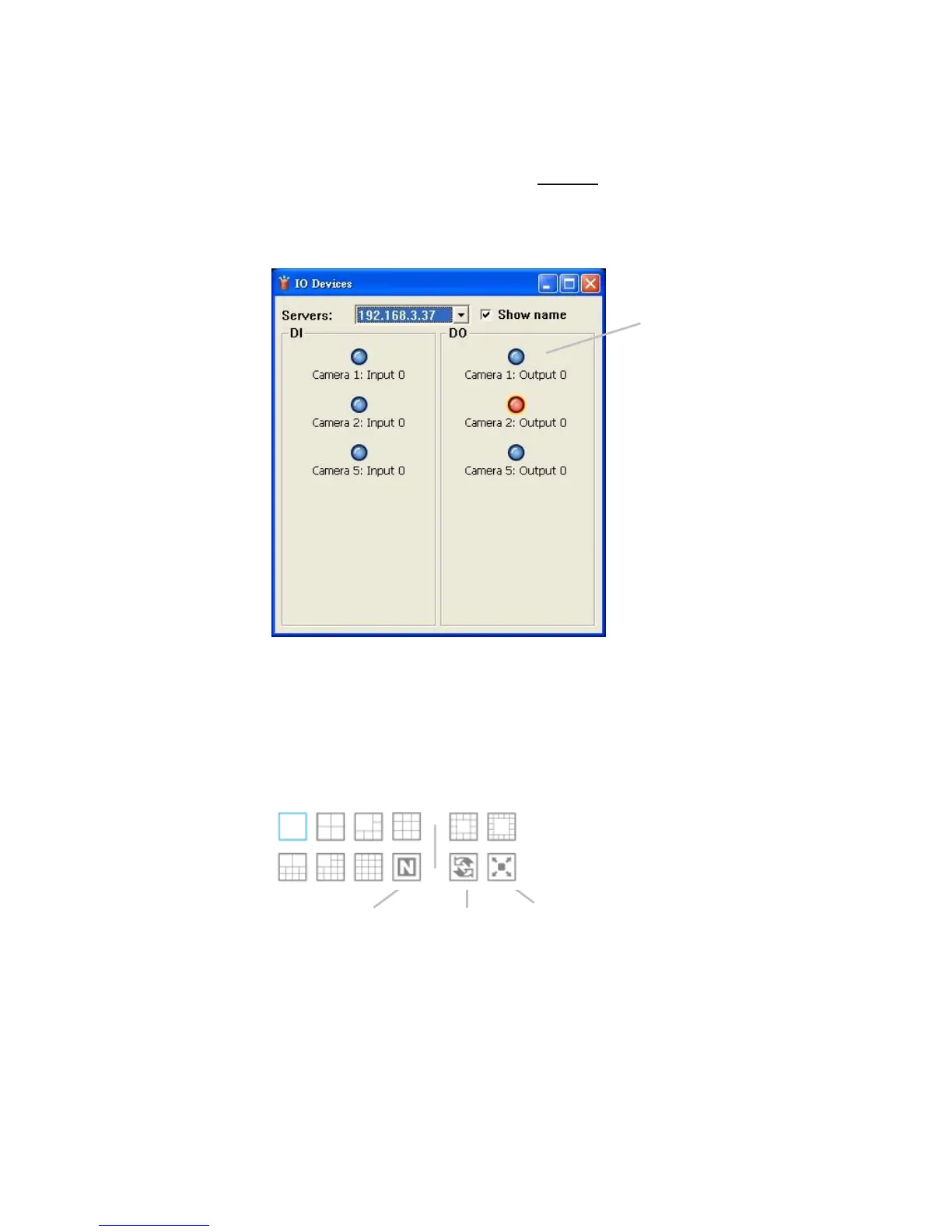
Start Menu > I/O Control Panel: Utilize I/O device function remotely.
User can remotely adjust the Output Pins by turning it on or off.
Auto Scan: Activate auto scan to rotate the channels on the display
screen. For instance, you may select to show only 4-split screen on the
liveview, while connecting 16 channels to the system. With auto scan
function, you are able to see all 16 channels by turns.
Layout: Click to change the multiple-split layout.
You can right click on the camera screen to enable the following function.















 To Next Page