DEPOLOX
®
Pool Installation / Commissioning
WT.050.570.000.DE.IM.0714 145
2.7.7 Mounting the Housing Covers
1. Ensure that the cable bushes are fitted correctly.
2. Carefully fit the housing cover of the electronic module and secure
with the five housing screws.
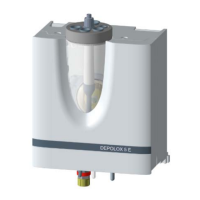
3. Carefully place the housing cover onto the flow block assembly
and snap into place.
2.7.8 Switching the device on
WARNING!
The device is not equipped with a mains switch and is in operation
as soon as the supply voltage is applied. When entering operating
data it must be taken into account that these could directly influ-
ence the connected system components.
1. Activate the power supply to the device.
The green "POWER" indicator lights up.
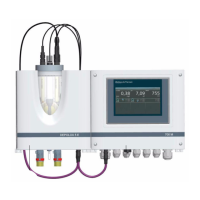
The following appear in succession on the graphic display:
Version
DEPOLOX Pool
Analog Scan
Basic display in main menu
Fig. 44



 To Next Page