51
4-4-2. Source Menu
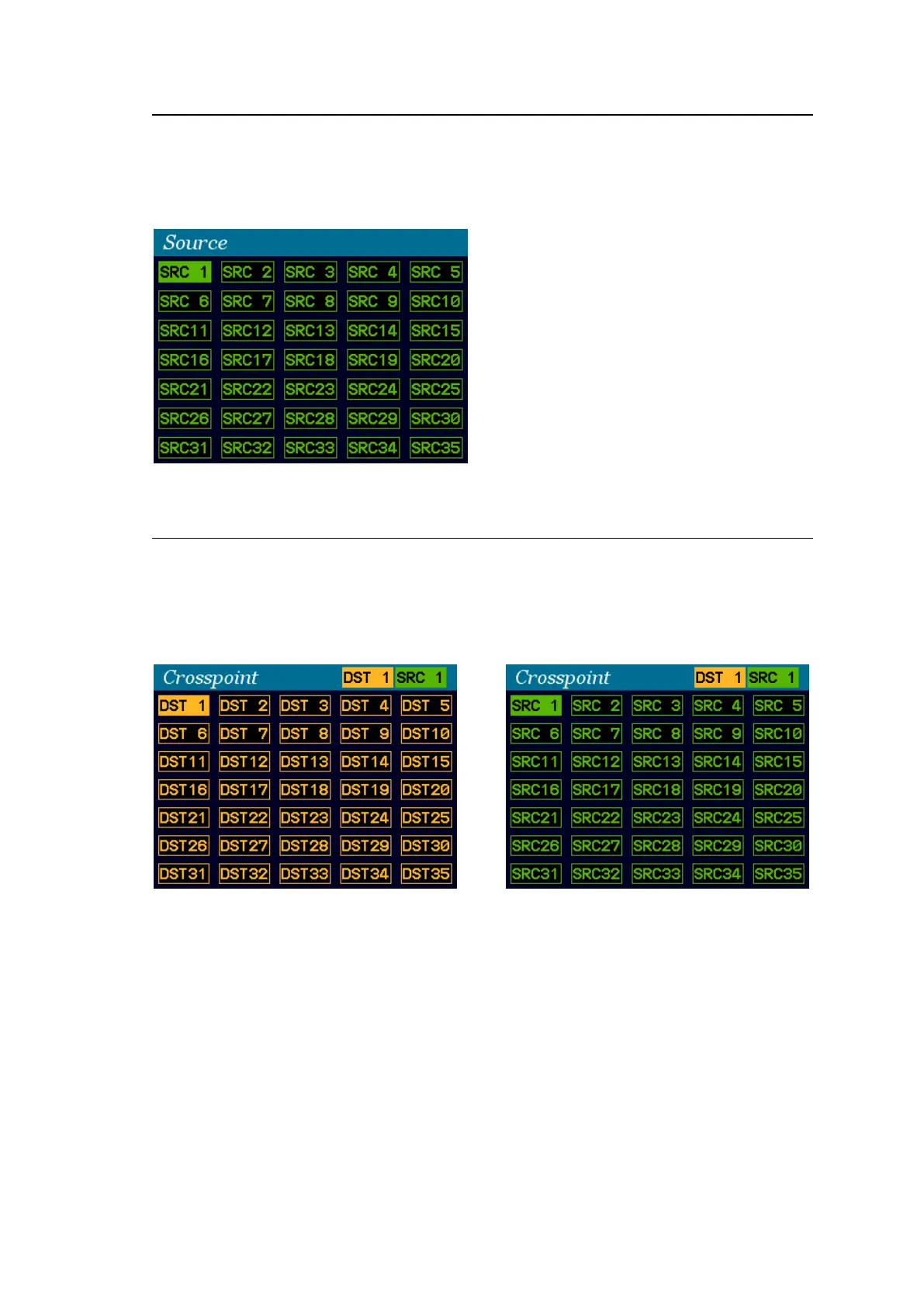
Pressing SRC opens the Source menu.
The current destination channel source is shown highlighted in the source list.
To change the destination channel source, turn CONTROL, then press CONTROL.
To cancel the operation process, press CANCEL.
4-4-3. Crosspoint Menu
Simultaneously press DEST and SRC opens the Crosspoint menu.
The current destination channel is shown highlighted in the destination list.
The current destination channel and source are displayed at the upper right corner of the
screen.
Destination selection screen Source selection screen
To change a crosspoint:
(1) Turn CONTROL to select a destination channel.
(2) Press CONTROL to display the source selection screen.
(3) Turn CONTROL to select a source for the destination channel.
(4) Press CONTROL to apply the crosspoint switch. The screen will returns to Destination
selection. (To cancel the process, press CANCEL.)



 To Next Page