52
4-4-4. Button Assign Menu
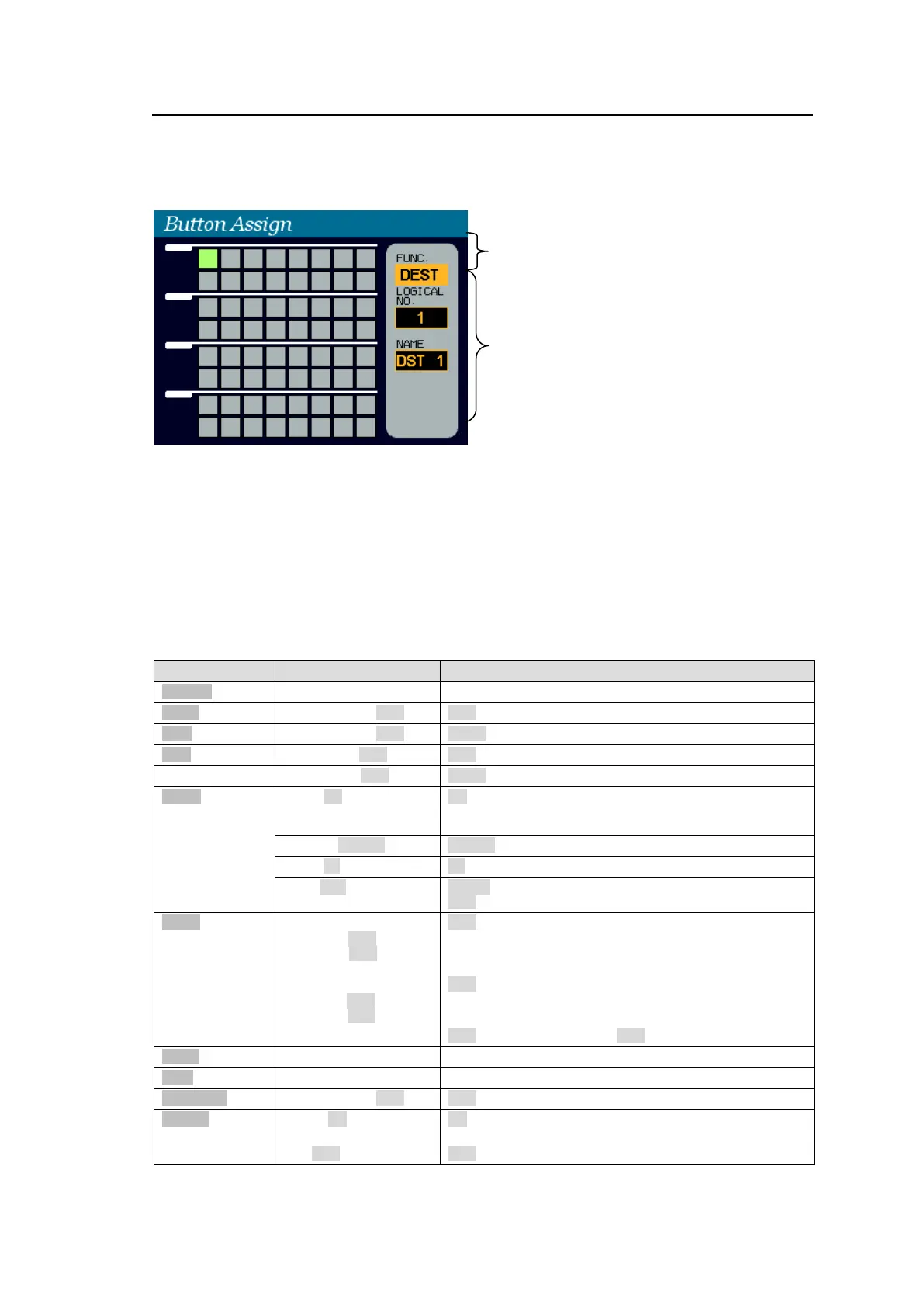
Pressing BUTTON ASSIGN opens the Button Assign menu.
The selected button is shown highlighted green and its function is displayed in the right area.
(See the table below for details on function parameter settings.)
To change button function:
(1) With holding down CONTROL, press a free button on the front panel.
The button will blink. The current function is displayed in the right area.
(2) Turn CONTROL to select a function, then press CONTROL to go to the parameter field.
(3) Turn CONTROL to set the parameter value, then press CONTROL to go to the next
parameter field. (See the table below for details on function parameter settings.)
(4) Turn CONTROL to set the next parameter value (if necessary), then press CONTROL.
(To cancel the process, press CANCEL.)
Assignable Function/Parameter List
Destination Channel number
Destination Channel number
JUMP Goes to specified page
UP Goes to next page.
DOWN Goes to previous page.
Returns to HOME page.
Page number
LOCK
(Lock function by
short press)
OTHER LOCK OTHER
ALL LOCK ALL
LOCAL LOCK LOCAL
NONE No lock
(Lock function by
long press)
CURRENT Current Destination number
Destination Channel number
YYY is effective only when XXX is set to OTHER or ALL.
Destination Channel number
MU Main unit stored salvo
FP Front panel button assigned salvo



 To Next Page