75
8. Serial / LAN Command Control
Up to 20 external devices can be connected to an MFR Main Unit (including MFR-GPI serial ports)
through LAN or serial interface.
8-1. Serial Interface
Crosspoint switchover and tally output can be controlled via the SERIAL ports on the MFR
Series main unit or MFR GPI.
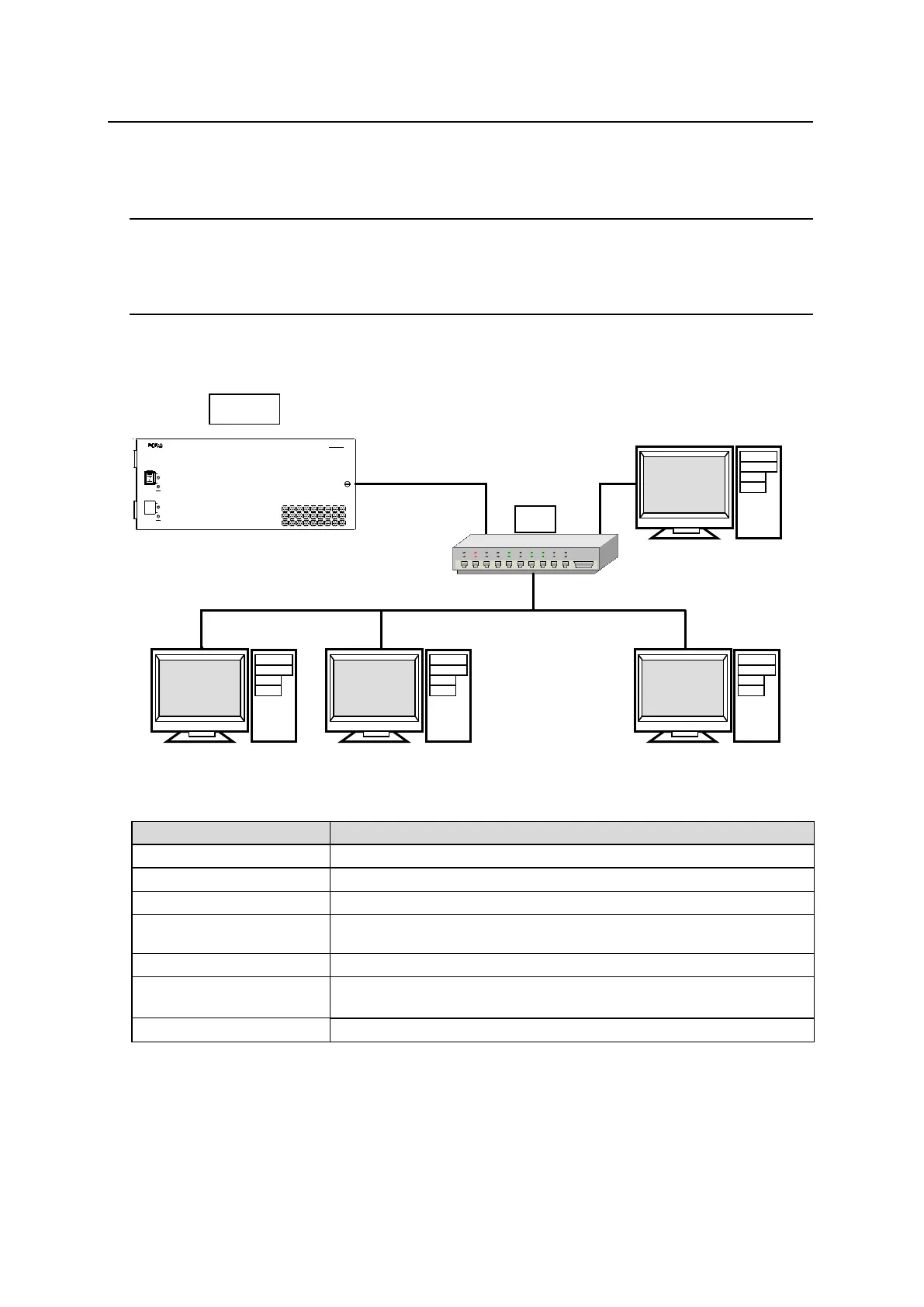
8-2. LAN Interface
The MFR Series main unit is able to connect to a third-party automatic control system via the
RJ-45 port (PC-LAN port). The TCP/IP communication protocol is supported. The control PC
will be the Client, and the MFR Series main unit will be the Server.
Basic specifications
192.168.1.12 (Subnet Mask: 255.255.255.0)
Setting range: 49152 to 65534 (Default: 23)
Wait before sending next command (Resend if the Echo is not
returned.)
TCP/IP, Control PC: Client, MFR-3000: Server
Crosspoint Remote Control using ASCII code.
Crosspoint Remote Control protocol



 To Next Page