QUANTUM™ LX EVAPORATOR CONTROL PANEL
OPERATION
090.610-O (MAR 2016)
Page 38
When using a USB Flash Drive, simply click on the button, and
the les will be saved to the Flash Drive. You may then take
the Flash Drive and plug it into the USB port of a personal
computer. The les may then be opened from the Flash Drive.
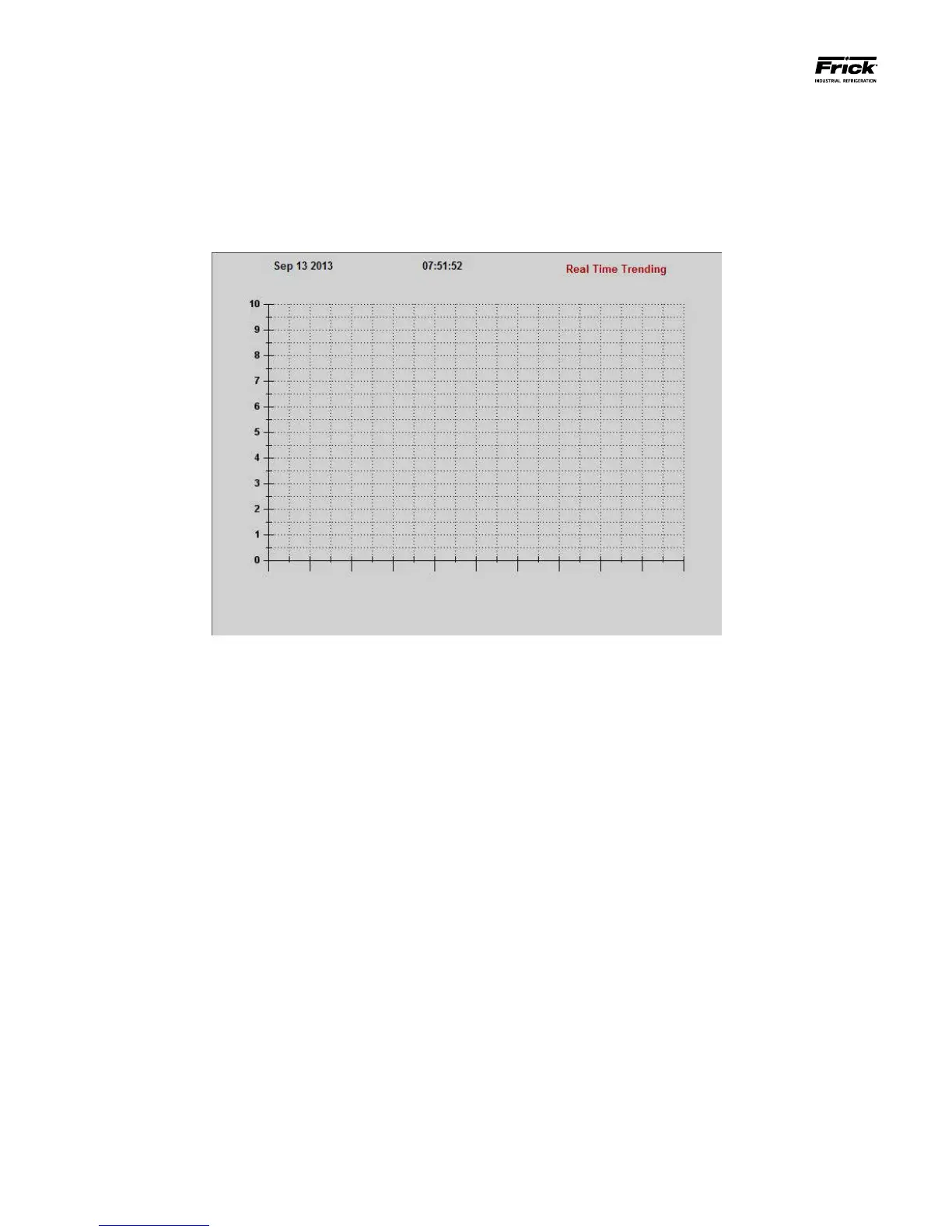
SYSTEM STATUS – Trending - Real Time Trending
DESCRIPTION: This is the Real Time Trending screen. This
screen will display in a graphical chart format the data values
selected on the Real Time Trending Setup screen. Each of the
selected channels will be shown at the bottom of the screen,
each in a different color. The color data values displayed in the
chart correspond to the matching color of the trending chan-
nels at the bottom of the screen.
A total of 900 Realtime events can be trended. Realtime events
are lost upon each power cycle. The following are the possible
data channels that may be shown here:
• ZONE #1-30 - Return Air Temperature
• ZONE #1-30 – Ammonia
• ZONE #1-30 – Humidity





 To Next Page