QUANTUM™ LX EVAPORATOR CONTROL PANEL
OPERATION
090.610-O (MAR 2016)
Page 9
SYSTEM INSTALLATION
An in depth installation setup is beyond the scope of this guide,
however some basic rules can be observed:
▯ Pay particular attention to the yellow sticker on the
front of each Remote I/O Panel. It will have been lled
in at the factory, as to which panel will control which
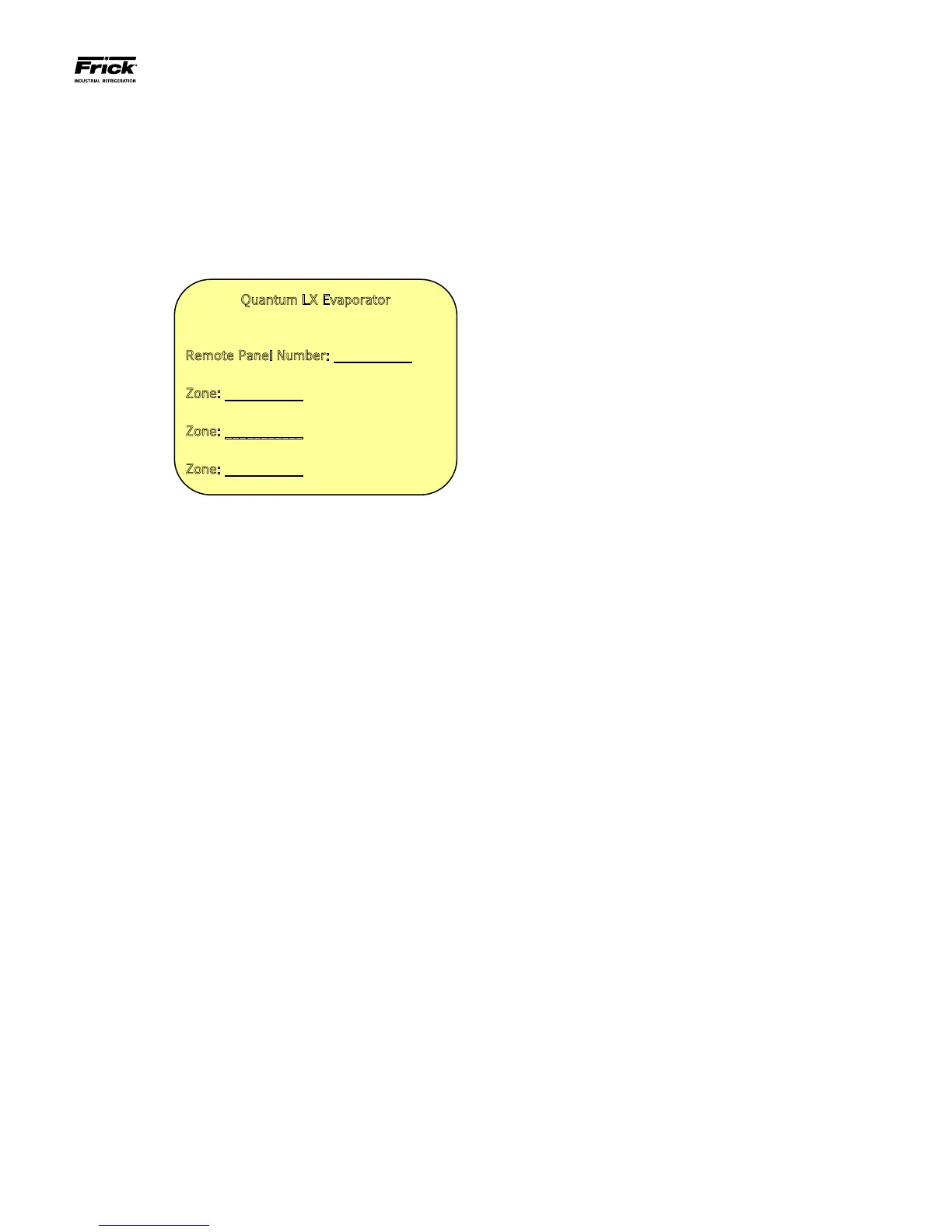
zone. This is a close-up of the sticker:
Quantum LX Evaporator
Remote Panel Number: ___________
Zone: ___________
Zone: ___________
Zone: ___________
▯ Maintain a total distance of 2000 feet or less between
the Operator Interface Panel, and the very last Re-
mote I/O Panel on any one communications cable
run. As will be explained later, it is possible to have
two separate communications cable runs, depending
upon the total number of Remote I/O Panels. Keep
in mind that neither of these cable runs can exceed
2000 feet in length.
▯ Remote I/O Panels should be mounted in close prox-
imity to the zones that they will be controlling. In
some instances, there may be fan motor starters lo-
cated in a separate area from the zone, so it may
be more convenient to locate the Remote I/O Panels
near the starters, than the actual Evaporator unit. The
idea is to minimize the length of the control wiring, so
if there is less wiring to the zone than to the starters,
then install close to the starters or vice-versa.
▯ The system is capable of Ethernet communications,
this may be something to consider when placing In-
terface Panels, as you would want a nearby Ethernet
connection to be available.
▯ Keep all communications wiring in a separate conduit
from control wiring.
▯ When wiring for communications, it is important to
ground only one end of the communications cable.
This ground will be located in the very last Remote
Panel of each communications cable run. If the com-
munications were to be grounded at both ends, then
it would be possible for ground loops to develop,
which could impair communications between panels.
▯ Interface Panels should be located in easy access ar-
eas, and should be mounted at eye level for screen
viewing.
▯ Remote Panels are rated for both indoor and outdoor
use. Although access to the Remote Panels will be
rare after installation and setup, it is still advanta-
geous to keep them accessible for potential mainte-
nance situations (reasonable lighting, sufcient door
swing, etc.).
▯ Install all panels within a convenient distance of a
power source.
▯ Refer to the Zone Conguration Chart for additional
information.





 To Next Page