QUANTUM™ LX EVAPORATOR CONTROL PANEL
OPERATION
090.610-O (MAR 2016)
Page 72
[Subject] - Enter here a custom subject that you
would like to have appear when a message failure is
sent. When a message is sent to all recipients, this
is the wording that will appear in the Email SUBJECT
column.
[SMTP Server Name OR IP Address] - SMTP stands
for Simple Mail Transfer Protocol. This should be set
by the network or LAN administrator.
[SMTP Server Port Number] - This value is in al-
most all cases going to be 25. This should be set by
the network or LAN administrator.
[Comma-Delimited List of Email Recipients] - This
is simply the list of the Email addresses that you
would like to have any messages sent to.
Refer to the Communications Manual (090.610 CS) for addi-
tional information.
CONFIGURATION – Security
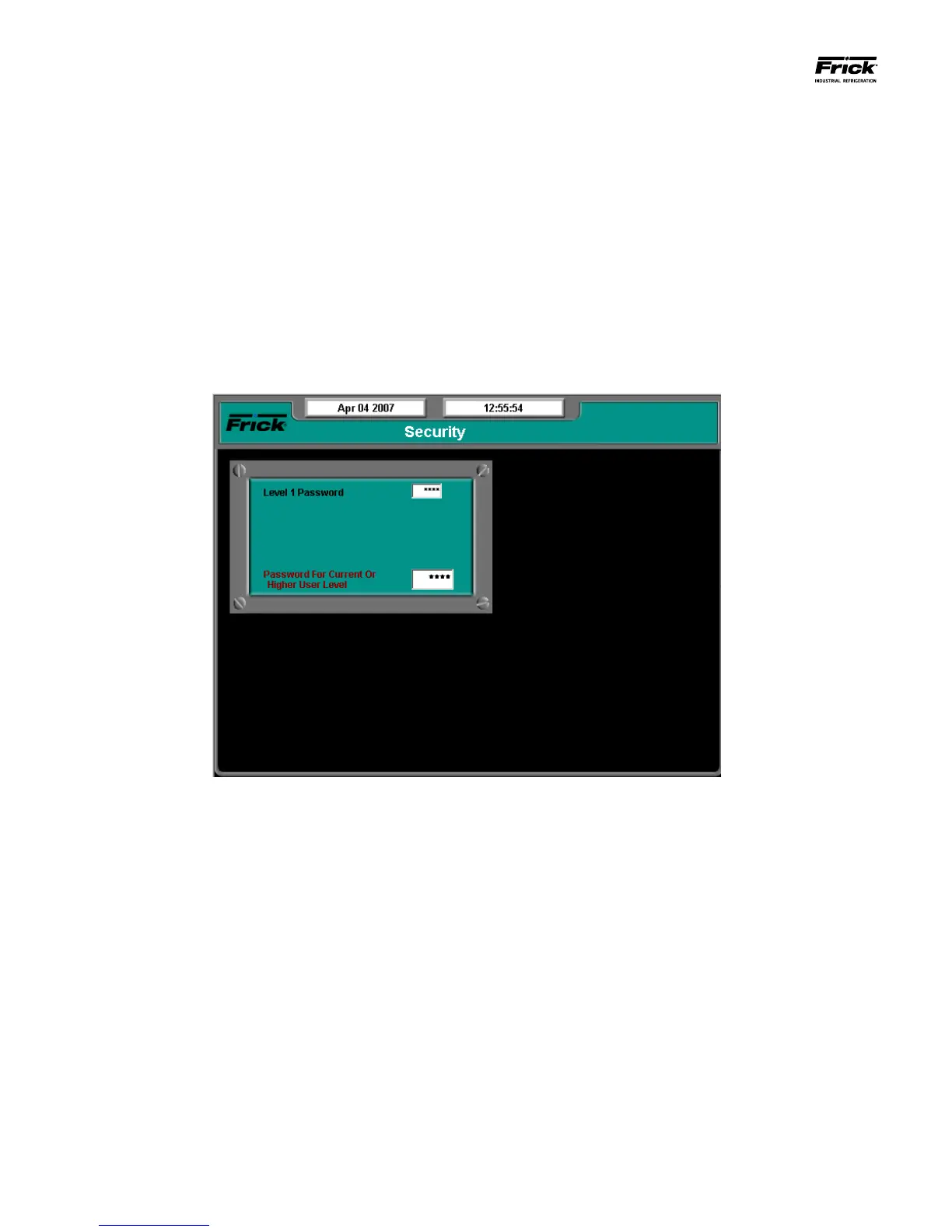
DESCRIPTION: This screen allows the user/supervisor to set
the various levels of password protection. The Security screen
shown above can only be modied at the Quantum™ LX con-
trol panel via the keypad.
The various levels are:
• Level 0 - Also known as the BASIC level. This
level is not shown on the Security screen, as it is
the lowest level of system access, and as such,
does not require a password to activate. This is
the default level, and provides access to only the
very basics of machine operation.
• Level 1 - Also known as the ADVANCED level.
This requires a password to set. Only those users
who are authorized with the password may enter
this level. It provides greater access than Level
0 (BASIC). The valid entry range is zero (0) to
5000. The factory default value for this password
is 10 (ten).
• Level 2 - Also known as the SERVICE level. This
requires a password to set. Only those users who
are authorized with the password may enter this
level. It provides greater access than Level 1.
The factory default value for this password is 20
(twenty).
To set the password protection for the each level, use the
keypad to highlight the box beside the level that you wish to
change. Set the level to either zero (0) or one (1), and enter
the appropriate password for that level in the next box. The
valid range for password entry is -999999 to 999999.
NOTE: It is highly recommended that the supervisor docu-
ments this password and stores it in a safe place. If the
password is ever forgotten, it can only be corrected by call-
ing the factory.





 To Next Page