Otherwise, the Cleaning Paper may be fed skewed.
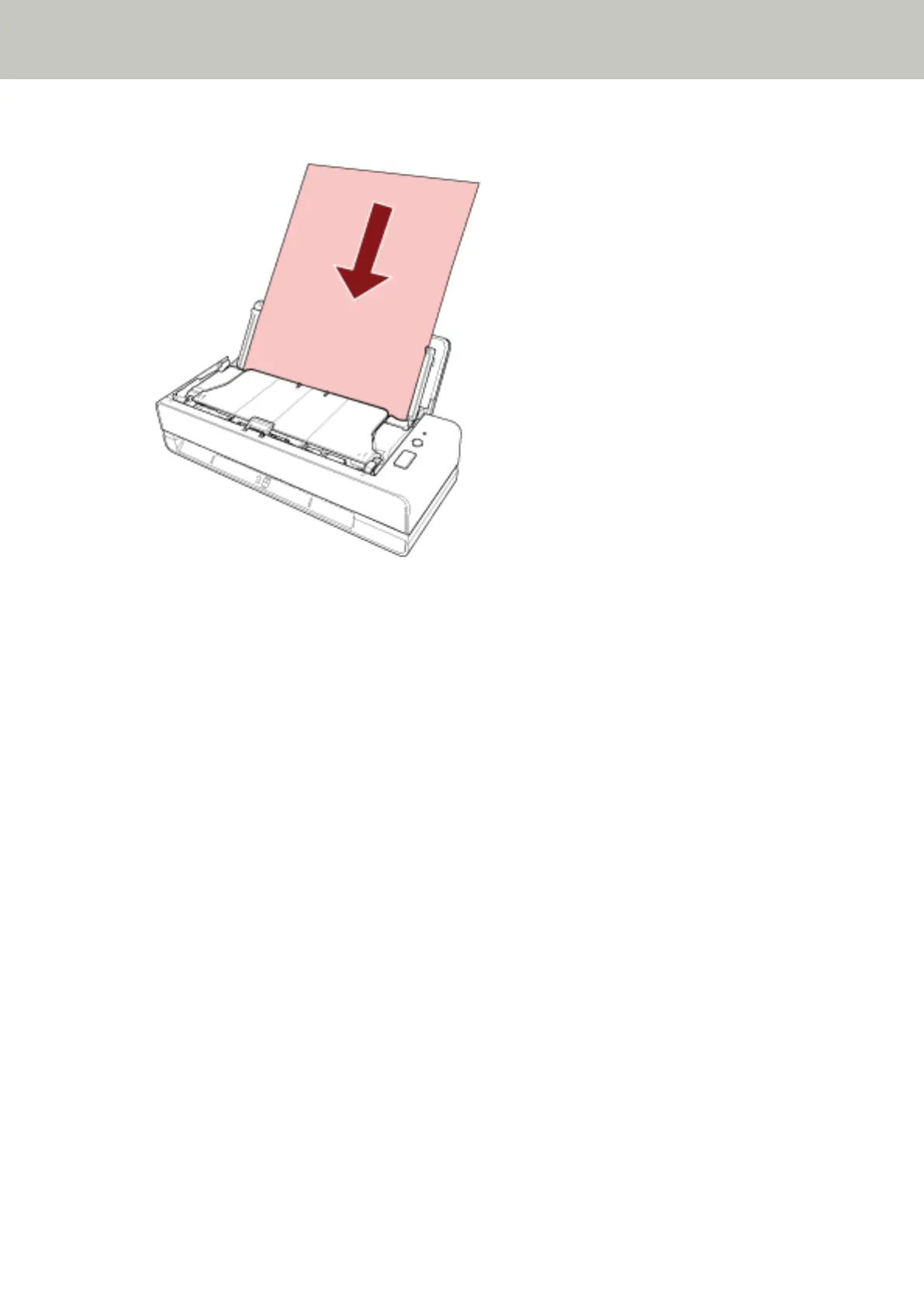
4 Scan the document with the image scanning application.
For details, refer to the help for the image scanning application.
5 Clear the sheet counter after cleaning.
Start up the Software Operation Panel and clear the counter.
For details, refer to Clearing the Sheet Counters (page 164).
Daily Care
88



 To Next Page
 Loading...








