Key assignments for entering texts
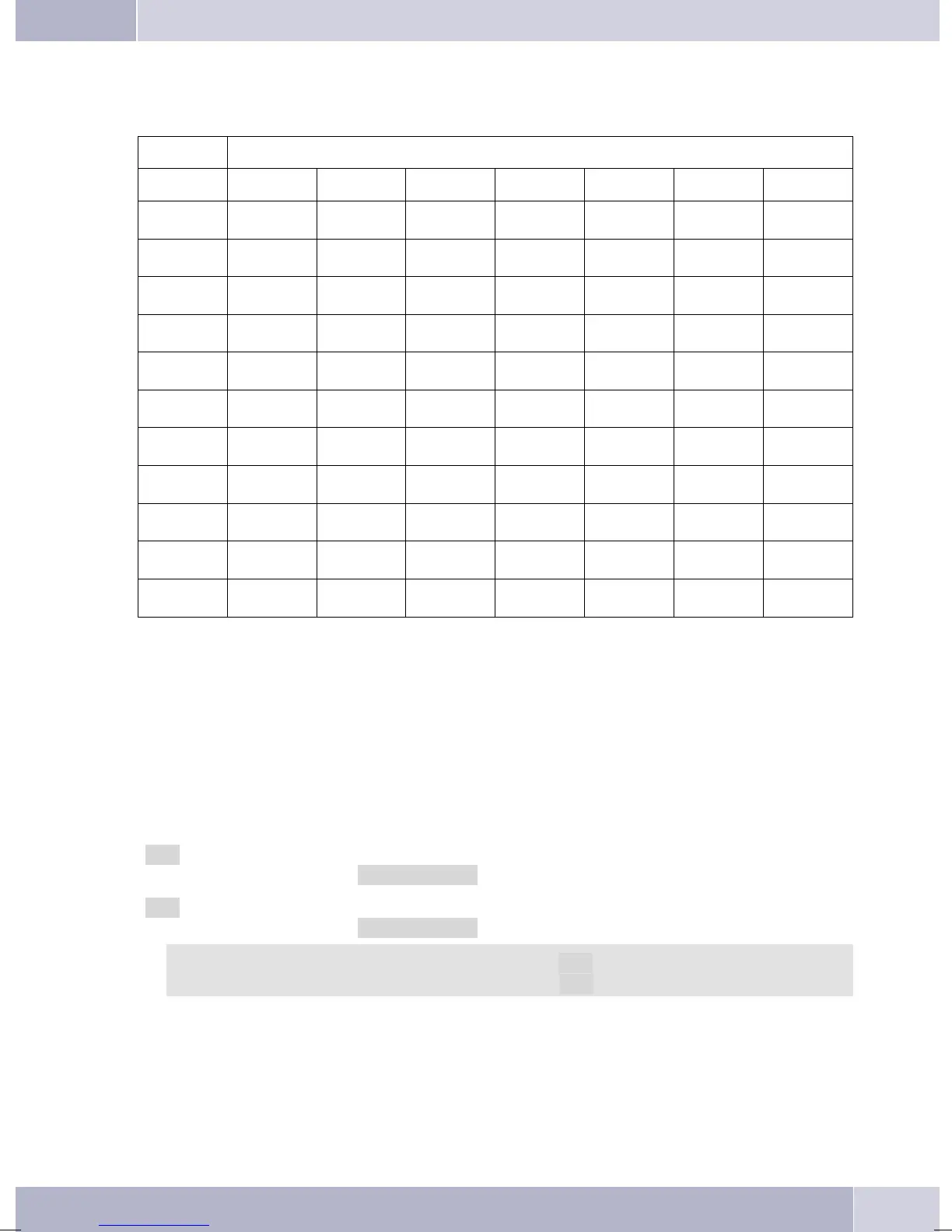
The assignments for the keypad for entering letters, digits and special characters are as follows:
Button Press
Button 1234567
1
1
2
ABc 2ÄÅÆ
3
DEF3
4
GHI 4
5
JKL5
6
MNO 6 ÖØ
7
PQRS7ß$
8
TUV8Ü
9
WXY Z 9 ¥
*
*
#
#
0 Severalspecialcharactersareassignedtothebutton»!«,»+«,»-«,»=«,»(«,»)«,»@«,»$«,. .
Whenyoupressthe0 keythefirsttimeaspaceisinserted. Whenyoupressthiskeyasecondtimeseveral
special characters are shown in the display. Press the appropriate key to select the corresponding special
characters
1 … 9. If you wish to view further special characters, press the 0 key.
Input mode for entering letters
You ha«.
»ABC« Thenextletterthatyouenterisshownasacapital,allothersassmallcaseletters.
Example:»Dean, James«.
»ABC« Everyletterthatyouenterisshownascapitals.
Example:»Dean, James«.
Whenyoustartenteringtexts,theinputmodeisalways»Abc«.PresstheRecallflashbuttonto
change the input mode. To insert a character while in »Abc« mode, press the C key.
Call signaling
Call signalingiseffected usingtheringingtone that has beenset for the dialed number (MSN) in each tele
-
phone.
Ifyou areusingthetelephone atan internalISDNconnectionofcertain elmegPABXsystems,you canpro
-
gram special ringing melodies for internal and external calls.
Description and installation
15



 To Next Page
 Loading...