s Duration:
Setting the call duration display
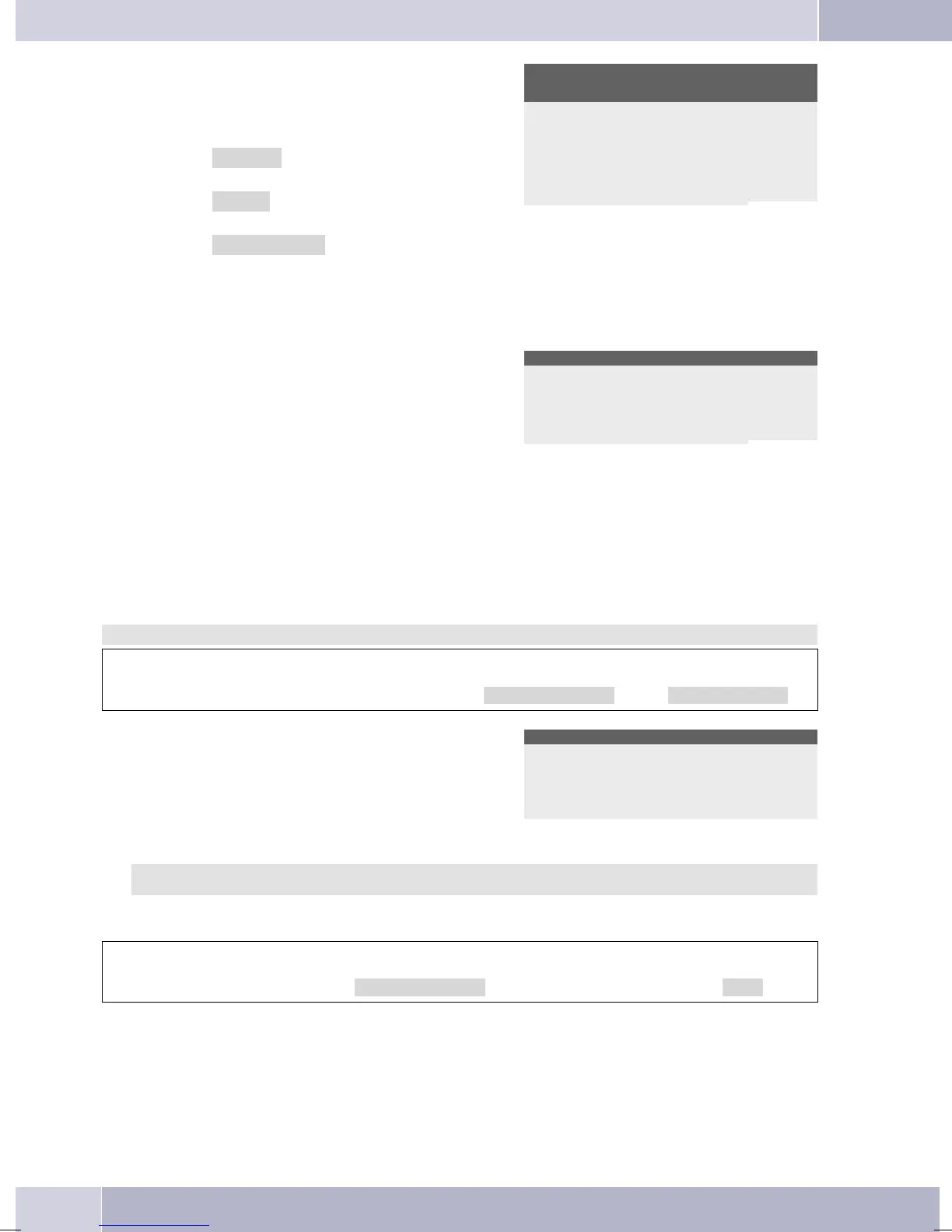
The following options for displaying the call
duration are available:
»Always«: The duration is the only infor
-
mation displayed during a call.
»Never«: The charges are displayed during
a call. The duration of a call is not displayed.
»for Charge«: Charge data, if available,
are displayed. If no charge data are available,
the duration is displayed instead.
Conversation time
display ?
Always
Never
for Charge
¬¬¬¬¬¬¬¬¬¬¬¬¬¬¬¬¬¬¬¬
s End:
Display of information after completion of a
call.
Atthecompletionofacall, informationabout
that call (for example, duration, or charges
accrued) can be shown in the display.
Info at end of call?
No
ok
¬¬¬¬¬¬¬¬¬¬¬¬¬¬¬¬¬¬¬¬
Call-Parking (default setting)
Aparkingcodeof55issetintheinitialstate.Youcanchangethedefaultparkcodetoasingle-ordouble-di-
git code.
Begin as follows:
a
Mss
Configuration Call-Parking
t
O
The initially set park code is displayed: »55«.
Enter the newparkingcode and confirm your
entry by pressing OK.
Standard call-parking
Call-Parking>55
Connection to a pabx
This feature requires an »Extended Configuration« to show on the display.
If you operate your phone with a pabx, you can make all entries required here. Begin as follows:
a
Ms > s
Configuration PABX
Configuration
78



 To Next Page