DigiDevice
16
close and statistics data and evaluations referring to the job are updated.
• When he icon
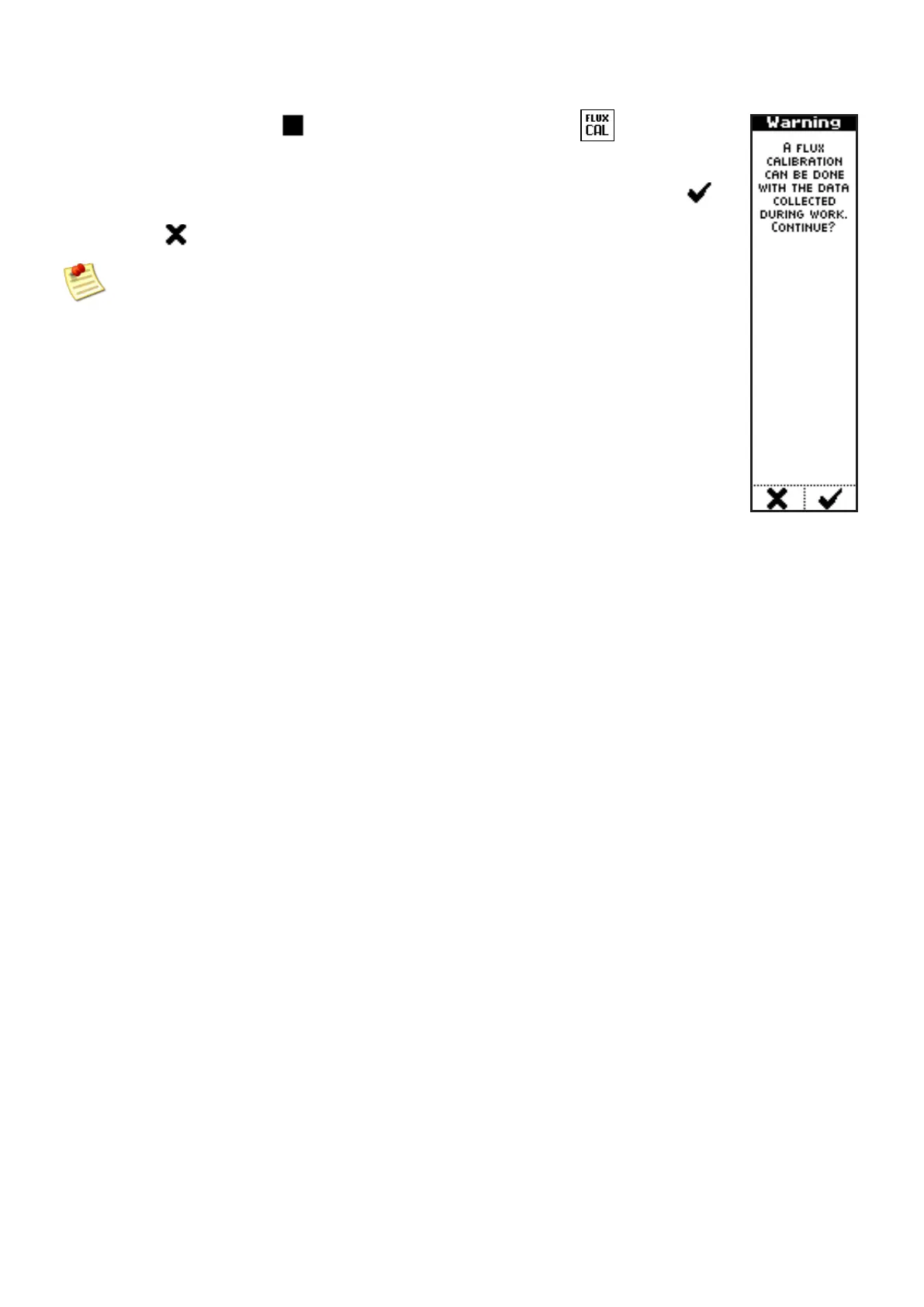
blinks and alternates with the icon , pressing the
near side key, the system displays a screen with a warning message, to
ask the operator to confirm to perform a product flux calibration.
Once the vehicle has been stopped, press the key under the icon
to perform the calibration, or avoid it, pressing the key below to the icon
.
Stop the tractor before to perform the calibration



 To Next Page