Spreader - User Manual
17
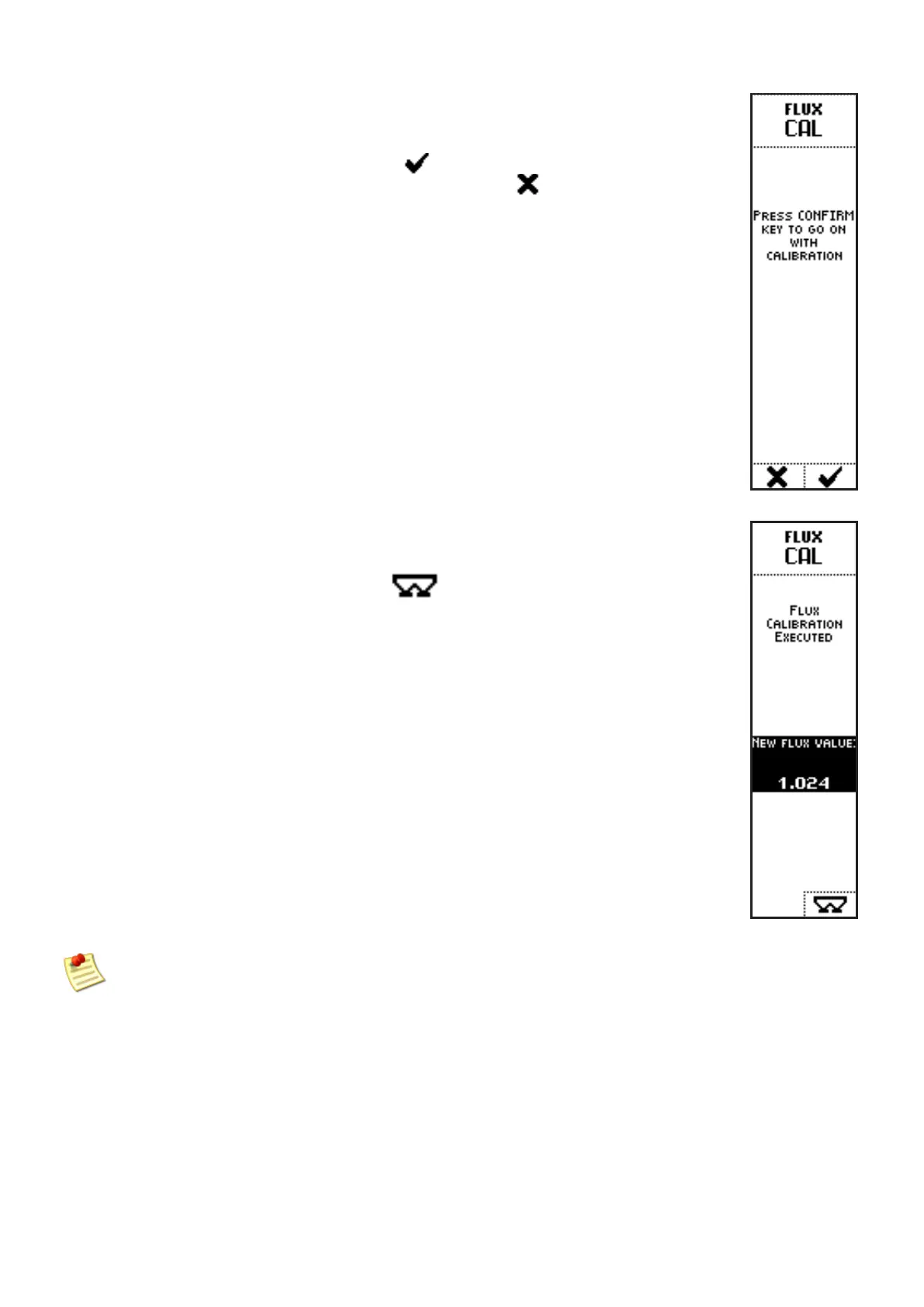
A message will be displayed: the system requires confirmation to perform
calibration.
Press the key below the icon
to perform calibration or cancel the
operation by pressing the key below the icon
After confirmation of calibration procedure, a screen displays the new
flux factor value obtained through calibration.
Press the key below the icon to go back to operating screen.
If the calibration operations are not properly done, the system displays some diagnostic
messages, to inform the operator to stop the vehicle, or that an error caused calibration cancel
or that the calibration sequence was canceled by the operator itself



 To Next Page