Spreader - User Manual
23
• The side key near to the icon starts spreading or puts the working session in pause, based
on the displayed icon. On start the shutters open based on setting (see previous point
6). The pause command causes shutters to close, but not the update of the update of
statistics and evaluations referring to the job.
9. MENU
COMMANDS
• The key below the icon allow access to the main menu
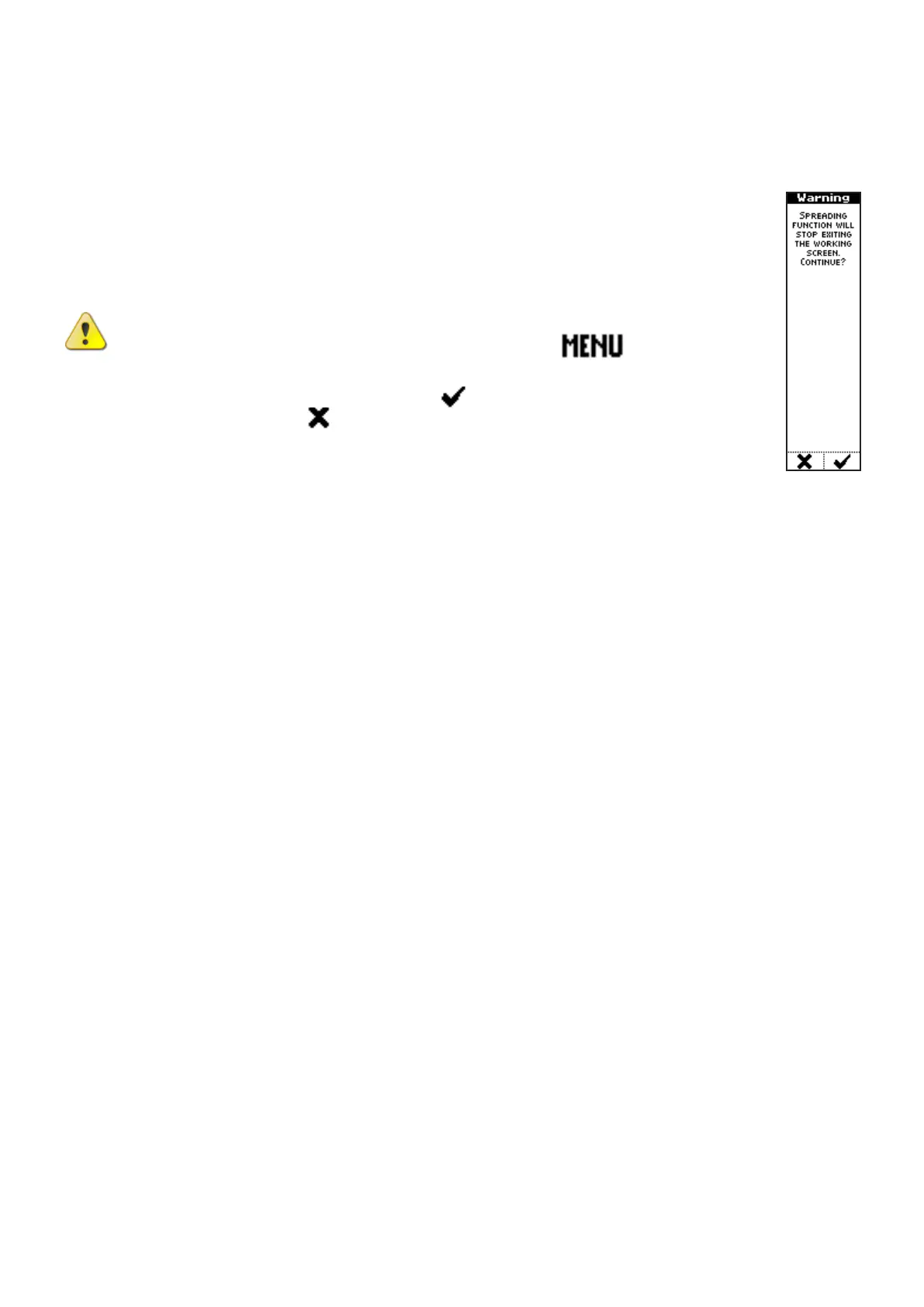
CAUTION: Exit from the operating mode to display the main menu causes
interruption of the work session. If the key below the
icon is pressed
during a working session, the interface unit asks to confirm the access to the main
menu, pressing the key under the icon , or cancel such operation, pressing
the key below the icon .



 To Next Page