Chapter 3. Initial Setup and Programming
48 AT600 User’s Manual
Setting Base Value/Full Value/Frequency (cont.)
Setting Frequency Error Handling
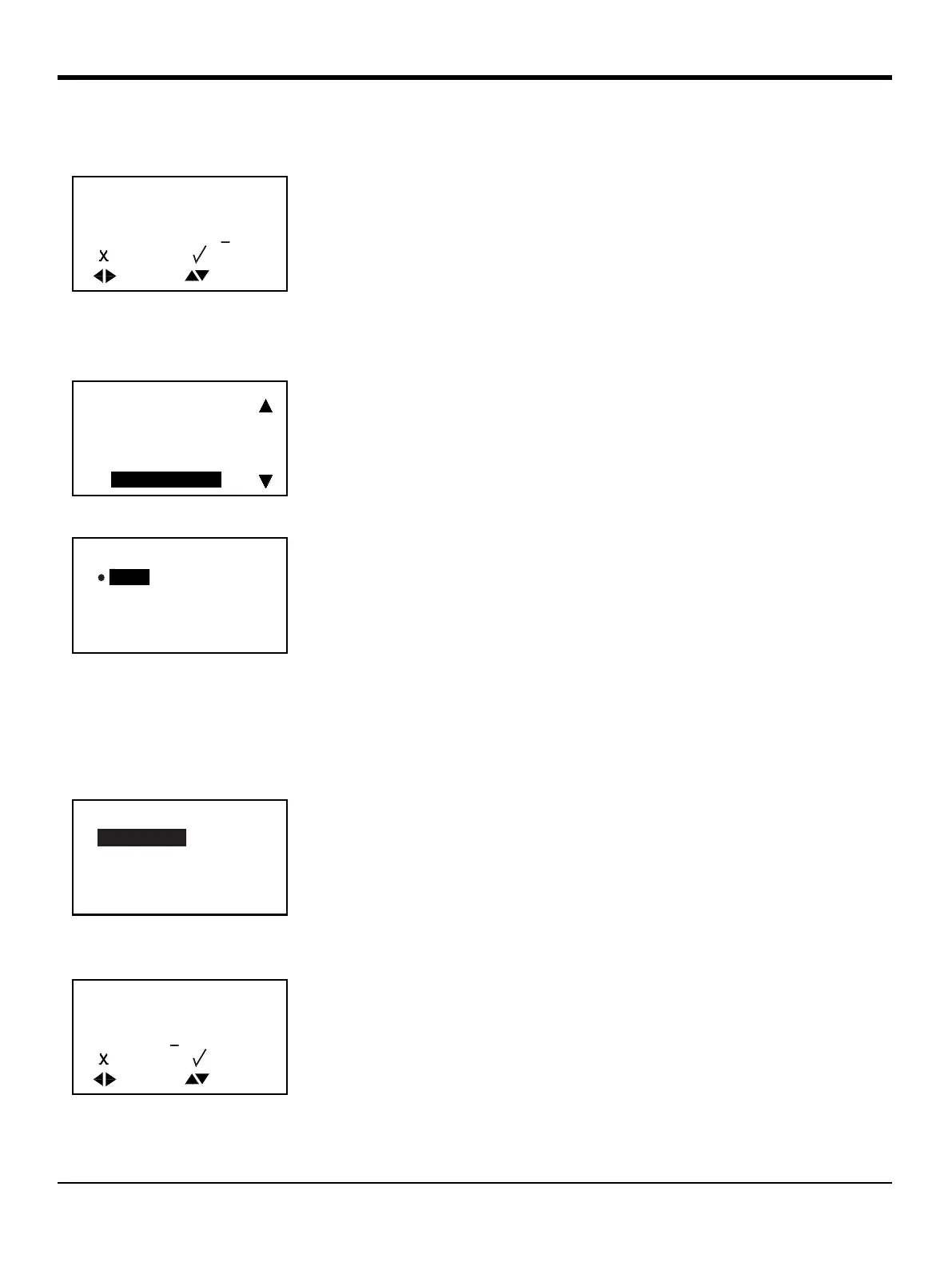
Note: If Other is selected, a screen similar to the following appears:
To change the
Base Value, use the [] or [] arrow key to select the digit to be
changed, use the [] or [] arrow keys to provide a new number and press
[]
to save. Press [] to return to the Frequency menu.
To change the
Error Handling status, select it on the screen and press []. The
following screen appears.
To change the current Error Handling status, select the option desired, and press
[]. The screen returns to the previous display.
You have four options for error handling in case of a measurement error:
• Hold — hold last good value
• Low — show 0 Hz.
• High —show Full Frequency.
Enter the Hz value you want to appear for error. (For example, if Full = 1 kHz,
you may want to set Error to 2 kHz.) Press
[] again, and a screen similar to the
following appears.
Use the [] or [] arrow key to change the Other value and press
[] to save
the number. Press [
] to return to the previous screen.
Base Value
UNIT: m/s
0.000
]MOVE
]UNDO [ ]SAVE
]
]
]MODF
[
Full Value
Full Frequency
Test Frequency
Error Handling
Error Handling
Low
High
Hold
Other
Error Handling Value
Value
0 Hz


 To Next Page