Chapter 8 Hardware Reference
© 2017 Harmonic Inc. All rights reserved. 277 Harmonic MediaGrid Release 4.1
5406 Network Switch
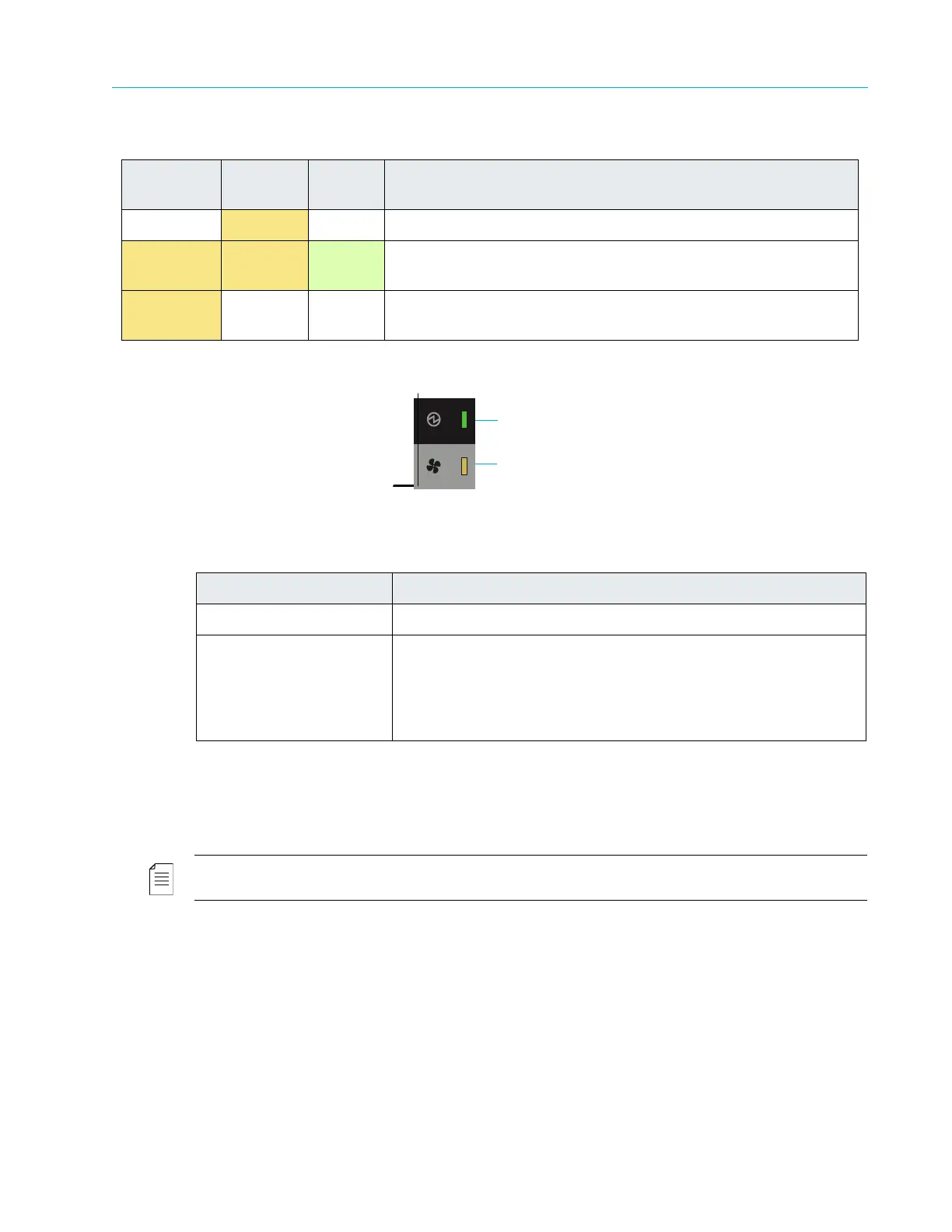
ContentStore 5840A Cooling Module LEDs
Figure 8–58: ContentStore 5840A Cooling Module LEDs
5406 Network Switch
The 5406 Network Switch, a Harmonic-provided network switch, supports 1 GbE and 10 GbE
(CX4) modules. Figure 8–59, Figure 8–60, and Figure 8–61 show the front and rear views.
NOTE: The 5406 Network Switch may be used in a Harmonic MediaGrid 3000 Series system, but not in a
4000 Series system.
Off On Off AC power missing, PSU in standby (other PSU is providing power).
On On On Harmonic MediaGrid software has lost communication with the
PSU.
On Disregard Off PSU has failed. For replacement instructions, see the Harmonic
MediaGrid Component Replacement Instructions.
Table 8–55: ContentStore 5840A Cooling Module LED Descriptions
LED Description
1. Module OK Constant green indicates that the fan is working correctly.
3. Fan Fault Off means the fan is working correctly.
Amber indicates that communication has been lost with the fan
module
controller or the reported fan speed is out of tolerance.
For replacement instructions, see the Harmonic
MediaGrid
Component Replacement Guide.
Table 8–54: ContentStore 5840A Power Supply Unit LED Descriptions
1. PSU Fail
(Amber)
2. AC Fail
(Amber)
3. Power
(Green)
Status



 To Next Page