Chapter 4 System Configuration
© 2017 Harmonic Inc. All rights reserved. 161 Harmonic MediaGrid Release 4.1
Configuring High Bandwidth ContentBridges in a High Availability (HA) Pair
4. When you run the HA Pair utility and specify the shared IP address for your HA pair, the HA
pair utility statically assigns that IP address to the HA pair. See Running the HA Pair Utility.
To determine the private subnet for an HA pair:
The private subnet for an HA pair cannot be in use by any external client system. Because the
private VLANs used by the ContentDirectors in your Harmonic MediaGrid system have the same
requirements, Harmonic recommends that you specify the same subnet used by one of your
ContentDirector private VLANs for your HA pair subnet.
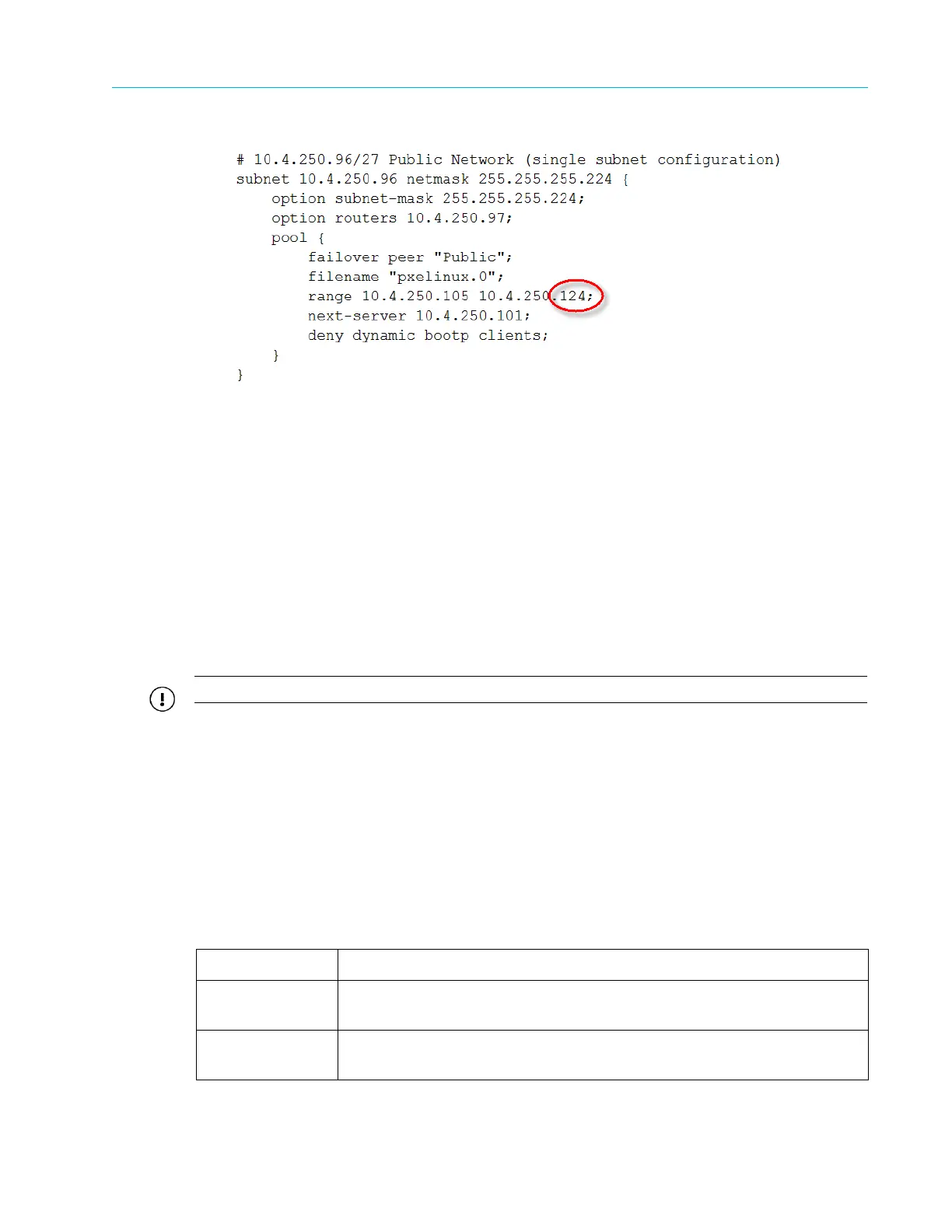
If you choose to use a subnet outside your Harmonic MediaGrid system, make sure to modify
your DHCP server to use the shared public address for your HA pair, rather than the public
address for a stand-alone High Bandwidth ContentBridge.
Running the HA Pair Utility
IMPORTANT: Before running the HA Pair utility make sure you have read HA Pair Configuration Overview.
To run the HA pair utility:
1. Connect to one of your High Bandwidth ContentBridges directly or via SSH, or connect to one
of the ContentDirectors in your Harmonic MediaGrid system via SSH.
2. Log on to the High Bandwidth ContentBridge or ContentDirector using the following user
name and password:
User name: ovnuser
Password: OVN@SvCaUsa
3. Enter the following command:
run /home/ovnuser/scripts/utils/hapair
The HA pair utility provides the following options.
-h or --help Displays a help message and exits.
--debug Enables debug mode to test the configuration without enacting any
system changes.
-f or --force Specifies that the HA pairing mechanism should force the end nodes to
re-configure regardless of their current state.



 To Next Page