Chapter 6 Accessing the Harmonic MediaGrid
© 2017 Harmonic Inc. All rights reserved. 173 Harmonic MediaGrid Release 4.1
Mounting a Harmonic MediaGrid File System Using Windows
10. Click OK.
You can now access the Harmonic MediaGrid file system on the specified drive. Any mapped
drive for this computer through group policy script is available to all users (all sessions).
NOTE: If, after establishing a connection to the file system you wish to switch to a different user
credential, you must log off the Windows session.
Setting Windows FSD Properties
An icon is added to the Control Panel once the Windows FSD is installed, which allows you to set
the ReadAhead values, enter user credentials, and set other application-specific features. Refer to
Installing the Harmonic MediaGrid File System Driver for Windows if you have not installed the file system
driver.
To set FSD parameters:
1. Mount the Harmonic MediaGrid file system following the instructions in Mounting a Harmonic
MediaGrid File System Using Windows.
2. Select Control Panel from the Start menu.
3. Change the view to
Large Icons or Small Icons in order to display Control Panel applets.
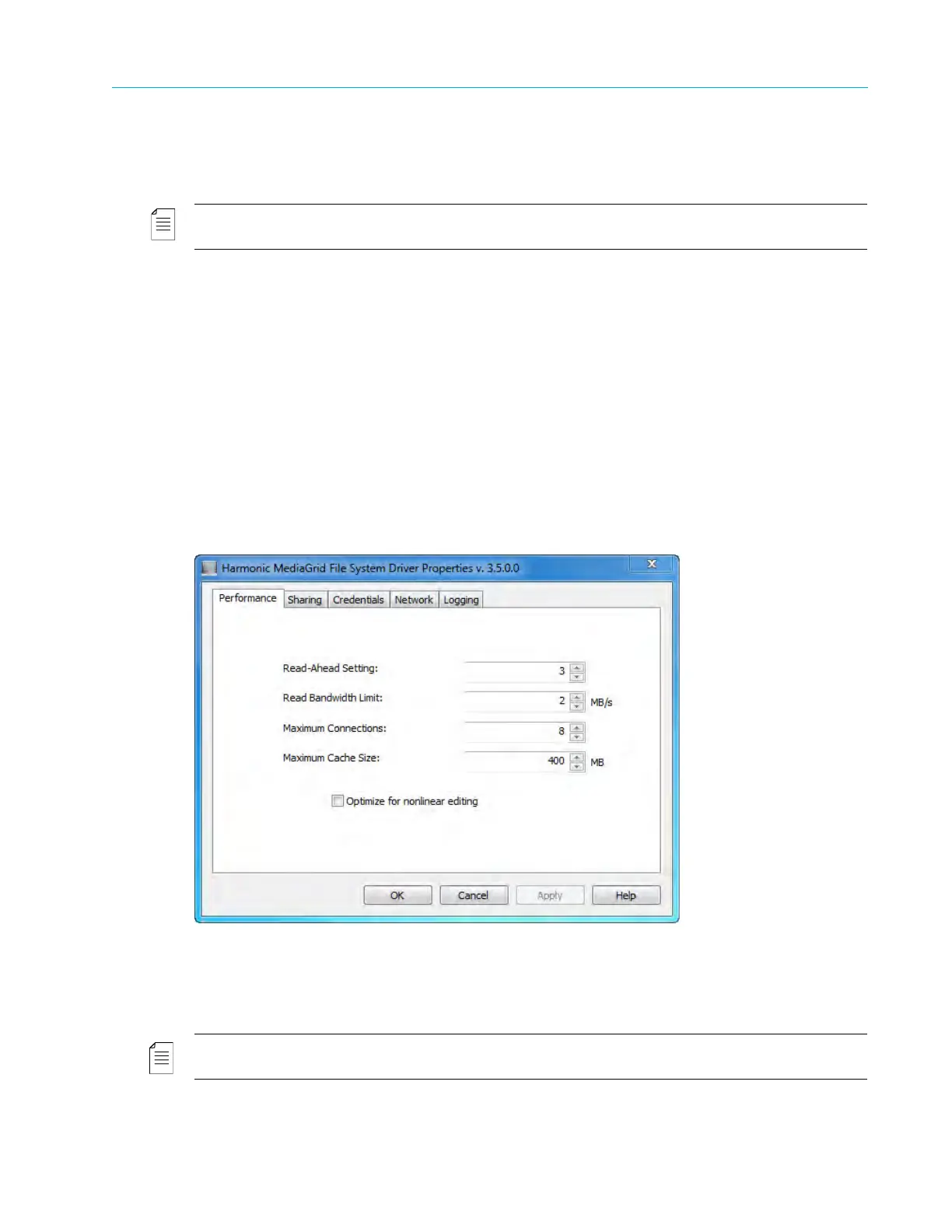
4. In the Control Panel, double-click the
Harmonic MediaGrid icon to display the File System
Driver Properties
dialog:
5. Modify the settings under each tab as desired.
For detailed information about each setting, refer to Windows FSD Property Descriptions. Or, click
the
Help button to access the Windows FSD Help system.
6. When you are finished, click
Apply and then OK to exit the FSD Properties dialog.
NOTE: If you have modified the setting on the Network tab, you must restart your computer in order for
the change to take effect. Changes to all other settings become effective when you click Apply.



 To Next Page