Chapter 2 System Installation with the Content-
Server 4000 Series
© 2017 Harmonic Inc. All rights reserved. 50 Harmonic MediaGrid Release 4.1
Rack Mounting the Harmonic MediaGrid 4000 Series System
d. Move the ball retainer to the front of the rack.
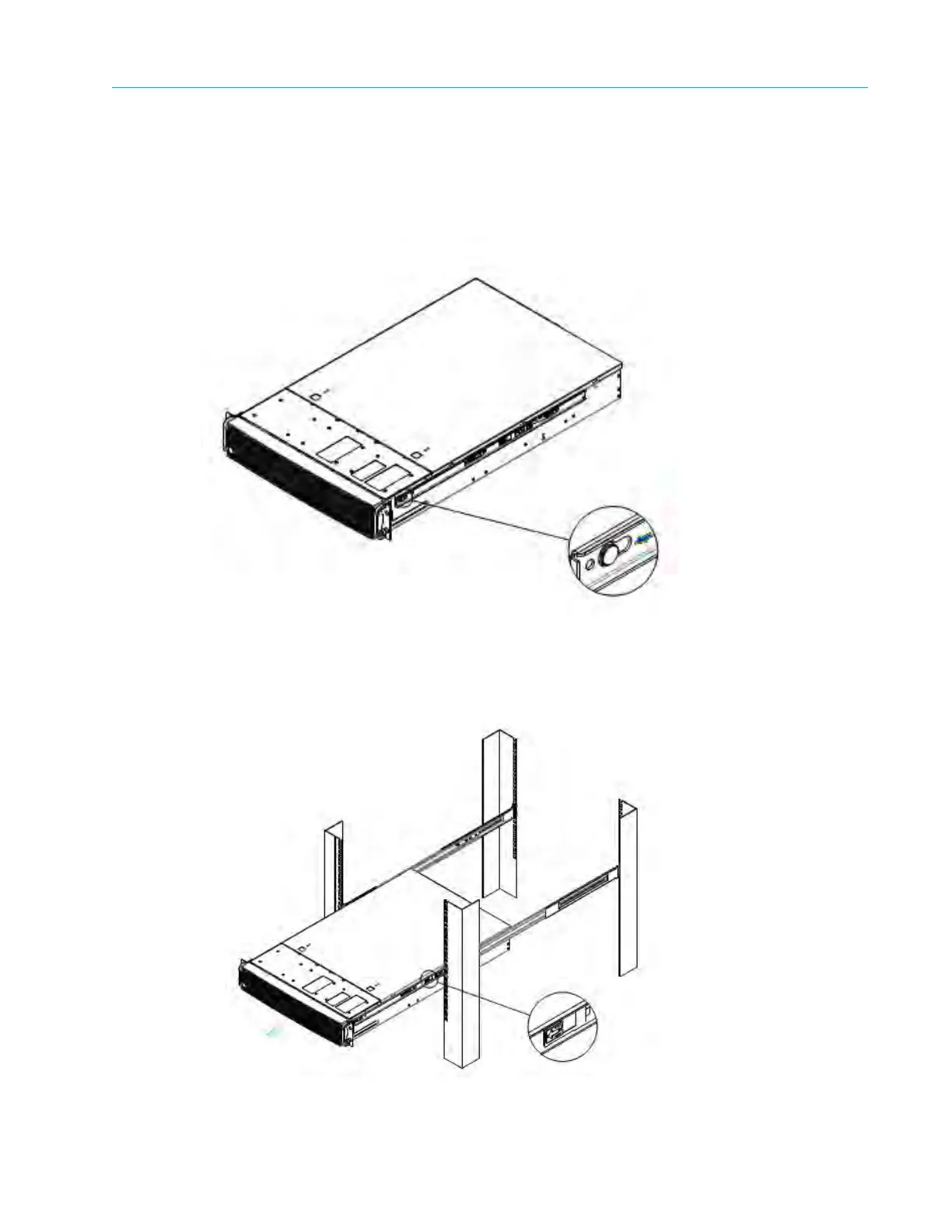
3. Install the inner member (component D) to the chassis as follows:
a. Align inner member key holes to the standoffs on the chassis.
b. Move the inner member in the direction shown in the example below.
Figure 2–11: Installing chassis to fixed slides
4. Install the chassis to the fixed slides by pulling the
release button in the inner member to
release the lock and allow the chassis to close.
Figure 2–12: Installing chassis to fixed slides



 To Next Page