User Manual
Operation and Management
Page 4-40 (Rev. 4.1/ SW v1.60/ December 2006)
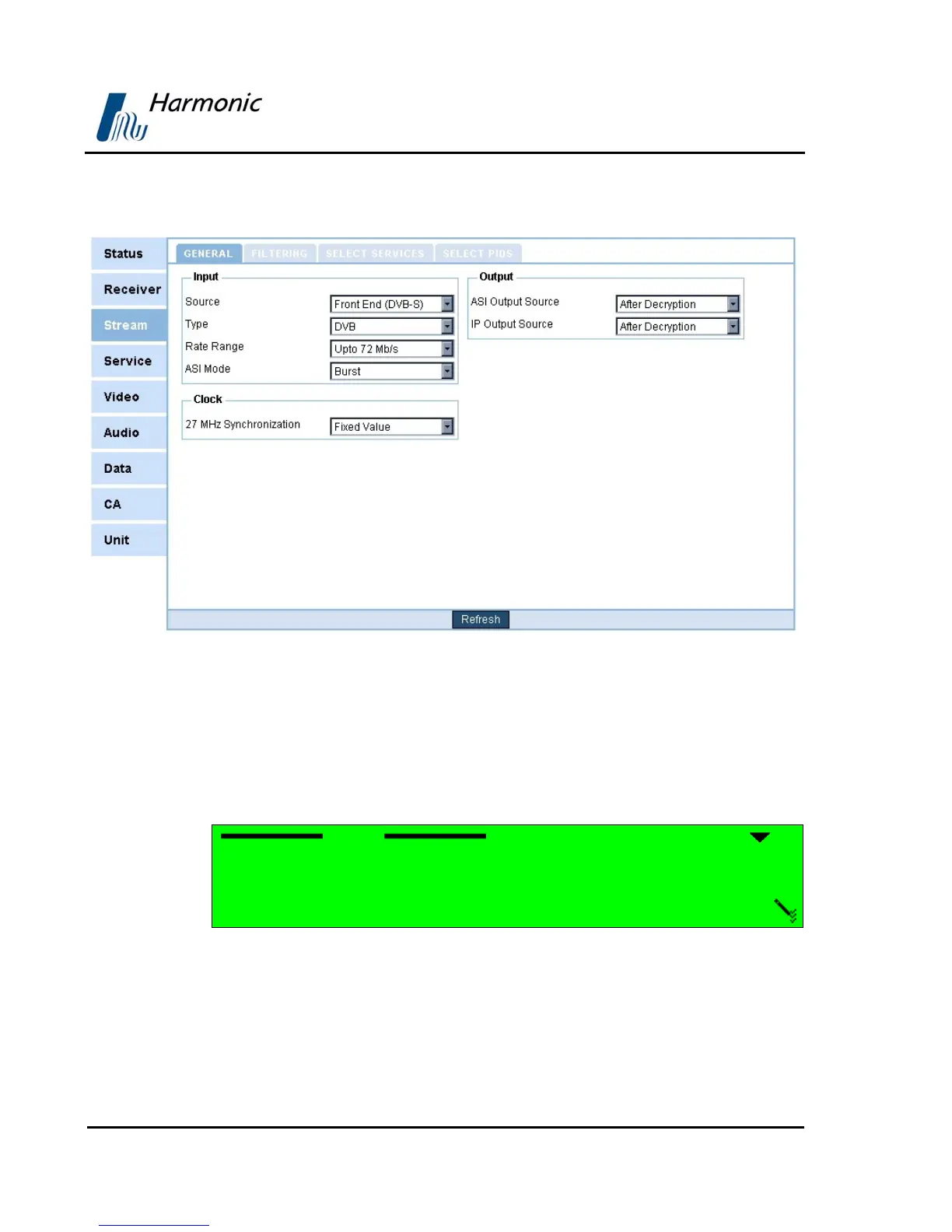
Figure 4-8 displays the corresponding Stream configuration (Web Management
screen).
Figure 4-8: Stream Parameters Menu Screen
The following Sections detail the Stream Configuration parameters.
4.2.3.1. Input
The PVR 6000 supports a wide range of optional input interfaces, allowing the
PVR 6000 to receive input streams from different sources.
Input
1 Source
2 Type
3 Rate Range
4 ASI Mode
The Source parameter defines the input stream source.



 To Next Page