User Manual
Operation and Management
Page 4-2 (Rev. 4.1/ SW v1.60/ December 2006)
Configuration
1-2
1 Receiver
2 Stream
3 Service
4 Video
5 Audio
6 Data
7 Conditional Access
8 Unit
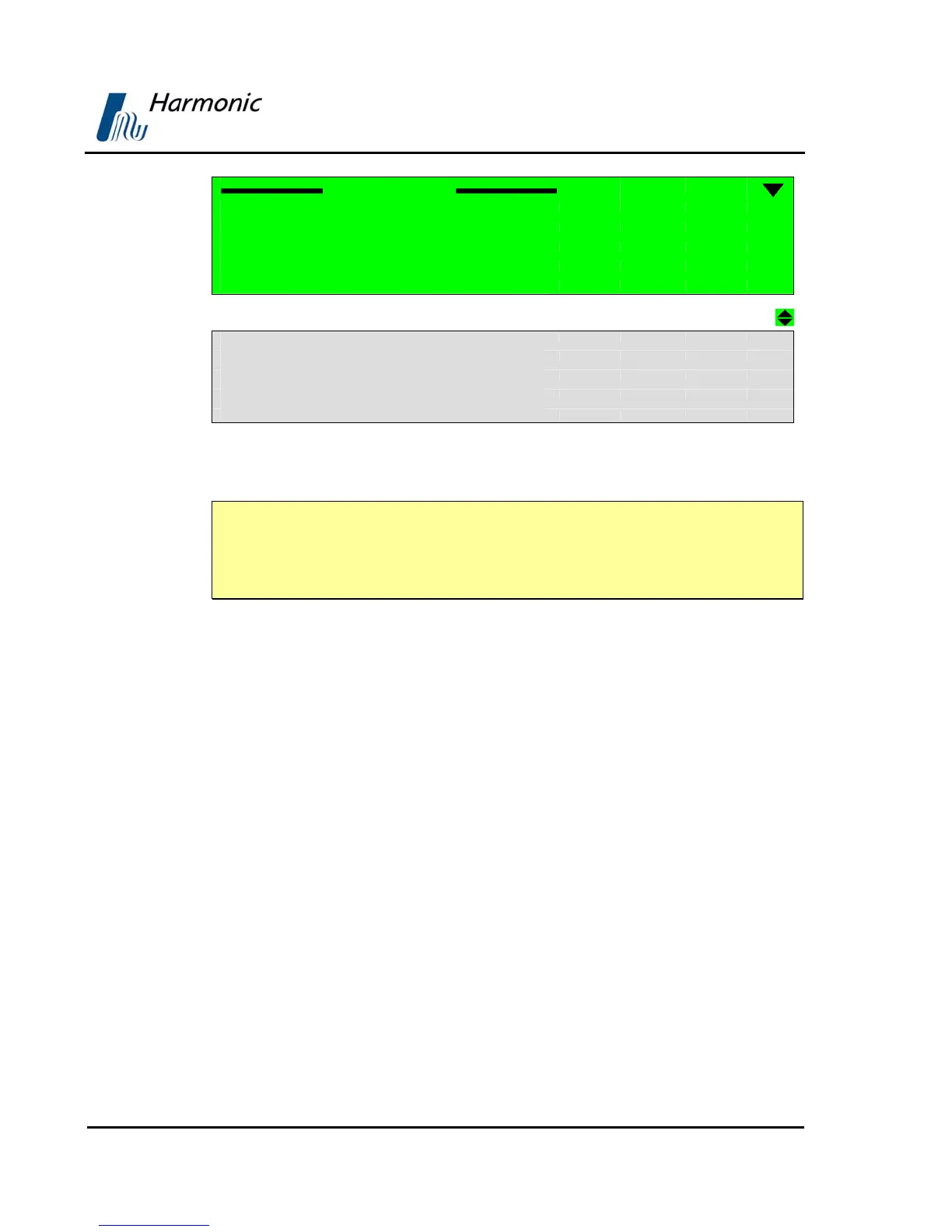
Figure 4-1: PVR 6000 Configuration Main Menu
NOTE
The PVR 6000 can support either IP or L-Band receiver modules. The
configuration menu structure changes according to each of these available
module options.
4.2.1. Receiver Modules
The purpose of the receiver module is to single out a selected Transport Stream
from the transmission that reaches the PVR 6000 inputs, to demodulate it, and
pass on the digital transport stream to the decoder module.
Different networks require various receiver types. According to its licensing, the
PVR 6000 supports two types of receivers:
1. Satellite Receiver Modules:
• DVB-S Receiver Module The configuration parameters of the DVB-S
receiver module are detailed in Section
4.2.2
•
DVB-S2 Receiver Module The configuration parameters of the DVB-
S2 receiver module are detailed in Section
0
• DSNG Module The configuration parameters of the DSNG receiver
module are detailed in Section
4.3.1.3
2. IP Receiver Module:
The configuration parameters of the IP receiver
module are detailed in Section
4.3.1.3.
To access the Receiver Configuration menu using the front panel, select
ConfigurationÎReceiver (independently of the receiver module type).



 To Next Page