PVR 6000 Series
Professional Integrated Receiver Decoders
Page 3-9
3.1.4. Front Panel Initialization
Sequence
To activate the PVR 6000 Front Panel Root Menu perform the following:
1. Power up the PVR 6000. The PVR 6000 initialization phase begins and the
initialization message is displayed.
MPEG-2 I.R. Service1:
Initializing
Please Wait...
2. When initialization complete, the PVR 6000 displays one of two options:
• Status OK – Both LEDs are lit green.
Status OK Service1: TV
Click Enter for menu TRT INT
NOTE
Blank Service1 and/or Service2 fields at the front panel' root screen, means
service not chosen. In order to select services see section 4.2.5.1
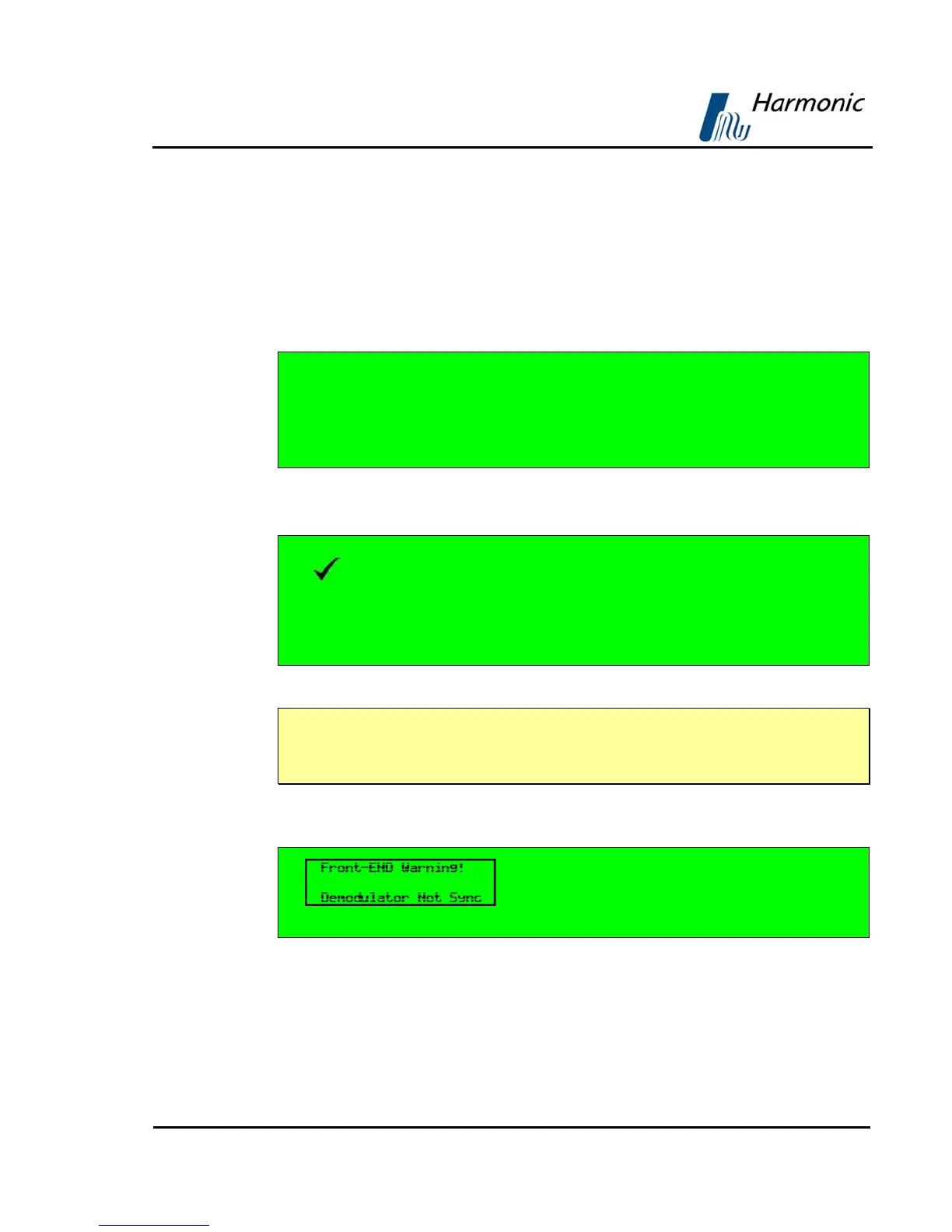
• Front-End Warning – The warning LED turns orange (For details see
Appendix D).
___________________________________________
Service1:
Click Enter for menu
___________________________________________
3. Click [Enter] to activate and enter the PVR 6000 Root Menu:



 To Next Page