User Manual
Operation and Management
Page 4-78 (Rev. 4.1/ SW v1.60/ December 2006)
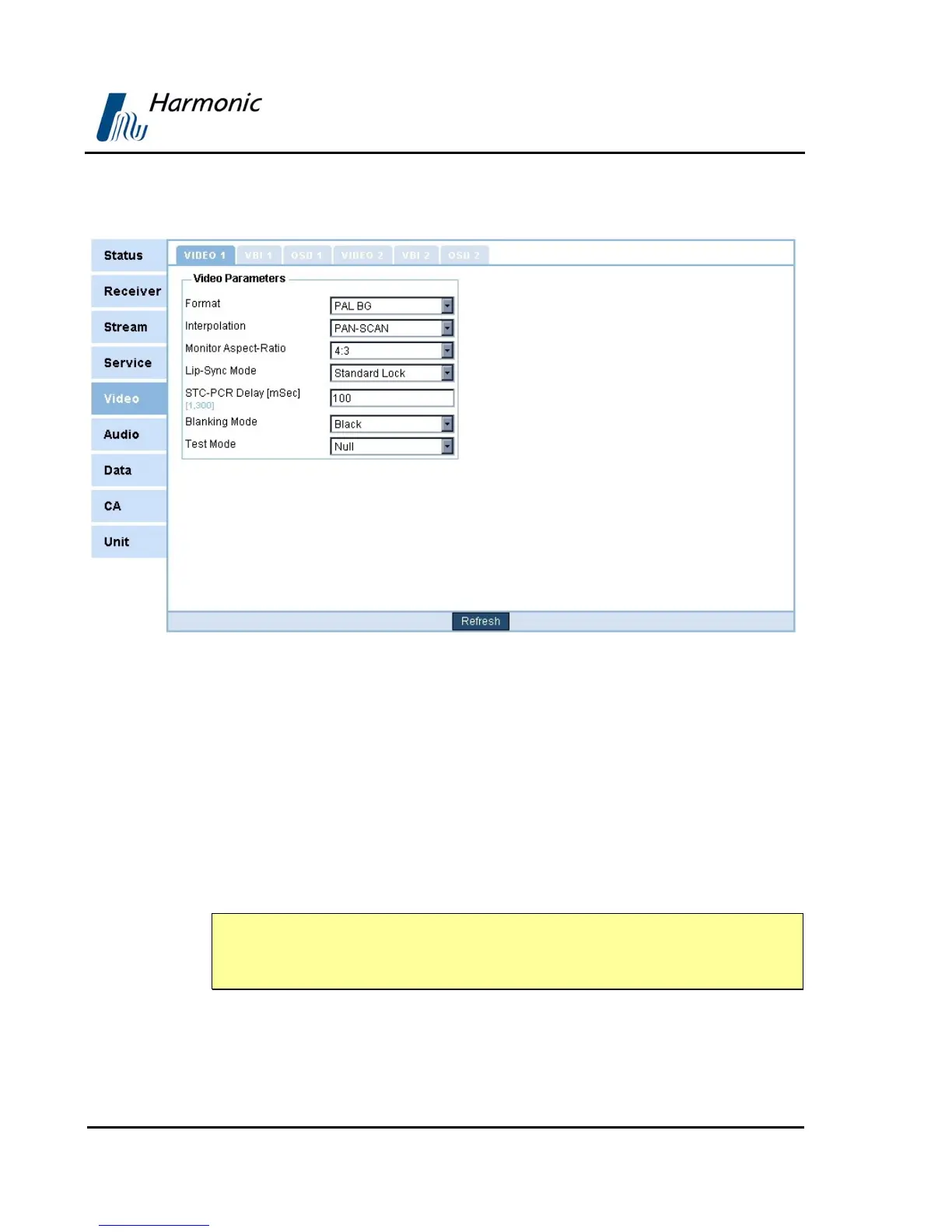
Figure 4-19 displays the corresponding Video1 Menu (Web Management
screen).
Figure 4-19: Video 1 Menu Screen
The available options are:
• Format
• Interpolation
• Monitor Aspect-Ratio
• Lip-sync Mode
• STC-PCR Delay
• Blanking Mode
• Test Mode
NOTE
After selecting an option under the Video (1..2) menu, the front panel returns to
the Video (1..2) menu and displays the current selection.
The following paragraphs detail Video Configuration options.



 To Next Page