PVR 6000 Series
Professional Integrated Receiver Decoders
Page 3-1
Chapter 3.
PVR 6000 CONTROL INTERFACES
This section explains the Front Panel and Web Management control interfaces
used for operating, configuring, and monitoring the PVR 6000.
3.1. FRONT PANEL CONTROL
INTERFACE
The front panel control interface explained in this section is composed of the
following:
• Controls and Displays – see section 3.1.1
• Front Panel Screens – see section 3.1.2
• Menu Tree – see section
3.1.3
• Front Panel Initialization Sequence – see section
3.1.4
3.1.1. Controls and Displays
The front panel is used for extensive local control and for monitoring the device’s
operation.
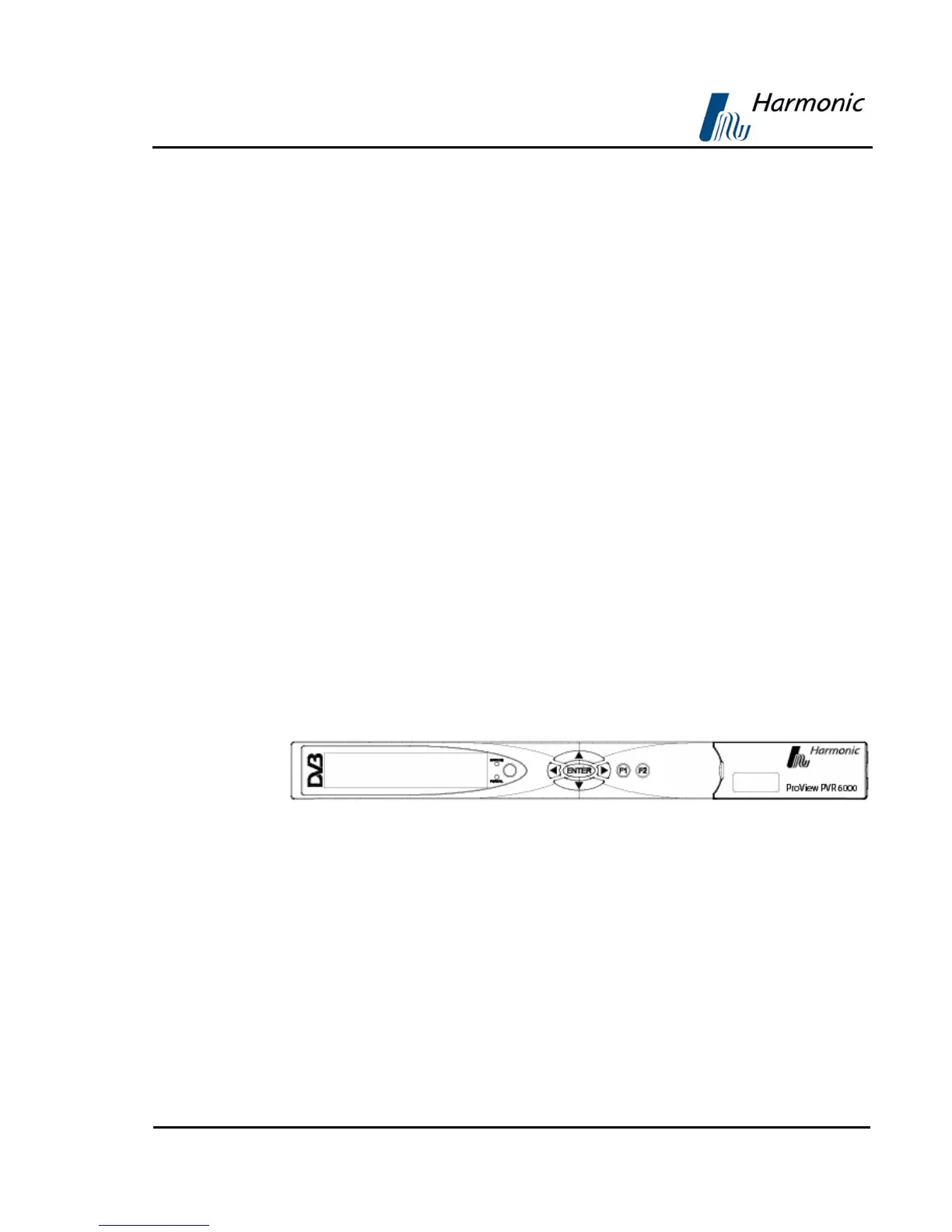
Figure 3-1 illustrates the PVR 6000 front panel.
Figure 3-1: Front Panel
The PVR 6000 front panel contains:
• LCD Display
The LCD display is a large, easy to use, graphical display. It is used to display
enhanced menus with graphical interfaces, such as: charts, radio buttons, tables,
and icons.



 To Next Page