PVR 6000 Series
Professional Integrated Receiver Decoders
Page 4-75
4.2.6. Video Configuration Menu
The Video Configuration Menu contains parameters that set the video
decoder mode of operation.
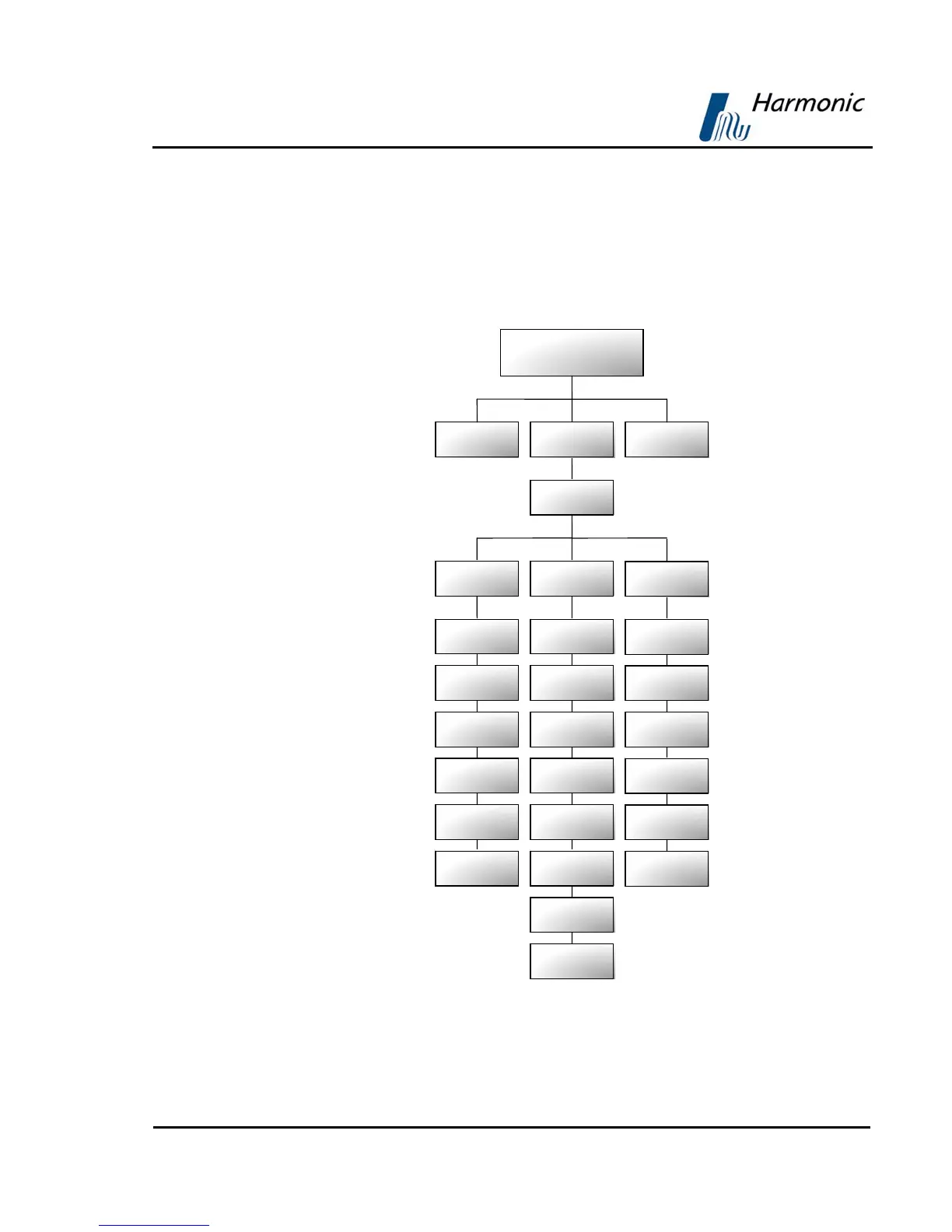
Figure 4-18 displays a tree diagram of the Video Configuration Menu.
Figure 4-18: Video Configuration Menu
Video
Video 1 / Video 2
BI 1 / VBI 2
Format
Lips-Sync Mode
CC
MOL
STC-PCR Delay
VITS
VITC
WSS
TTX
VPS
SMC
Root
Preset Configuration Status
Interpolation
Monitor Aspec
Ratio
Blanking Mode
OSD 1 / OSD 2
Monitor Outpu
Y Position Offse
DVB Subtitle
Mode
Broadcast Outpu
X Position Offse
TLTX Subtitle
Mode



 To Next Page