PVR 6000 Series
Professional Integrated Receiver Decoders
Page 4-131
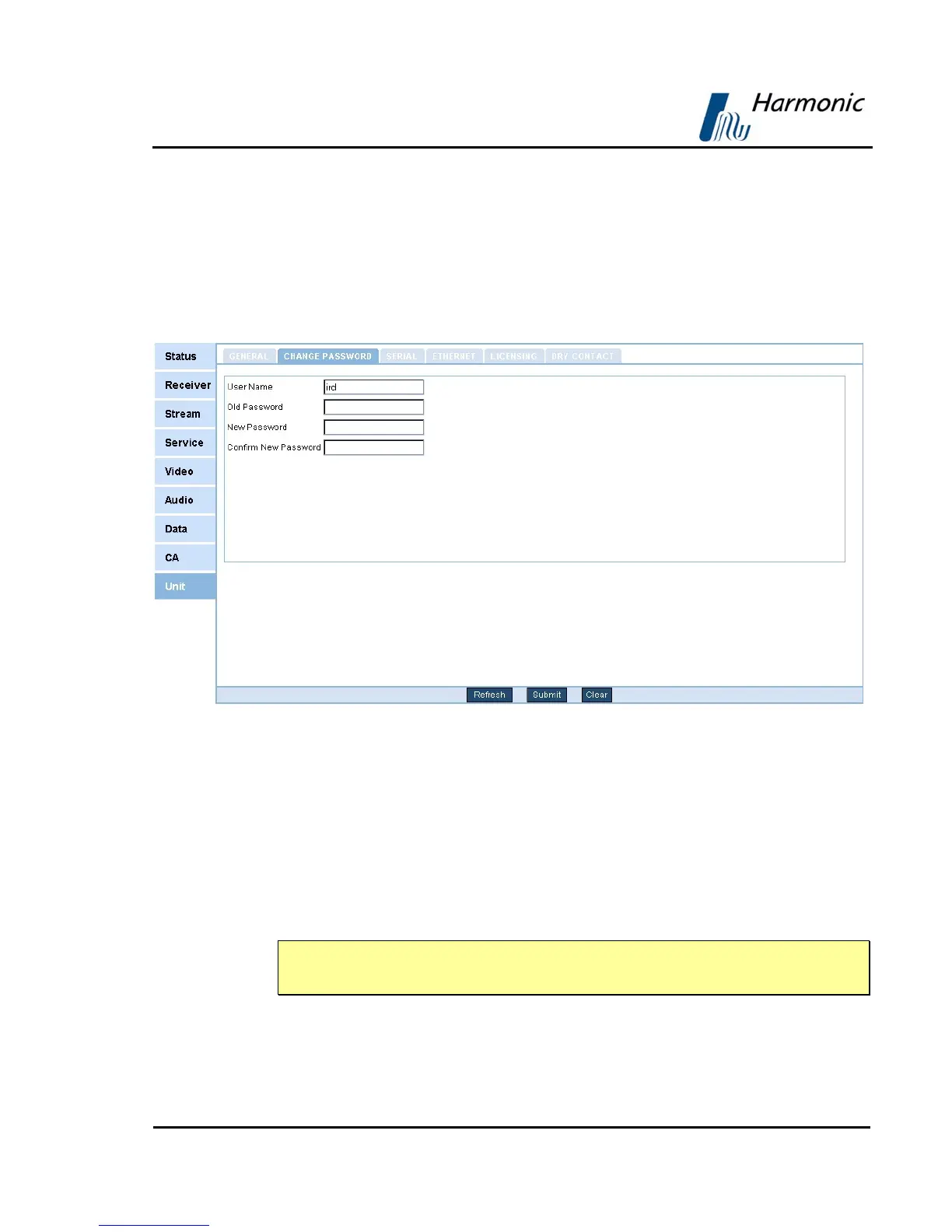
4.2.10.2. Change Password
The CHANGE PASSWORD menu screen allows the user to change the current
password to the Web-Management interface
To change the password navigate to UnitÆCHANGE PASSWORD
Figure 4-29 displays the Change Password menu screen.
Figure 4-29: Change Password Screen
The following fields must be filled:
• User Name – enter the user name. The Web-Management displays the
current User Name as the default value.
• Current password – enter the current password
• New Password – enter a new password
• Confirm New Password – re-enter the new password
NOTE
This feature is available only true the Web-Management.



 To Next Page