User Manual
PVR 6000 Control Interfaces
Page 3-10 (Rev. 4.1/ SW v1.60/ December 2006)
Root 1
1 Preset
2 Configuration
3 Status
The Root Menu provides the following main branch options:
• PVR 6000 Preset Menu – See Section
4.1 for details.
• PVR 6000 Configuration Menu – See Section
4.2 for a detailed
description.
• PVR 6000 Status Menu – See Section
4.3 for details.
3.2. WEB MANAGEMENT INTERFACE
The PVR 6000’s Web Management software is a user-friendly graphical interface
that allows easy control and configuration of the device as well as monitoring
the devices current condition. All this is performed through a remote computer,
using a regular Web browser. No additional software is needed. Managing the
PVR 6000 using the Web-based management GUI is as easy as point-and-click.
In order to access the web-management user-name and password must be
entered. The default values are:
• User name – ird
• Password – ird
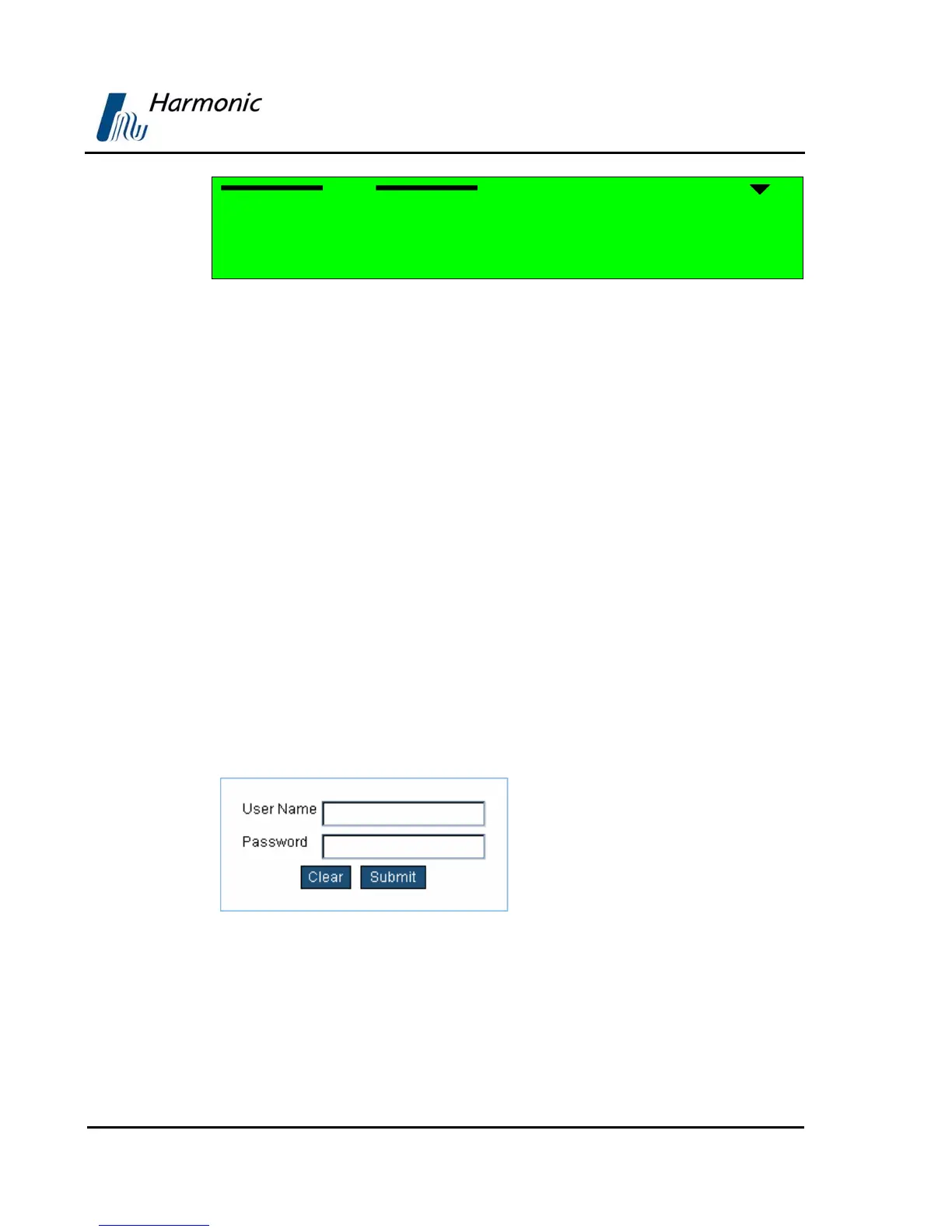
Enter your user name and password in the access box. Press Submit to confirm
or Clear to start over. For password change see section
4.2.10.2
Figure 3-3 displays the Web Management access box.
Figure 3-3: PVR 6000 Web Management access box
Figure 3-4 displays an example of the Web Management interface window,
demonstrating the commonly used control & management elements.



 To Next Page