User Manual
Operation and Management
Page 4-166 (Rev. 4.1/ SW v1.60/ December 2006)
• Decoder Board – Displays the hardware revision of the PVR 6000 main
board
• Front-End Board – Displays the hardware revision of the PVR 6000 Front-
End
Figure 4-44 displays the corresponding Web management screen.
Figure 4-44: Unit – Identity (Status Screen)
4.3.8.2. Versions
The Version Menu displays information on the PVR 6000 software versions.
To access the Versions Menu in the front panel control interface go to
Status
Æ
Unit
Æ
Versions.
The following screen displays the Versions Status menu:
Versions 1-3-8-2
1 Boot Application 00.03
2 Main Application 00.07
3 Main Application Date Dec 19 2004
4 Main Application Time 15:50:26
The available options are:
• Boot Application – Displays the boot application software version
• Main Application – Displays the main application software version
• Main Application Date – Displays the date when the main application was
created
• Main Application Time – Displays the time when the main application was
created
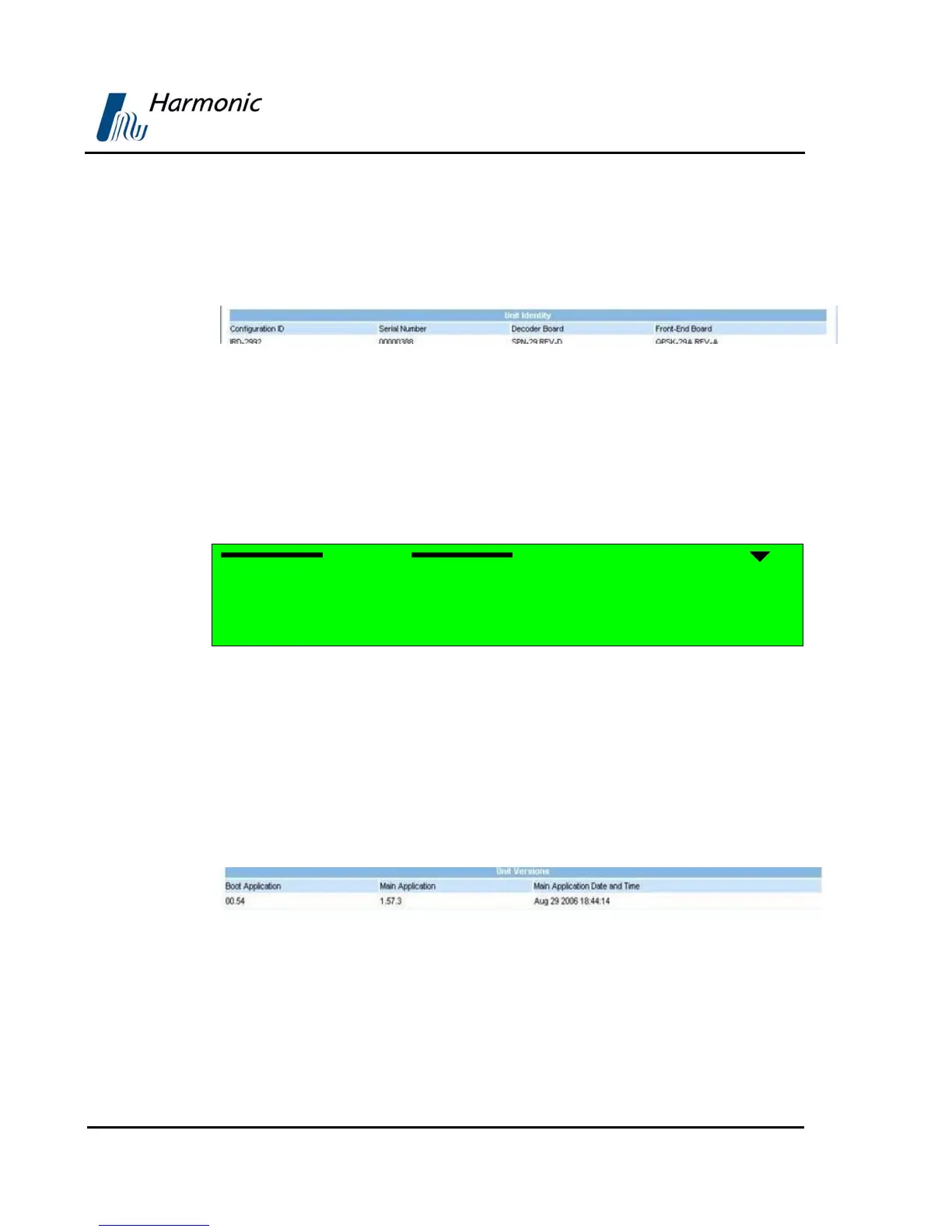
Figure 4-45 displays the corresponding Web management screen.
Figure 4-45: Unit – Versions (Status Screen)
4.3.8.3. Monitoring
The Monitoring Menu displays temperature and management port statuses.
To access the Monitoring Menu in the front panel control interface go to
Status
Æ
Unit
Æ
Monitoring.



 To Next Page