PVR 6000 Series
Professional Integrated Receiver Decoders
Page 4-73
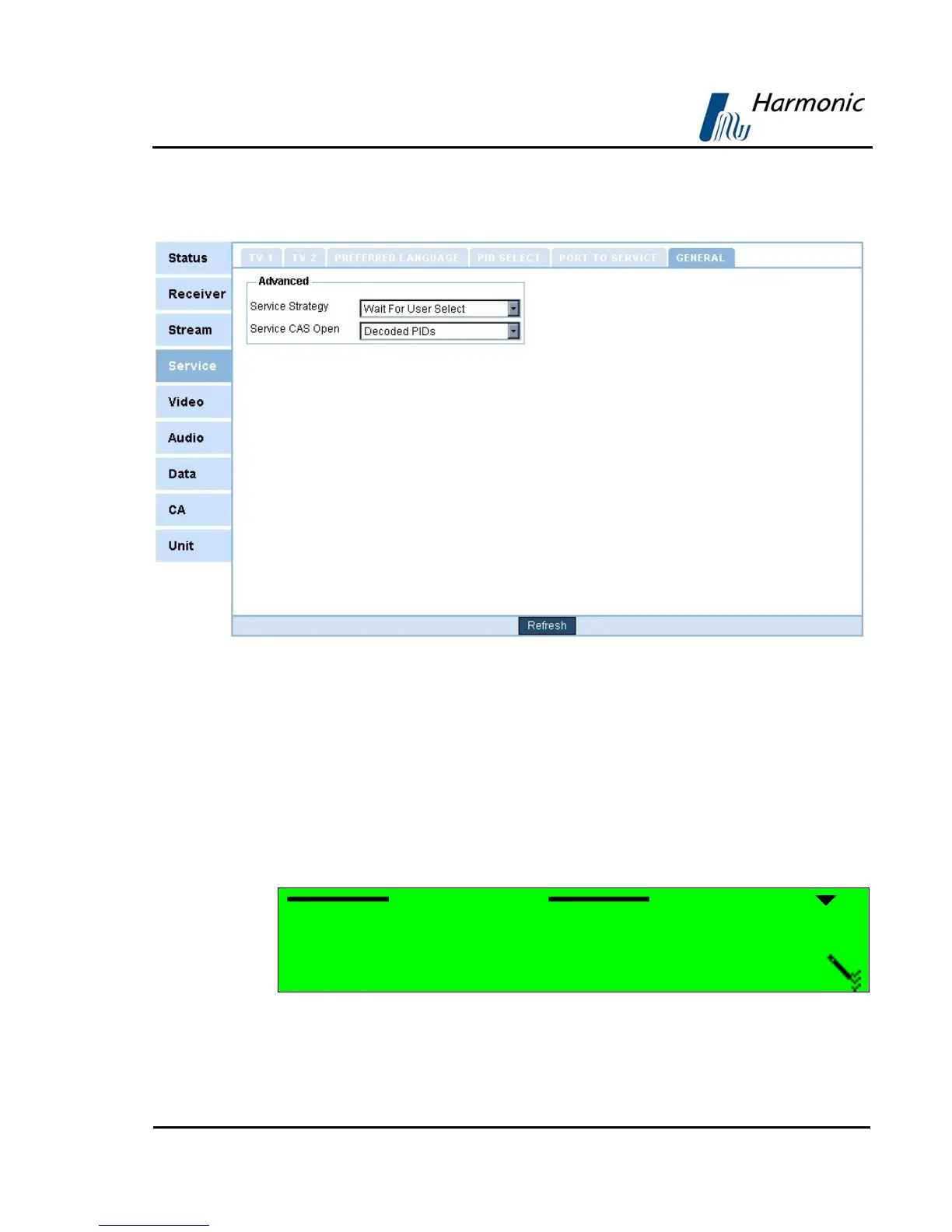
Figure 4-17 displays the corresponding General Service menu (Web
Management screen).
Figure 4-17: General Service Menu Screen
The General Configuration Parameters are:
• Service Strategy
• Service CAS Open
SERVICE STRATEGY
Service strategy determines the decoder' behaviour at the start-up or when
the decoding program is inactive. The following options in the Service Strategy
screen set the PVR 6000 service selection strategy parameters.
Service Strategy
1 AUTO. CALL 1st’ ACTIVE
2{ WAIT FOR USER SELECT



 To Next Page