PVR 6000 Series
Professional Integrated Receiver Decoders
Page A-17
MPEG-2 DVB/ATSC I.R.D - BOOT APPLICATION
UPGRADE Thru’ SERIAL - Progress = 14%
After download is complete, the PVR 6000 restarts the standard operation with
the new software version.
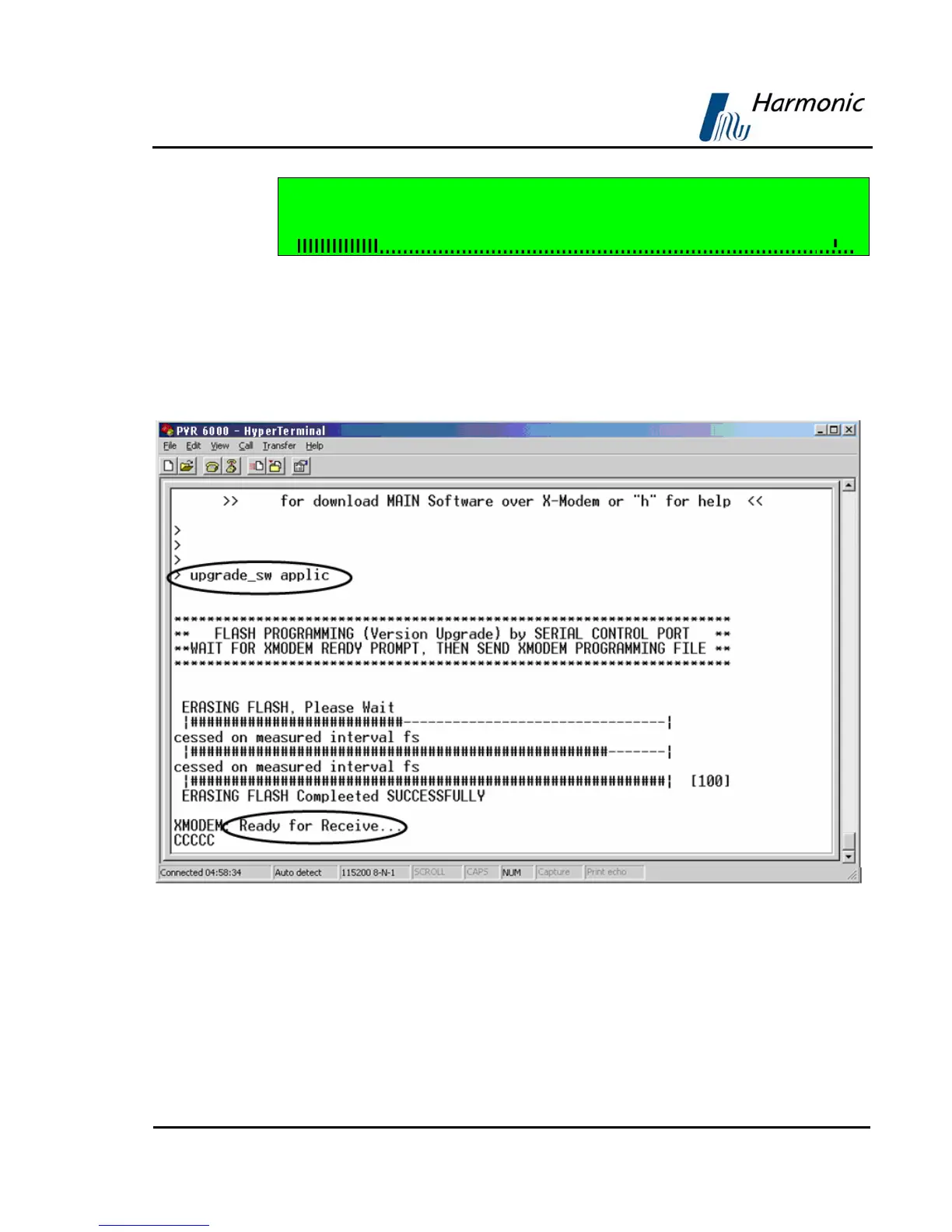
3. To use the Boot Application, type “upgrade_sw applic”. The PVR 6000
starts "erasing flash" and after few minutes (after Erasing Flash Completed
Successfully) the “Ready for Receive...” message is displayed. Continue
loading the new version according to the standard procedure.
Figure A-18: Complete Software Loading



 To Next Page