PVR 6000 Series
Professional Integrated Receiver Decoders
Page 4-161
IP Out Port 1-3-6-3
1 MAC Address 00-OC-A2-03-3A-64
2 IP Data Port Link Down
3 IP Data Port Speed --
4 IP Data Port Duplex --
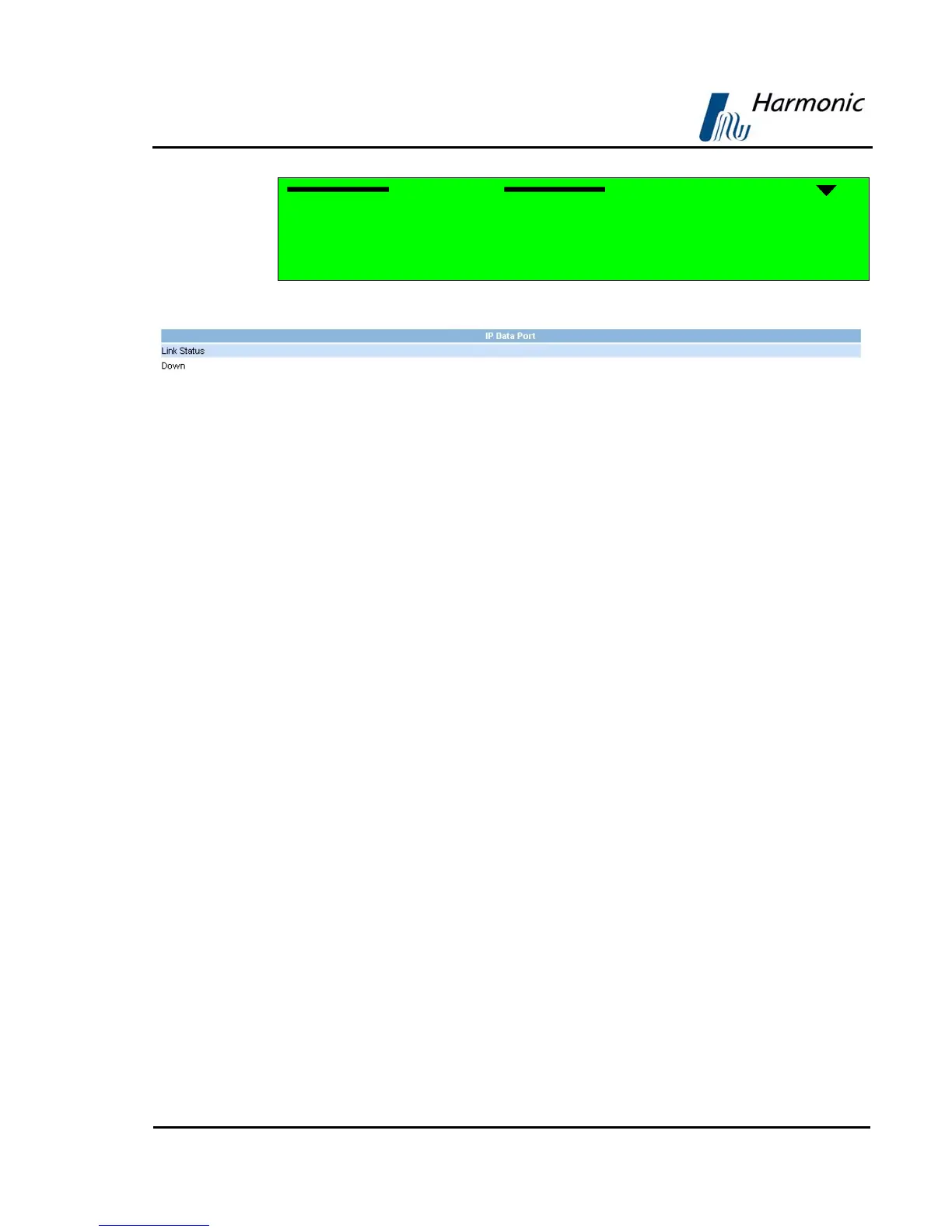
Figure 4-42 displays the corresponding Web management screen.
Figure 4-42: PVR 6000 IP Data Port Status Screen
The available options are:
• MAC Address – Displays the IP MAC address.
• IP Data Port Link – Displays the status of the IP out link.
The link statuses:
- Down – Link is down
- Up – Link is up and connection established
• IP Data Port Speed – 10 Base-T, 100 Base-T
• IP Data Port Duplex –
- Full: Full duplex
- Half: Half duplex
When the IP Data Port link status is down or when the IP Data Port is
disconnected, the horizontal bars [--] are displayed



 To Next Page