PVR 6000 Series
Professional Integrated Receiver Decoders
Page 2-5
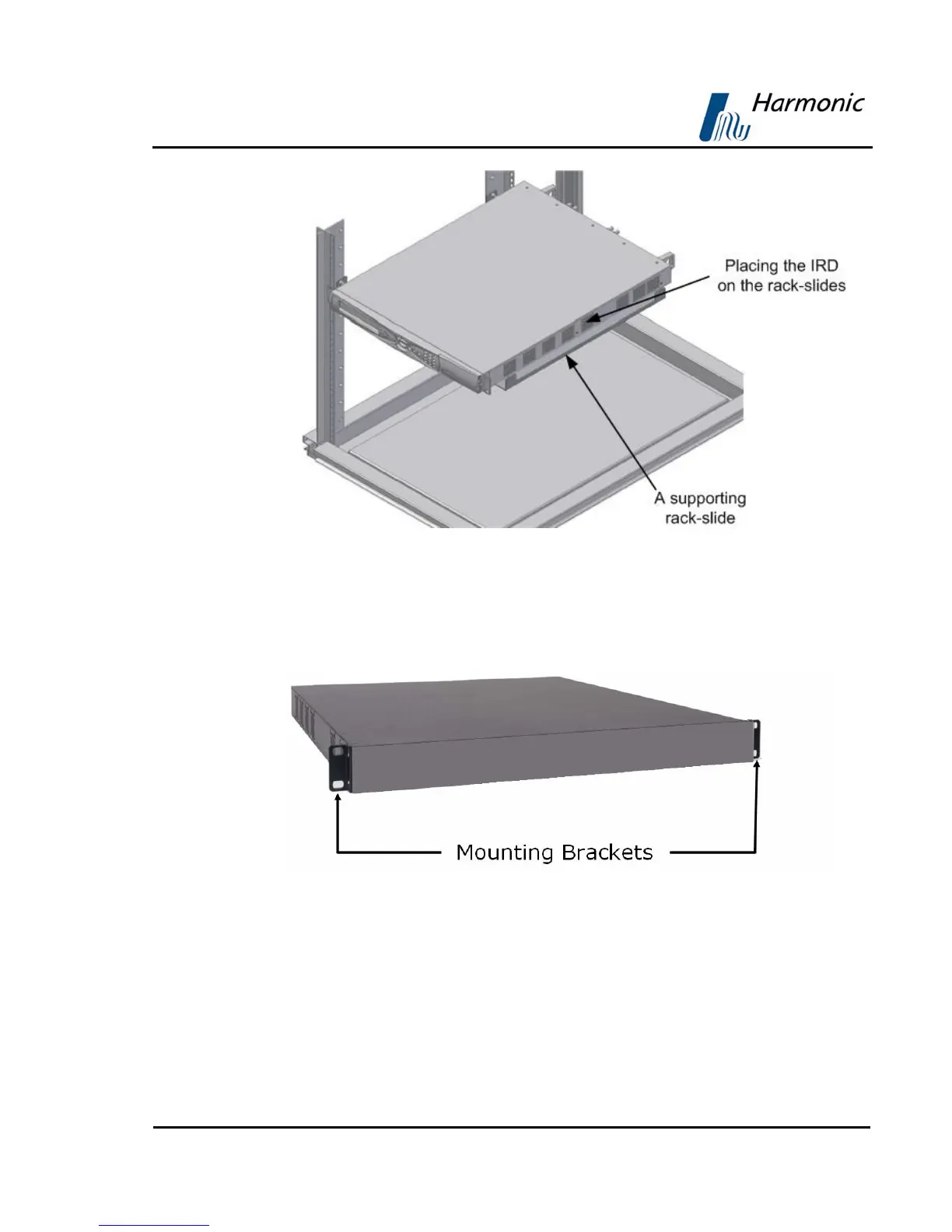
Figure 2-3: Laying the Device on the Rack-Slides
2. The device is supplied with two mounting brackets (see Figure 2-4). The
mounting brackets are clipped to the device chassis on both sides before
leaving the factory. Align the mounting brackets’ holes with the relevant
holes in the rack’s side rails.
Figure 2-4: Clipped Mounting Brackets
3. Fasten the mounting brackets to the side-rails with four screws (two on each
side). The device is now safely installed within the rack.



 To Next Page