User Manual
Operation and Management
Page 4-120 (Rev. 4.1/ SW v1.60/ December 2006)
4.2.9. Conditional Access Configuration
Menu
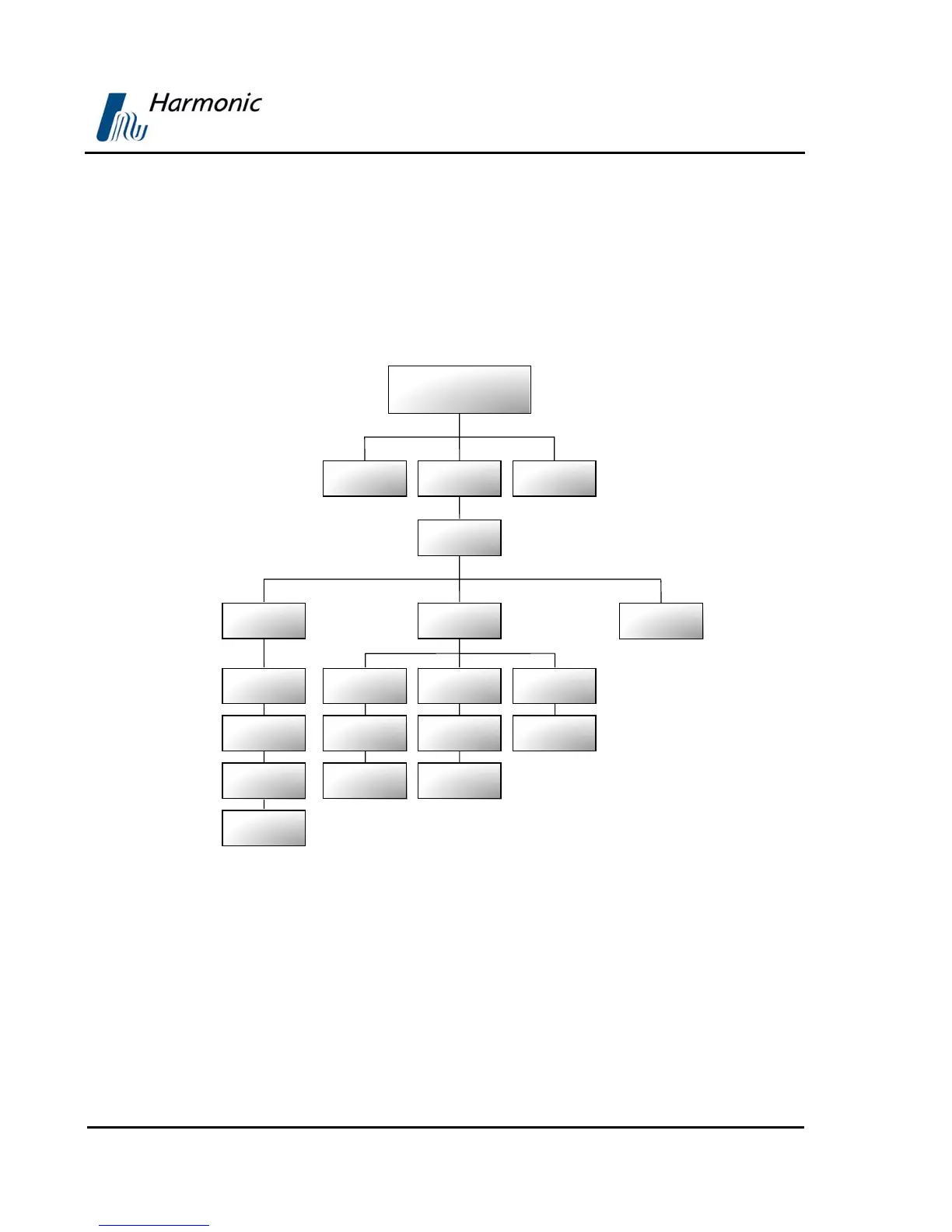
This menu allows access to all PVR 6000 CA (Conditional Access) parameters.
Figure 4-26 displays a tree diagram of the Conditional Access Configuration
Menu.
Figure 4-26: Conditional Access Configuration Menu
Conditional
Access
Common
Interface
BISS
Slot 1 / Slot 2
Send PIN Code
TV2 General
Root
Preset Configuration Status
Operation
Send MMI
Command
Embedded
TV1
Even Key
Odd Key
Even Key
Odd Key
Encryption Mode



 To Next Page