PVR 6000 Series
Professional Integrated Receiver Decoders
Page A-15
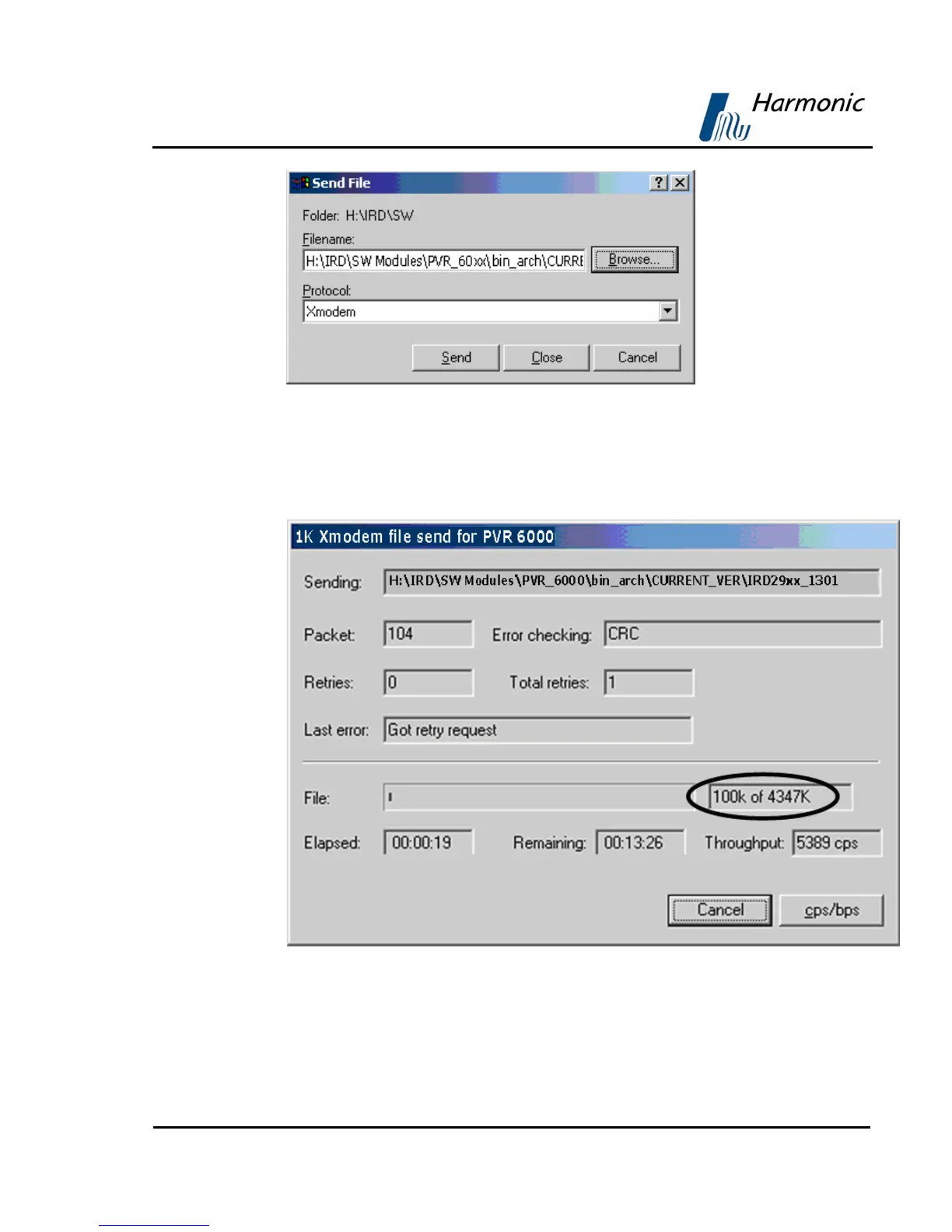
Figure A-15: Send File Dialog Box
5. Click Send. The loading starts. This may take a few minutes.
The status is displayed in the following window below or on the PVR 6000 front
panel main menu.
Figure A-16: Sending Status Dialog Box
When the process is complete, a confirmation is displayed, indicating that the file
was loaded. Then the PVR 6000 performs reboot.



 To Next Page