PVR 6000 Series
Professional Integrated Receiver Decoders
Page 4-71
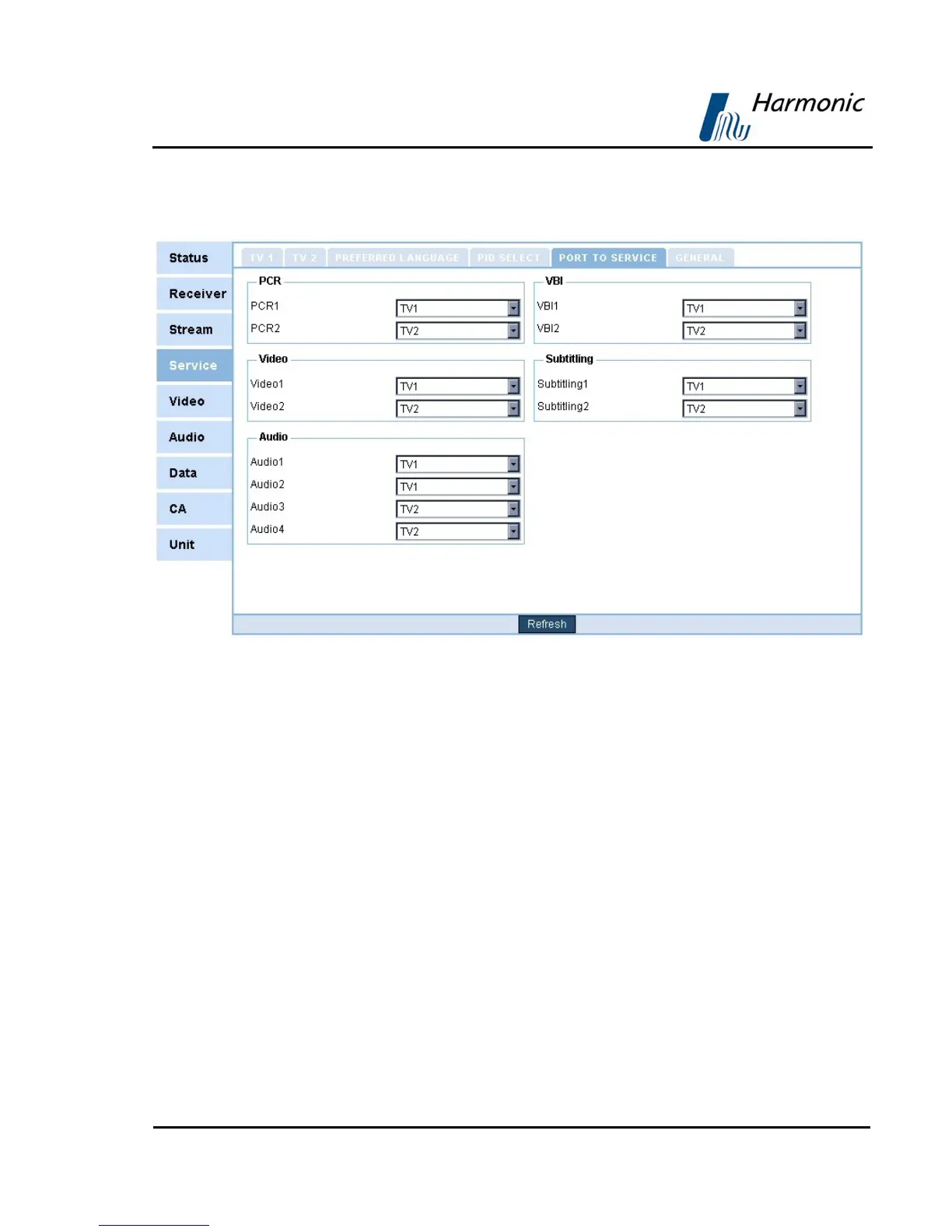
Figure 4-16 displays the corresponding Port to Service Menu (Web
Management screen).
Figure 4-16: Port to Service Menu Screen
The available options are:
• Pcr1 • Pcr2 (if applicable)
• Video1 • Video2 (if applicable)
• Audio1 • Audio2
• Audio3 (if applicable) • Audio4 (if applicable)
• VBI1 • VBI2 (if applicable)
• Subtitling1 • Subtitling2 (if applicable)
• LS Data RS232 • HS Data RS-422
• IP Data
MAPPING PORTS TO SERVICES THRU THE FRONT PANEL
In order to map a port to service thru the front panel, perform the following:
• Navigate to ConfigurationÆServiceÆ Mapping Port to Service



 To Next Page